Components
Donut chart
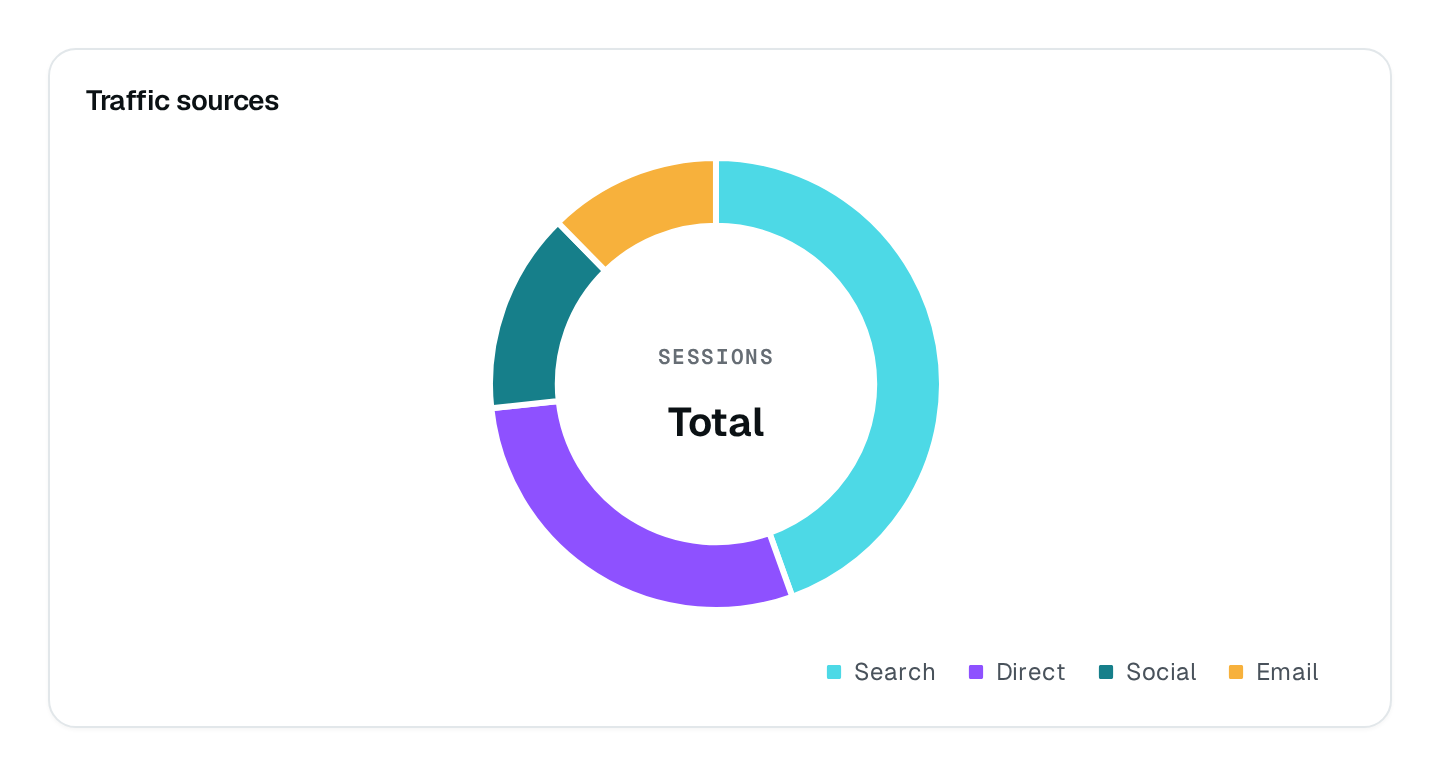
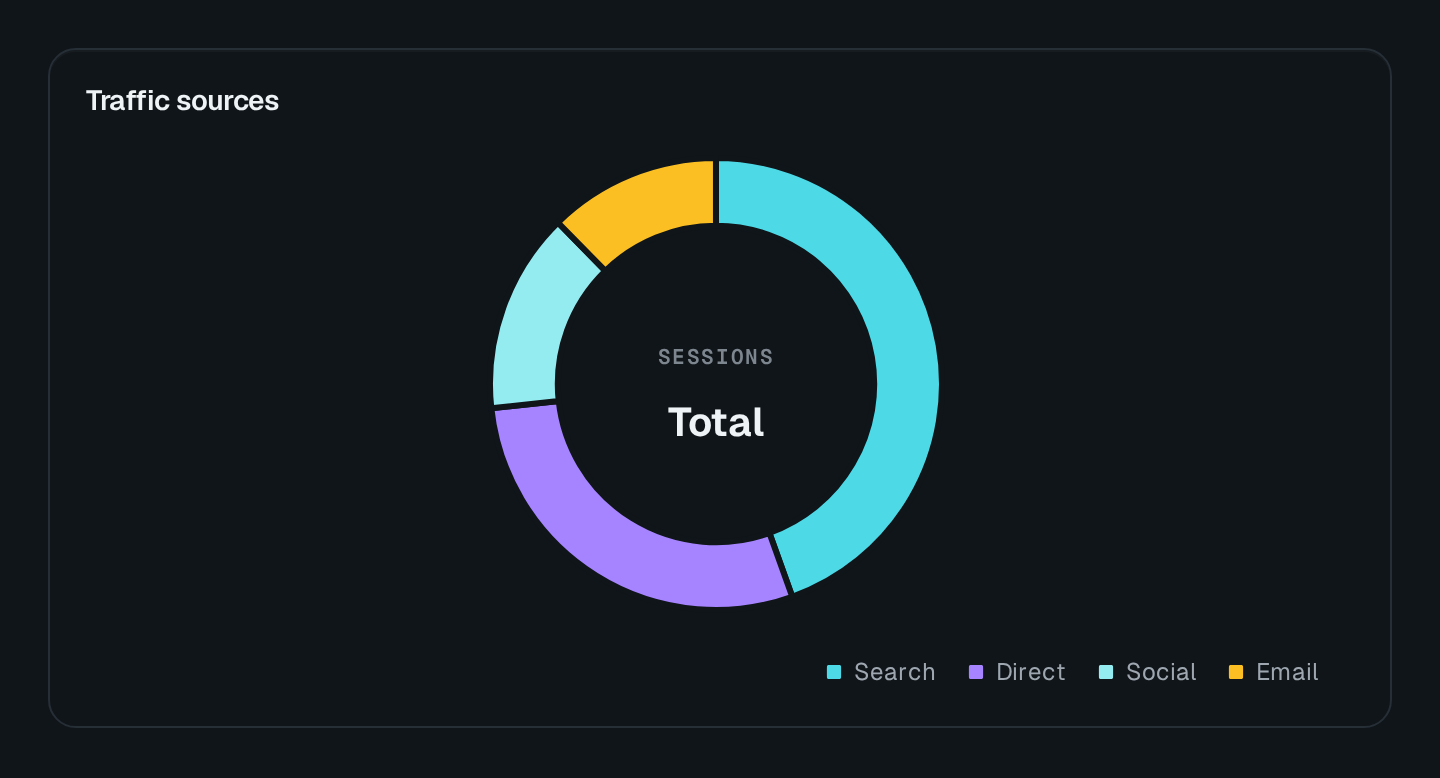
Parts of a whole on a ring, with a central label.
ChartDonut draws parts of a whole on a ring, with an optional central label and sub-label. Its data is a list of { label, value } records.
ChartDonut Connecting to the DMS preview…
Usage
src/pages/dashboard.ts
import { ChartDonut } from "@antelopejs/interface-dms/base/chart";

static plans = ChartDonut({
  title: "$saas.accounts.by_plan",
  fetchUrl: "/api/saas/accounts/by-plan",
  centralLabel: "$saas.accounts.total",
});
The route answers { series } in the shape listed under Data shapes. Wrap the chart in a ChartCard to add a headline value and a comparison.
Options
| Option | Type | Default | Description |
|---|---|---|---|
titleContent | string | – | |
descriptionContent | string | – | |
centralLabelContent | string | – | |
centralSubLabelContent | string | – | |
colorAppearance | string | string[] | – | |
heightAppearance | string | – | |
widthAppearance | number | – | |
showTooltipAppearance | boolean | true | |
showLegendAppearance | boolean | true | |
legendPositionAppearance | "top" | "bottom" | – | |
arcWidthAppearance | number | – |
Recipes
Labels on the slices
A donut labels each slice only when the ring can hold the text: from arcWidth: 35 up. The default ring shows none; the legend and the tooltip carry the values.