Components
Bar chart
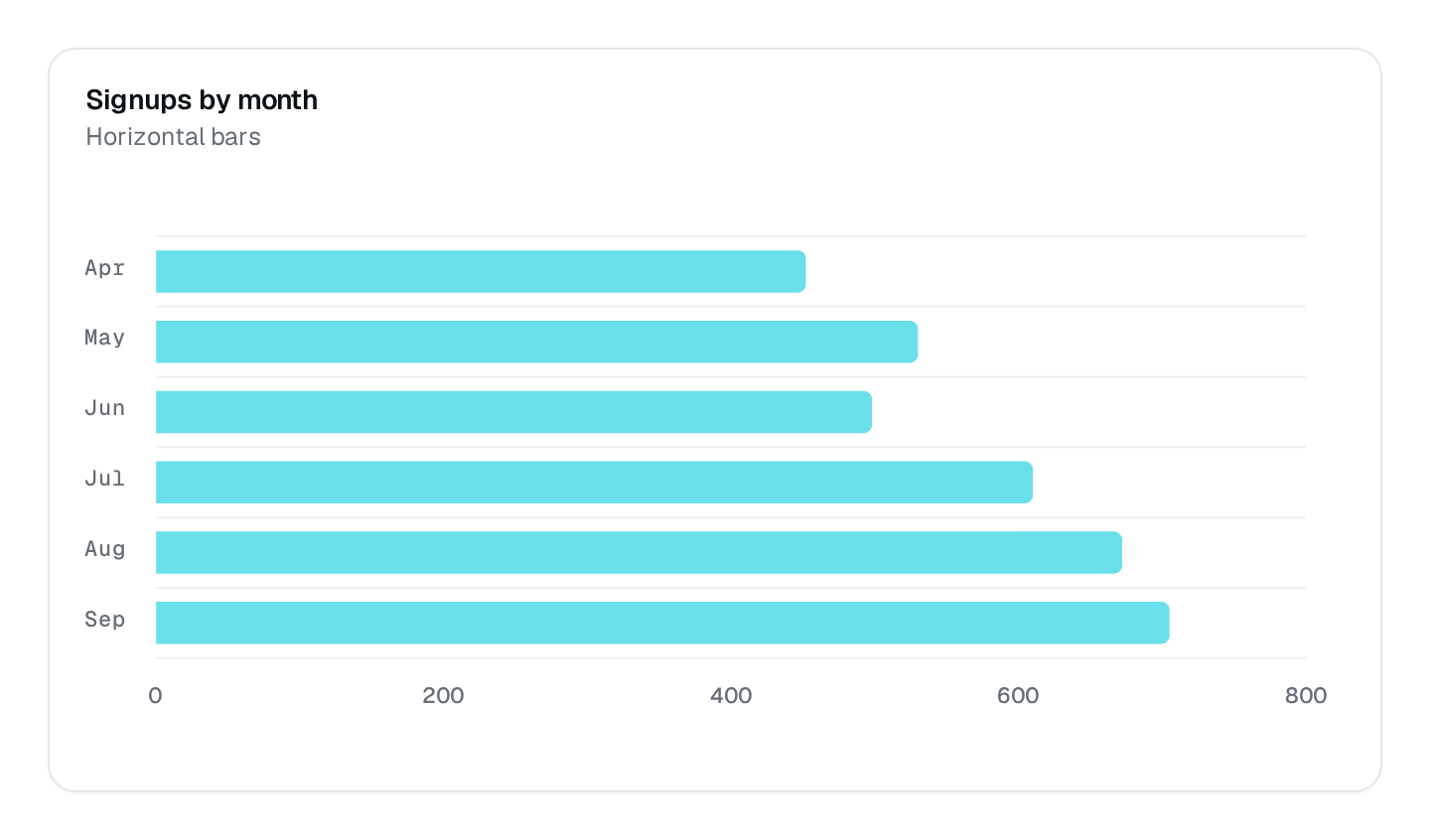
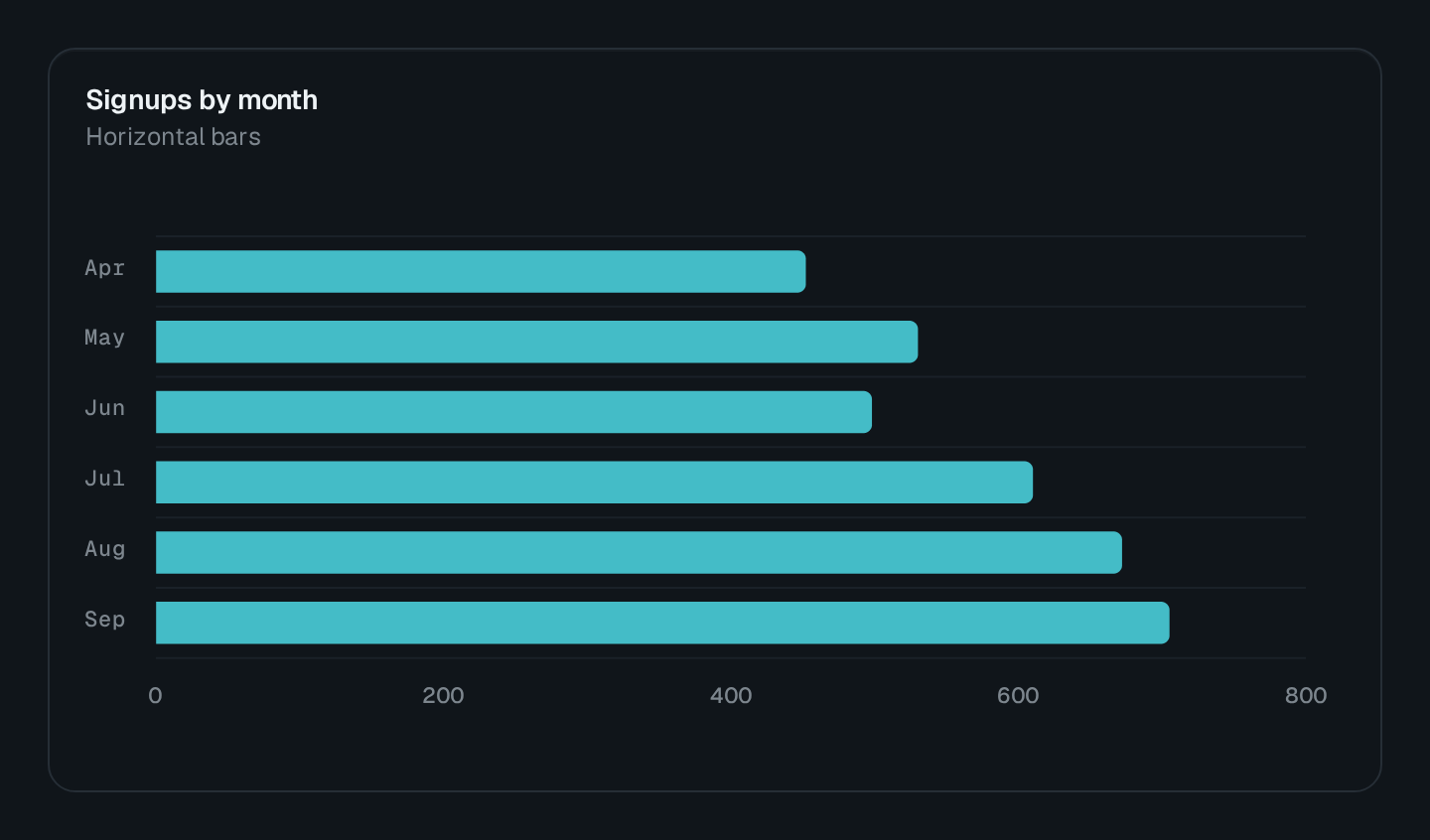
Horizontal bars comparing categories, stacked or grouped.
ChartBar compares categories with bars. Its default orientation is horizontal, which leaves room for long category labels; set orientation: "vertical" or use a column chart for periods.
ChartBar Connecting to the DMS preview…
Usage
src/pages/dashboard.ts
import { ChartBar } from "@antelopejs/interface-dms/base/chart";

static tickets = ChartBar({
  title: "$support.tickets.by_team",
  fetchUrl: "/api/support/tickets-by-team",
  stacked: true,
});
The route answers { series } in the shape listed under Data shapes. Wrap the chart in a ChartCard to add a headline value and a comparison.
Options
| Option | Type | Default | Description |
|---|---|---|---|
titleContent | string | – | |
descriptionContent | string | – | |
colorAppearance | string | string[] | – | |
heightAppearance | string | – | |
widthAppearance | number | – | |
showTooltipAppearance | boolean | true | |
showLegendAppearance | boolean | true | |
legendPositionAppearance | "top" | "bottom" | – | |
showGridAppearance | boolean | true | |
yRange.min*Appearance | number | – | |
yRange.max*Appearance | number | – | |
comparisonStyleAppearance | "dashed" | "solid" | "dimmed" | – | |
smoothAppearance | boolean | true | |
curveAppearance | "smooth" | "straight" | "stepline" | – | |
xaxisTypeAppearance | "category" | "datetime" | "numeric" | – | |
stackedAppearance | boolean | – | |
barWidthAppearance | number | – | |
roundedCornersAppearance | boolean | true | |
orientationLayout | "horizontal" | "vertical" | – |
Recipes
Stack statuses
stacked: true piles the series of each category into one bar: open, pending and closed tickets per team.