Pagination
A table view lists its rows a page at a time. pagination decides how the user reaches the rows beyond the first page: a pager (the default), a "Load more" button, or infinite scroll for a feed. pageSize sets how many rows a page holds.
Usage
static activity = TableView(activityDataAPI, {
  caption: "Activity",
  pagination: "infinite",
  pageSize: 20,
});
Options
| Option | Type | Default | Purpose |
|---|---|---|---|
pagination | "pages" | "loadMore" | "infinite" | "pages" | A pager; a "Load more" button appending the next page; the next page appended as the end of the list scrolls into view. |
pageSize | number | 10 | Rows per page while the user picked none, a whole number from 1 to 50 (registration throws otherwise). Under loadMore and infinite, the step. |
Pages
With pages, the footer shows the row count, a page size picker and the pager. The picker offers 10, 25 and 50; a pageSize outside them (say 20) joins them in this table's picker. The size the user picks is kept with the table's state.
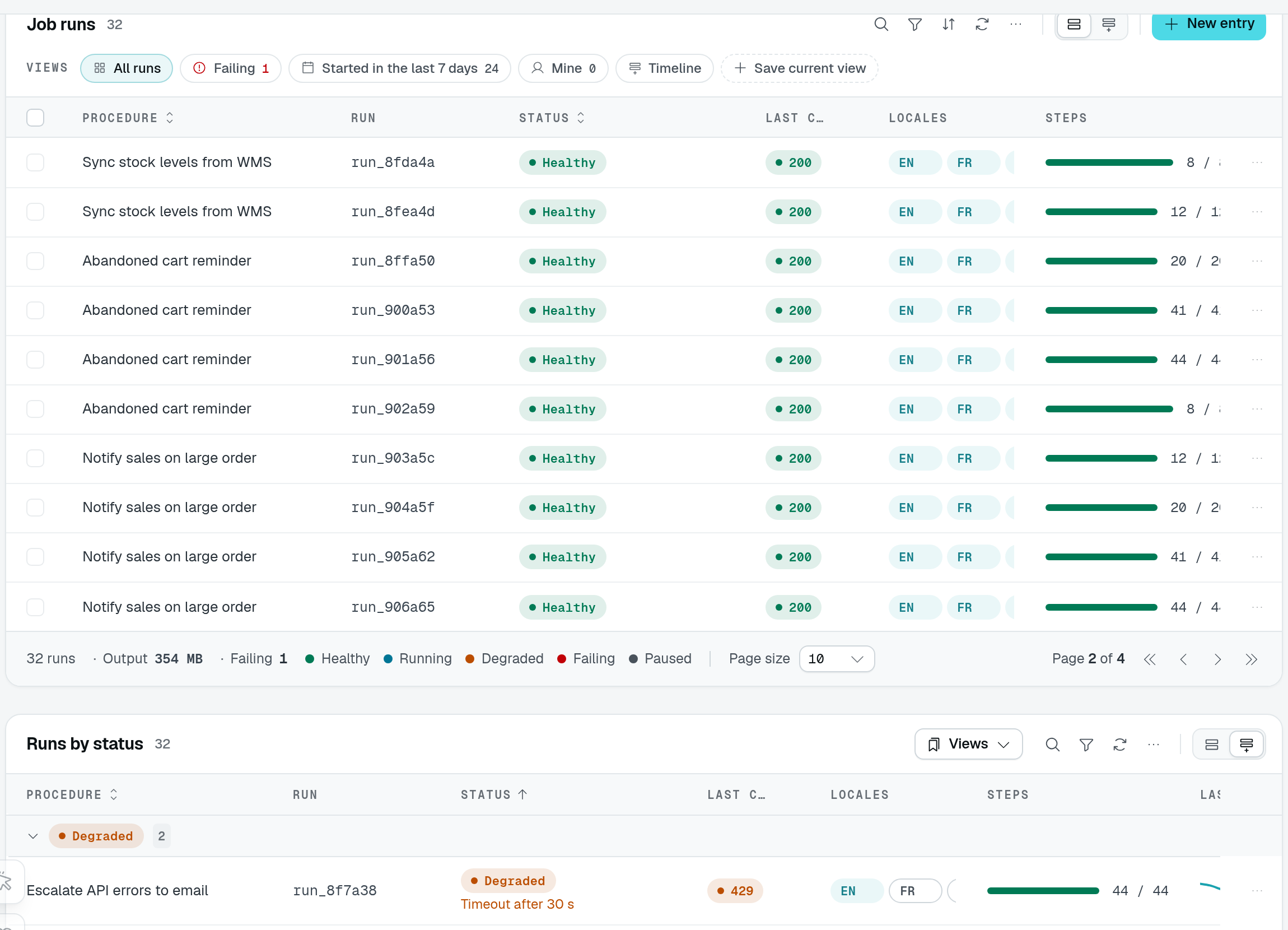
The playground shows ten rows on Page 2 of 4. The 32 runs count and summary describe all matching rows, not only these ten.
Load more and infinite
loadMore replaces the pager with a Load more button; infinite loads the next page as the footer scrolls into view, a spinner standing in while it loads. Both show how far the user got ("20 of 128") and have no page size picker.
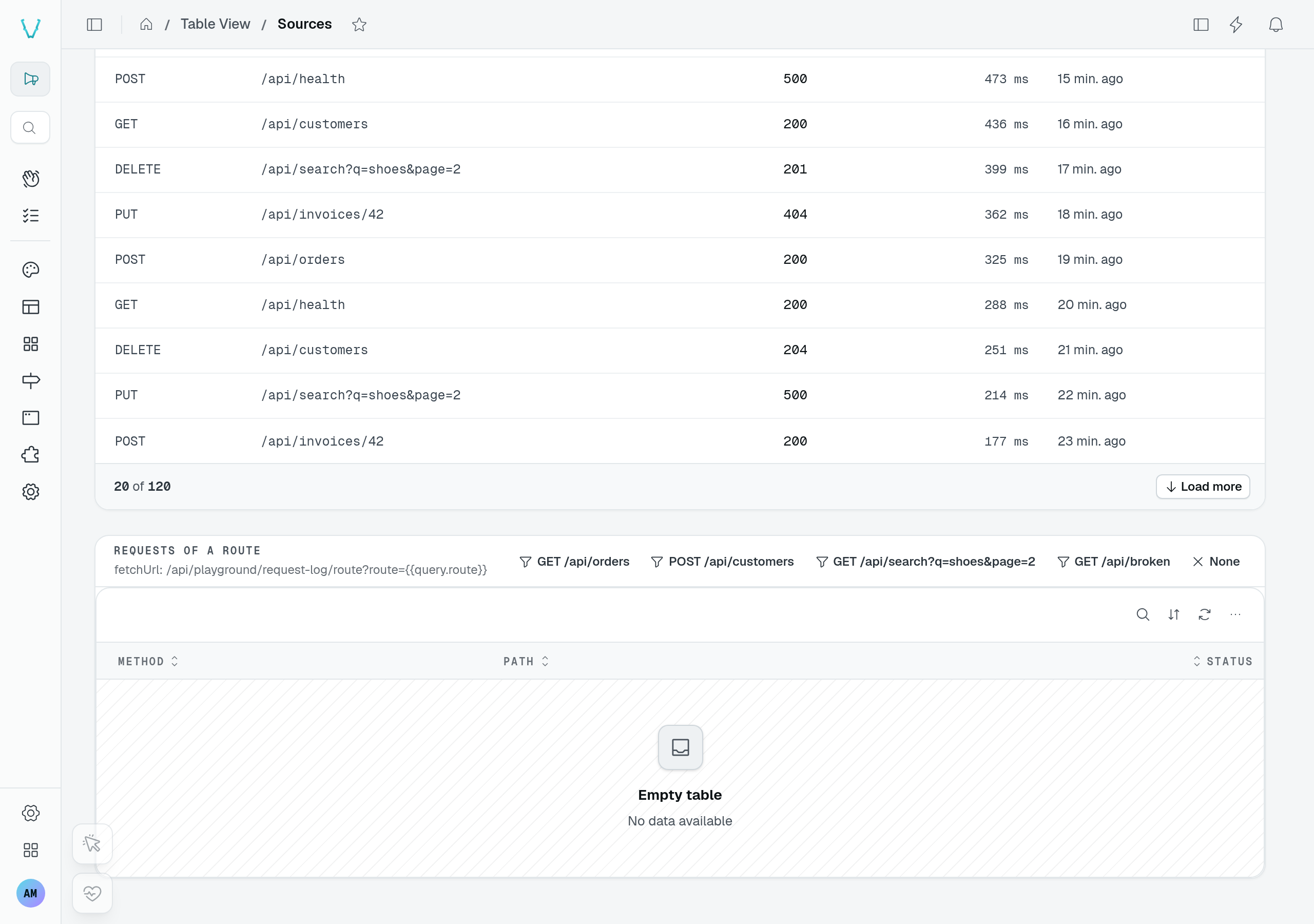
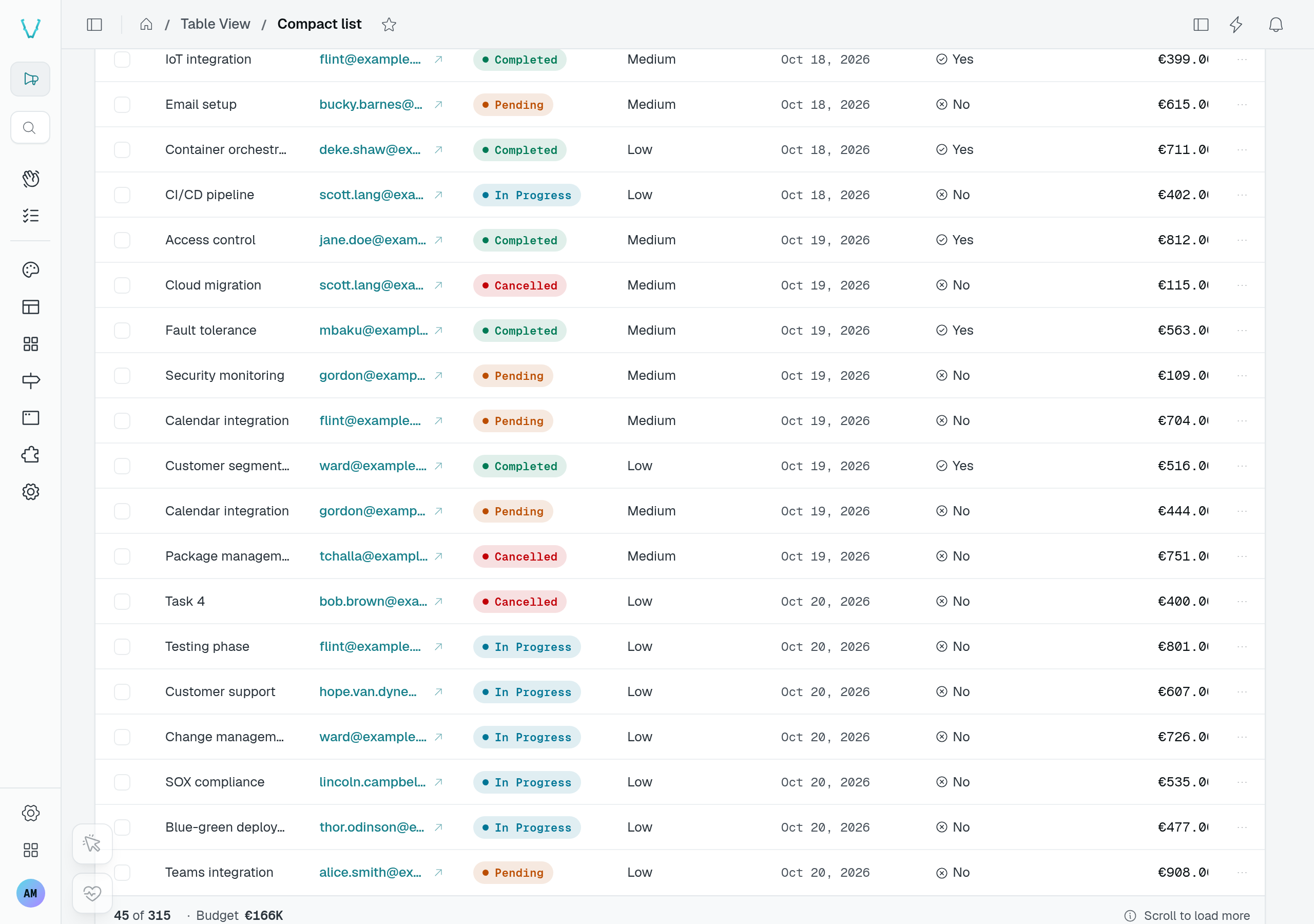
In the playground, Sources appends another ten requests when you press Load more. Compact list starts with 15 tasks and loads more as its footer comes into view, without a button press. This capture shows the footer after three batches: 45 of 315.
The table asks for every page loaded so far in one request, from the first row (limit = pageSize × pages loaded). A refresh or a realtime change therefore re-reads the same rows. A new filter, search, sort, tab or archive view starts over from one page.
Use them for feeds — notifications, activity, logs — where the newest rows matter and nobody jumps to page 12. The DMS's own notification inbox is a table view with pagination: "infinite".
In a custom display
A custom display reads the mode from its context (see TableView displays): context.pagination carries mode, hasMore and loadMore() beside pageIndex, pageSize, total, setPage() and setPageSize(). Under loadMore and infinite, context.items holds every row loaded so far; call loadMore() while hasMore to append the next page.