Empty states
A table view with no row to show says why: it has no row yet, its filters match nothing, or the list failed. emptyStates replaces the built-in words for each of those reasons with the module's own — "No campaign sent yet", "No run matches {search}" — and adds links, while the table keeps its own actions in front.
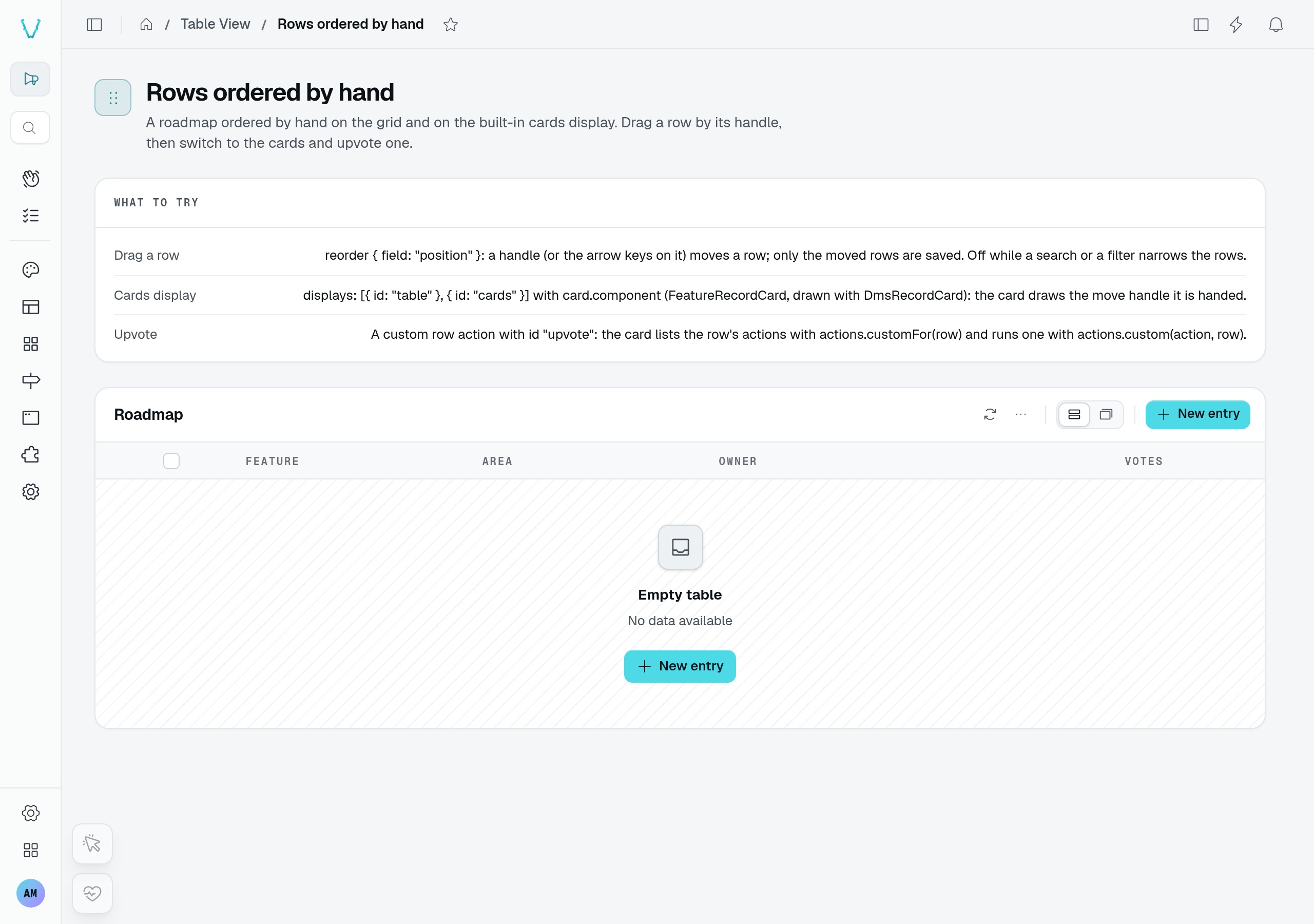
With no records and no filter, the table offers New entry. This playground capture uses a disposable roadmap after its six demo records were removed.
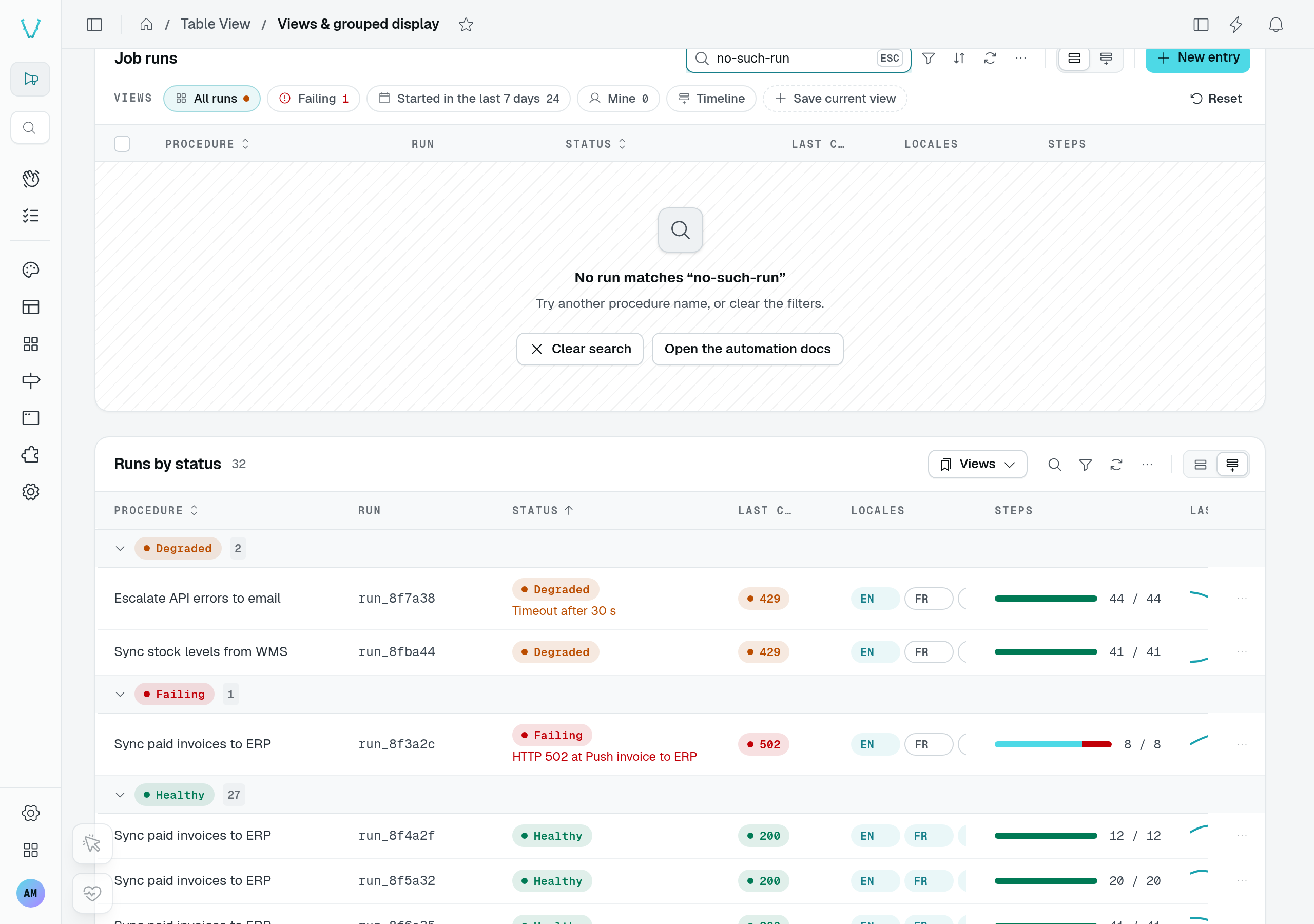
The job runs still exist, but no-such-run matches none of them. This is a filtered empty state, not a first visit or a failed request.
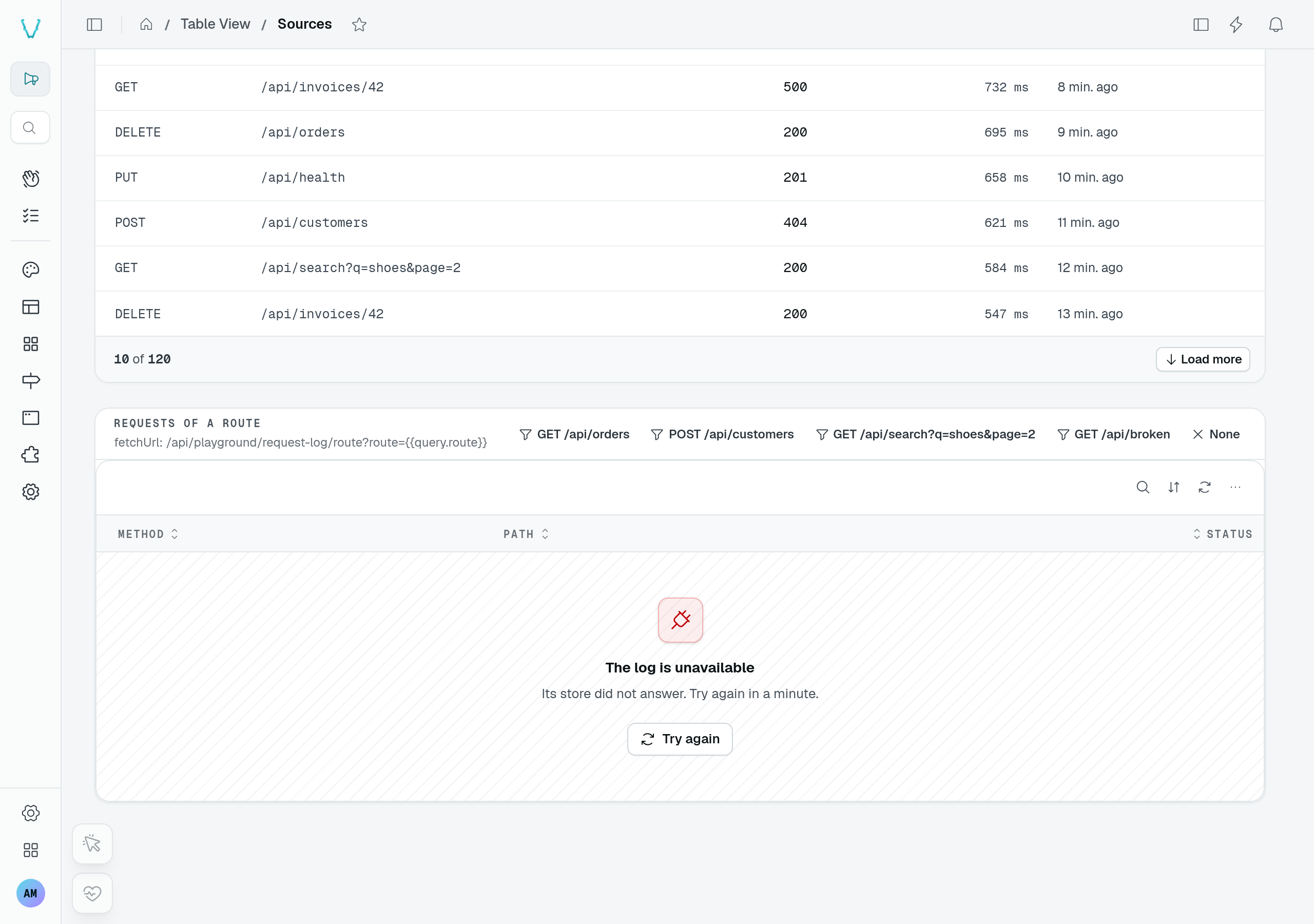
The Sources fixture deliberately fails for GET /api/broken. It shows the module's error text and Try again. Retrying that route still fails until you choose a working route; an empty successful response would show a different state.
static campaigns = TableView(campaignDataAPI, {
  caption: "Campaigns",
  emptyStates: {
    firstRun: {
      title: "$mailing.campaigns.empty_title",
      description: "$mailing.campaigns.empty_description",
      icon: "i-ph-paper-plane-tilt",
      actions: [{ label: "$mailing.campaigns.guide", to: "https://antelopejs.com/docs" }],
    },
    filtered: {
      title: "$mailing.campaigns.no_match", // "No campaign matches “{search}”"
    },
  },
});
The three states
| State | Shown when | The table's own action, kept in front |
|---|---|---|
firstRun | The table has no row yet. | New entry, when the caller may add. |
filtered | A search, a filter, a quick filter or an active queryParamFilters filter matches nothing. | Clear filters, Clear search or Clear filters and search. |
error | The list request failed. | Try again. |
A state left out keeps the built-in texts. The archive view of a table in archive mode keeps its own words and its "show active rows" action.
Each state is a TableViewEmptyState:
| Field | Type | Purpose |
|---|---|---|
title | string | Title of the state. Required. |
description | string | Text under the title. |
icon | string | Icon in the well; defaults to the built-in icon of the state. |
actions | BlockLinkAction[] | Link buttons, after the table's own action: { label, to, icon?, color?, variant? }. |
component | Component | A frontend component drawing the whole state instead (below). |
Texts are i18n keys ($) or literals. Both receive { search }, the text the user searched: a key's translation as a parameter, a literal by its {search} placeholder (a placeholder naming nothing else stays as written). Action labels receive no parameter.
A component of your own
component replaces the whole state — a gallery of templates to start from, an onboarding checklist. It is resolved by name from the global frontend registry and receives its own options, plus:
| Prop | Type | Purpose |
|---|---|---|
state | "firstRun" | "filtered" | "error" | Why the table is empty. |
search | string | The text searched, empty when none. |
refresh | () => void | Lists the rows again. |
clearSearch | (() => void) | undefined | Empties the search, as the table's own "Clear search" does. Unset while nothing is searched. |
clearFilters | (() => void) | undefined | Clears the filter chips (a quick filter's included, a default one back to its value), the search kept. Unset while no chip narrows the rows. |
emptyStates: {
  firstRun: { title: "$mailing.templates.empty_title", component: CustomComponent("TemplateGallery") },
},
The table's own actions are not drawn around a component: it offers what it needs itself — "Clear search" and "Clear filters" through clearSearch and clearFilters, beside its own ways out (a filter the page URL applies, a period).
<script setup lang="ts">
const props = defineProps<{
  state?: "firstRun" | "filtered" | "error";
  search?: string;
  clearSearch?: () => void;
  clearFilters?: () => void;
}>();

const actions = computed(() => [
  ...(props.clearSearch ? [{ label: "Clear search", icon: "i-ph-x", onClick: props.clearSearch }] : []),
  ...(props.clearFilters ? [{ label: "Clear filters", icon: "i-ph-x", onClick: props.clearFilters }] : []),
]);
</script>

<template>
  <DmsEmptyState variant="no-result" :title="`No run matches “${props.search}”`" :actions="actions" size="lg" hatched />
</template>
A component drawn deeper inside the table reads the same through useTableViewEmptyState(), auto-imported, without reading the table's internals:
const { search, isFiltered, canClearSearch, canClearFilters, clearSearch, clearFilters, clearAll, refresh } =
  useTableViewEmptyState();
isFiltered also counts a filter the page URL applies (queryParamFilters), which the table does not clear: the page clears its own. Outside a table, nothing narrows and every action does nothing.
Other displays
The built-in cards display shows the same empty states as the grid. The kanban board and a module's custom display draw their own empty body.