Table form
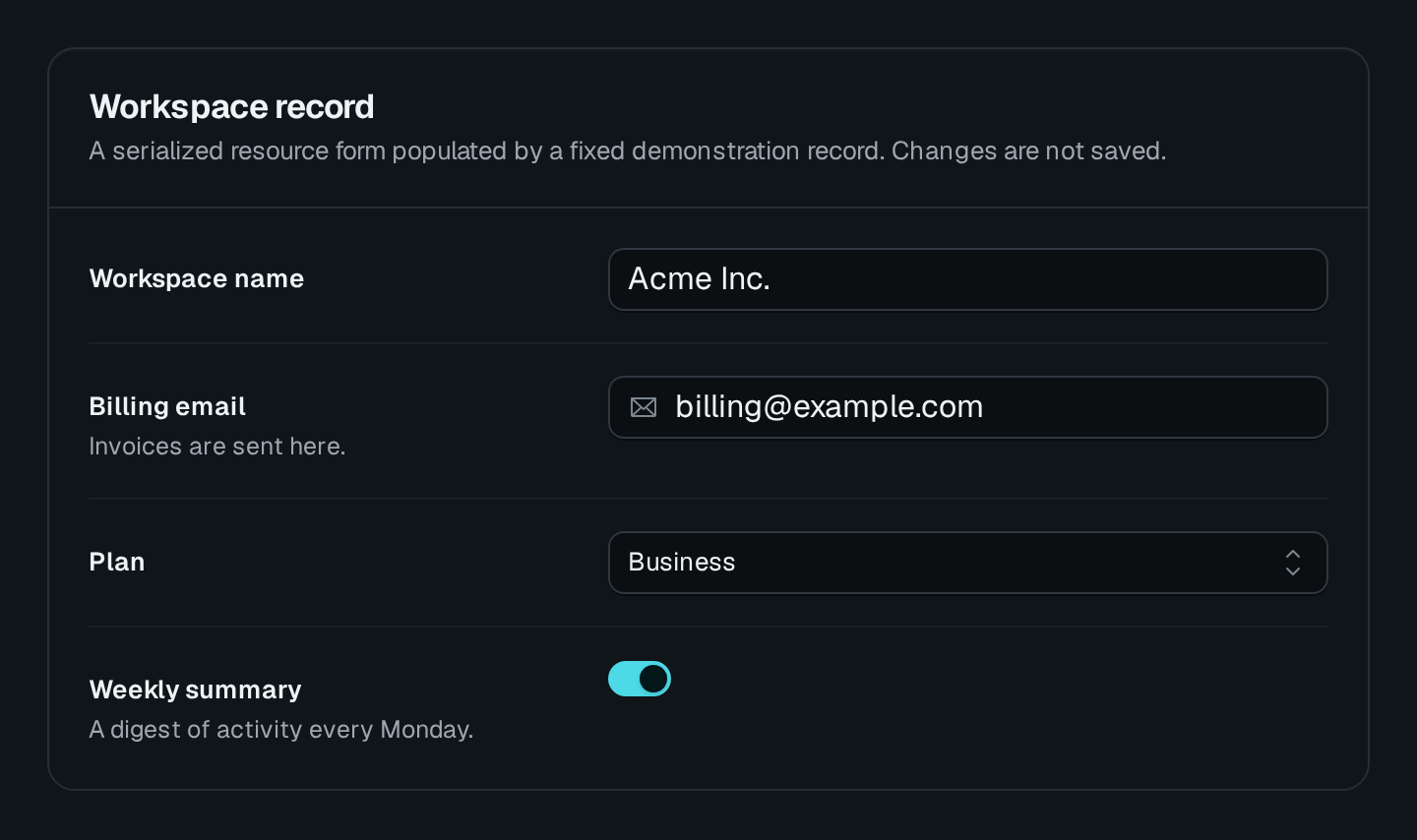
ResourceForm is a form over a data controller: pick the table and the mode, and its fields, routes and methods follow. It is the same form a TableView opens for that mode, placed on a page of its own. Use it for a dedicated "New task" page or a record's detail page; use Form to reach an endpoint of your own.
ResourceForm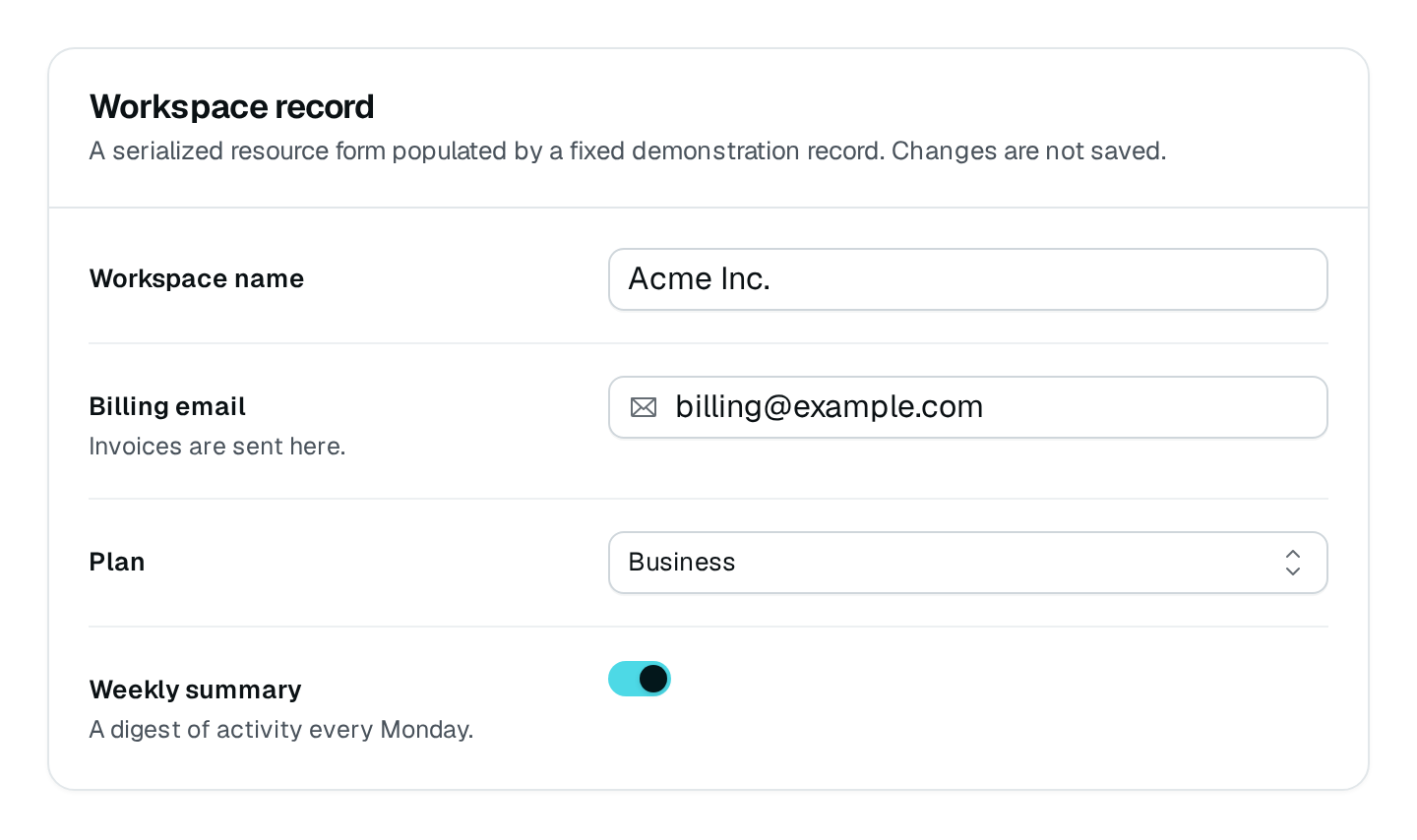
Usage
import { PageController, RegisterPage } from "@antelopejs/interface-dms/page";
import { FormPageLayout } from "@antelopejs/interface-dms/base/layouts";
import { ResourceForm } from "@antelopejs/interface-dms/base/table-view";
import { taskDataAPI } from "../data-api/tasks";

const PAGE_PATH = "/tasks/form";

@RegisterPage()
export class TaskFormPage extends PageController(
  "task-form",
  { displayName: "$app.tasks.form", icon: "i-ph-note-pencil", category: tasksCategory },
  FormPageLayout(),
) {
  static create = ResourceForm(taskDataAPI, {
    mode: "new",
    title: "$app.tasks.new",
    redirectOnSuccess: `${PAGE_PATH}?id={{response._id}}`,
  });

  static edit = ResourceForm(taskDataAPI, { mode: "edit", title: "$app.tasks.edit", labelKey: "name" });

  static view = ResourceForm(taskDataAPI, { mode: "view", title: "$app.tasks.details" });
}
Options
| Option | Type | Default | Description |
|---|---|---|---|
mode*Content | "new" | "edit" | "view" | – | Create a row, edit one, or show one read-only. |
titleContent | string | – | |
descriptionContent | string | – | |
submitLabelContent | string | – | |
successMessageContent | string | – | |
errorMessageContent | string | – | |
fieldsOrientationLayout | "horizontal" | "vertical" | – | |
redirectOnSuccessBehavior | string | – | The page to open once saved; {{response._id}} stands for the row just saved. |
mode | The form… |
|---|---|
new | Creates a row through the controller's new route. |
edit | Loads the row named by rowId, then saves it through edit. |
view | Loads the row named by rowId and shows it read-only. |
Three modes over the same controller
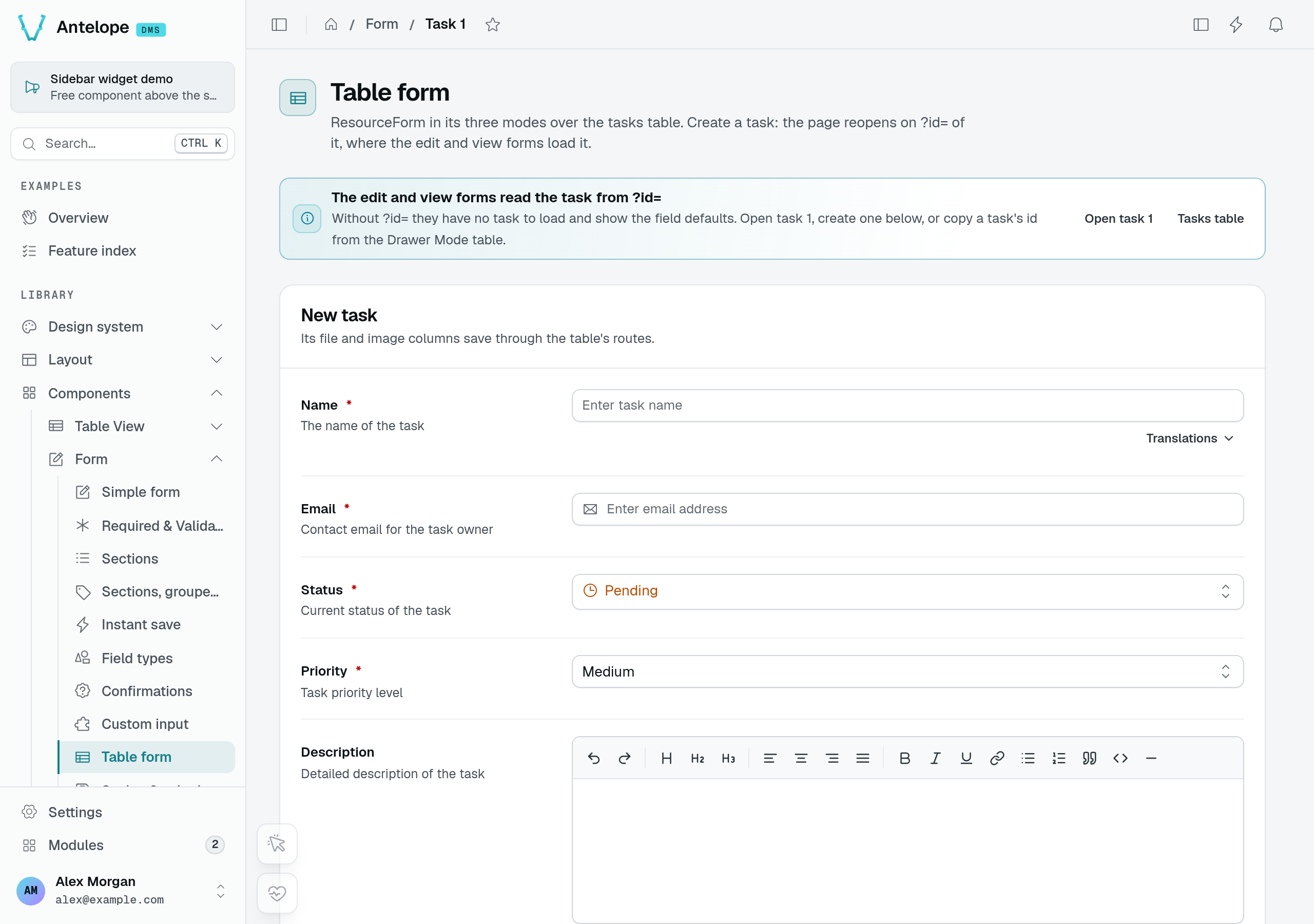
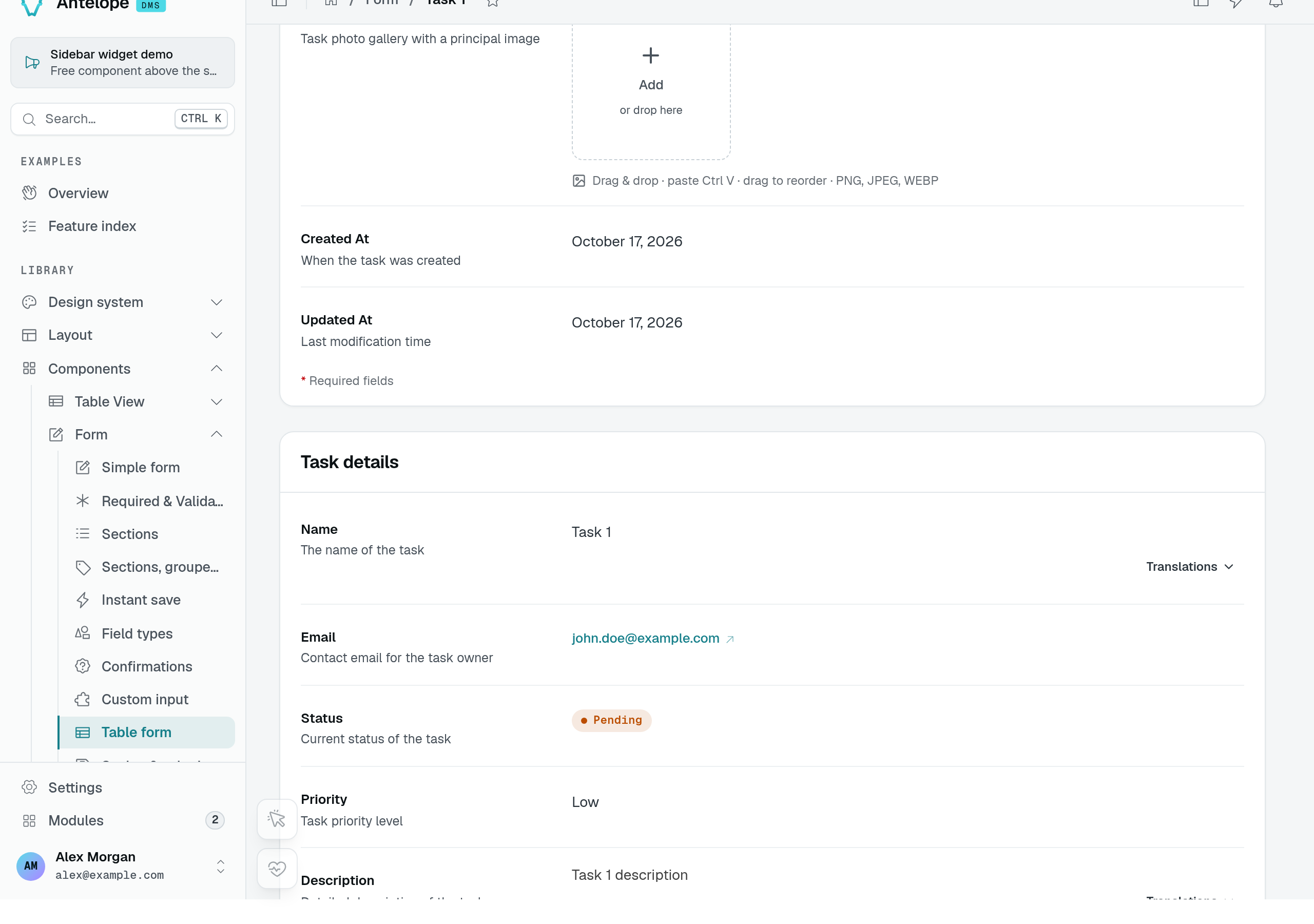
The Table form playground page places all three modes on one page. Its new form starts with empty Name and Email fields and the controller's default status and priority.
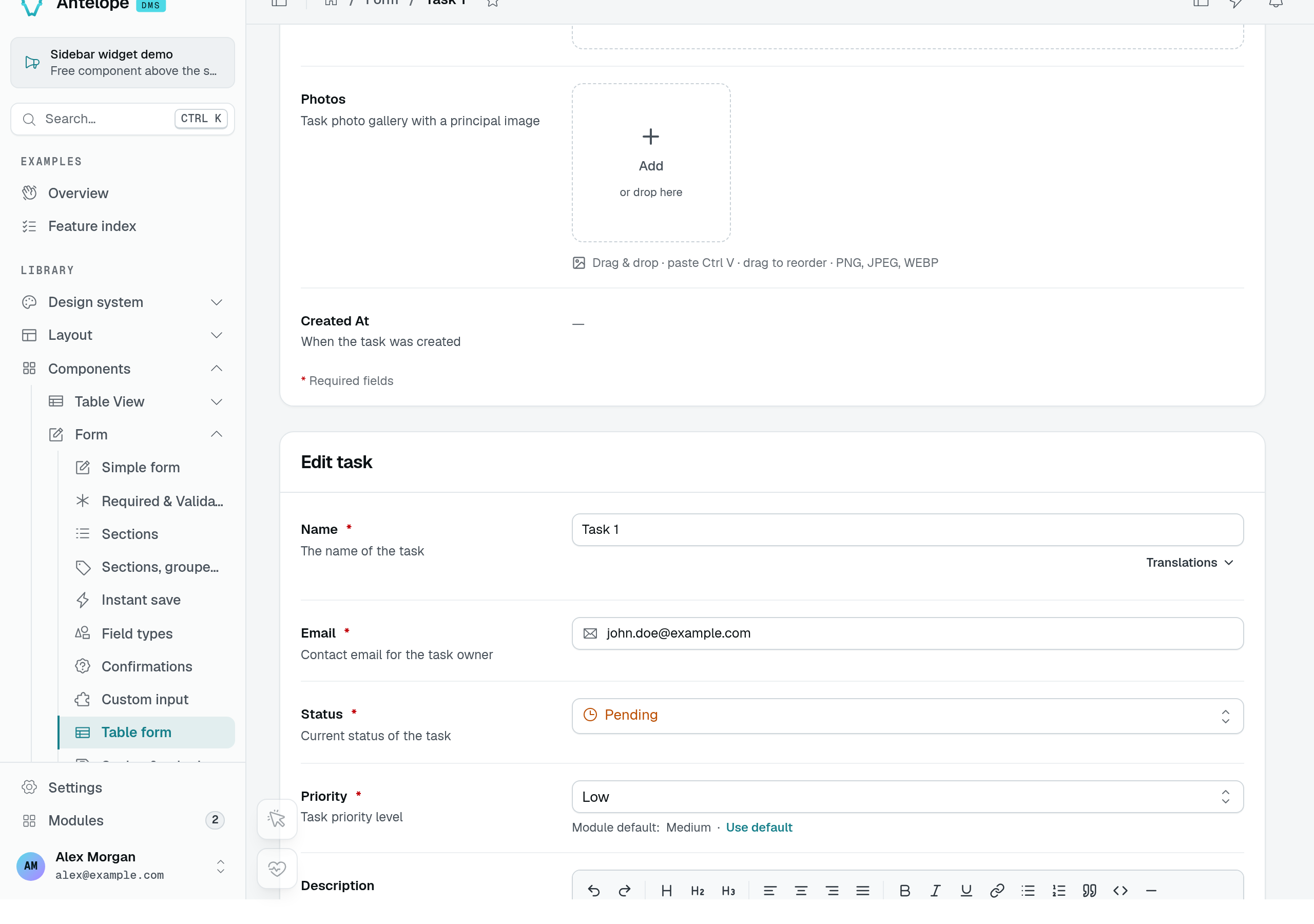
Opening /form/form-resource?id=1 loads the seeded Task 1 into the edit form. Its email and Low priority come from that record, not the new form's defaults.
The view form displays the same record without editable fields. These captures demonstrate loaded data; they do not demonstrate an upload or a create request.
Recipes
Read the row from the route
edit and view read the row id from ?id= by default (QUERY_ROW_ID, {{query.id}}). A page served under a :id route segment passes rowId: ROUTE_PARAM_ROW_ID ({{params.id}}, from @antelopejs/interface-dms/base/table-view) instead. QUERY_ROW_ID comes from @antelopejs/interface-dms/base/resource-form-schema.
Open the row just created
redirectOnSuccess: "/tasks/form?id={{response._id}}" reopens the page on the row the new form wrote.
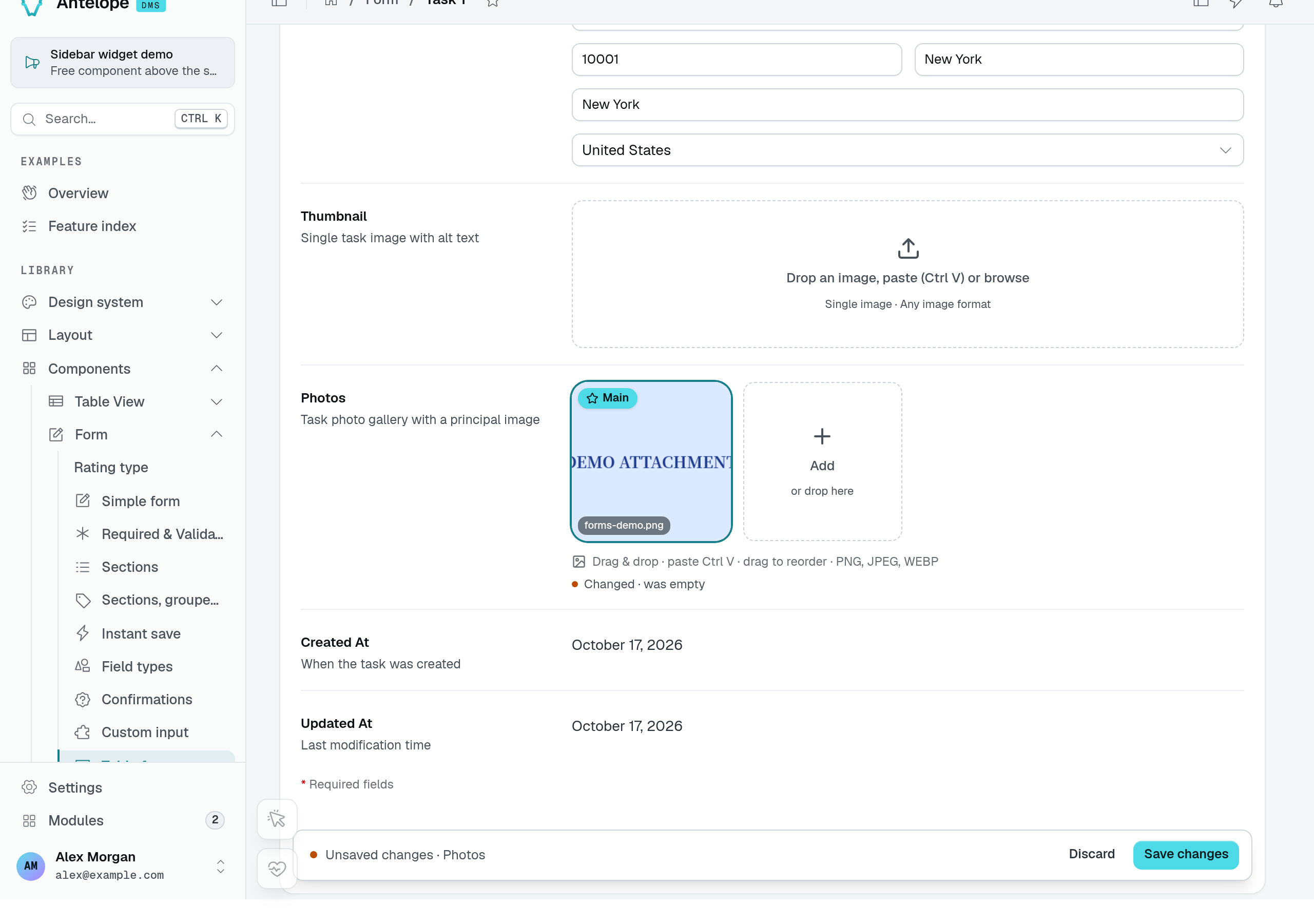
Add and remove a photo
The playground task controller exposes a Photos image list. Adding the fictional forms-demo.png uploads the image, then leaves the record's photo list as an unsaved change. Uploading the bytes and saving the record are separate steps.
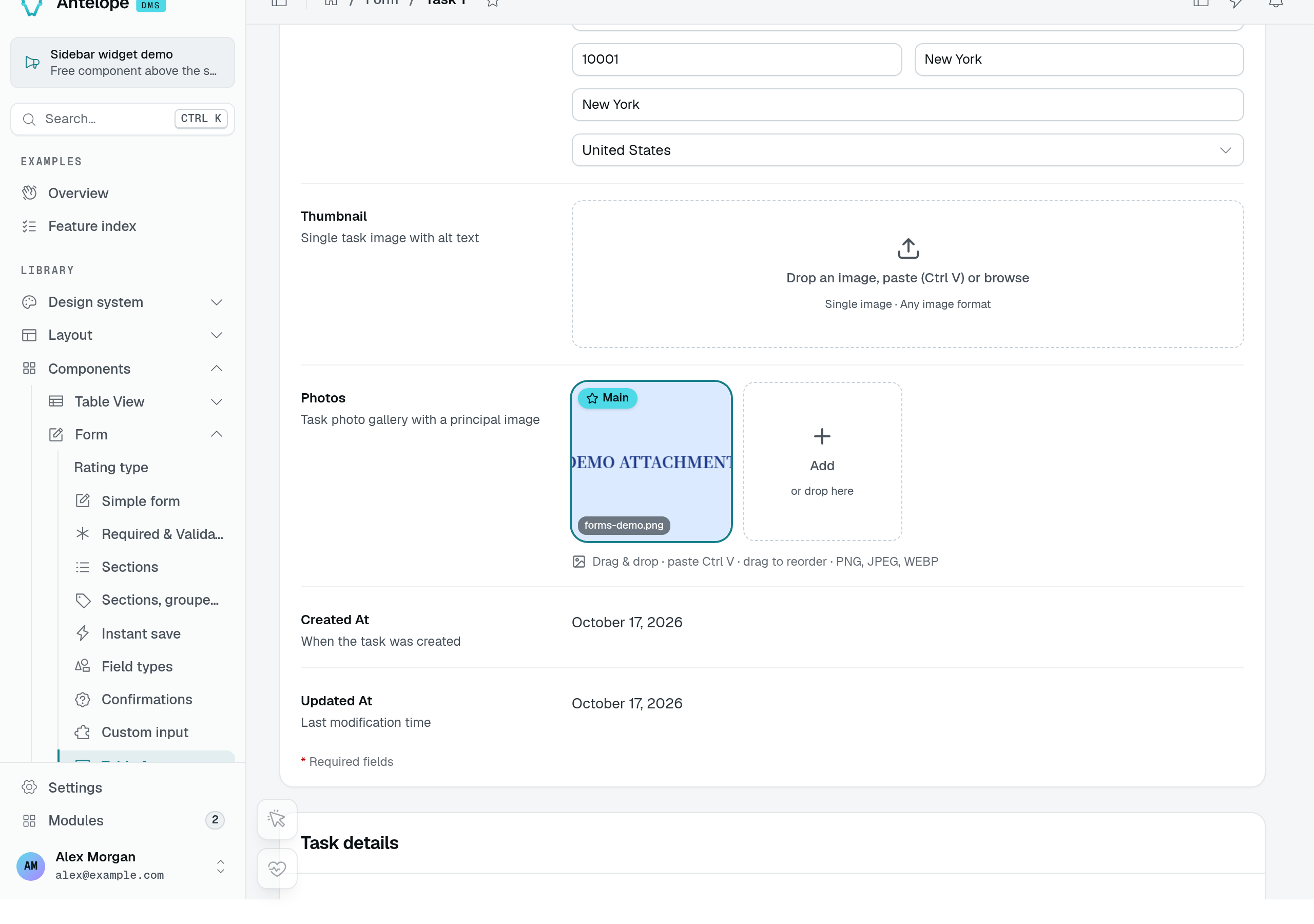
After Save changes and a page reload, the image is still attached to Task 1. This capture uses disposable local storage, not an external upload destination.
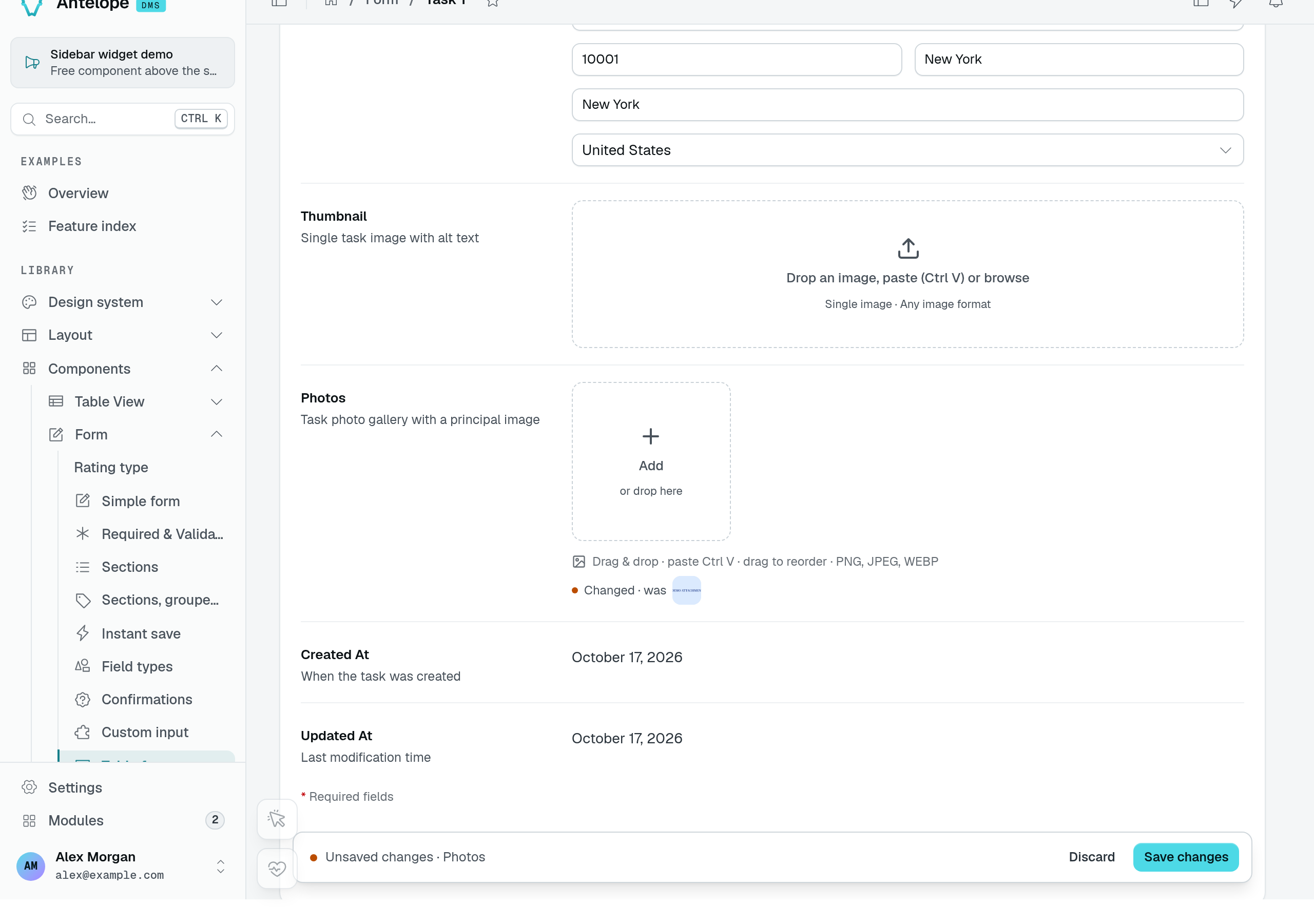
Removing the image clears its tile and marks Photos as changed again. Save the form to persist the empty list; in this run, another reload confirmed that the attachment was absent. This verifies removal from the record, not physical deletion of the stored file.
See File storage for upload destinations and storage configuration. The upload URL must reach the storage provider's HTTP route, including when a local frontend proxy sits in front of the backend.
Pitfalls
- In
editandview, a page reached without its id shows "No entry selected" instead of empty fields (requiresRecord). - The form's routes still require the action's permission from a table view of the controller when one is mounted: a table form adds no permission of its own.