Database
Overview
Check the database connection, see every schema at a glance and jump to the largest tables and the latest queries.
The Overview is the landing page of the module (/modules/database/overview). It answers three questions in one screen: is the database reachable, what does it hold, and what has been run against it lately.
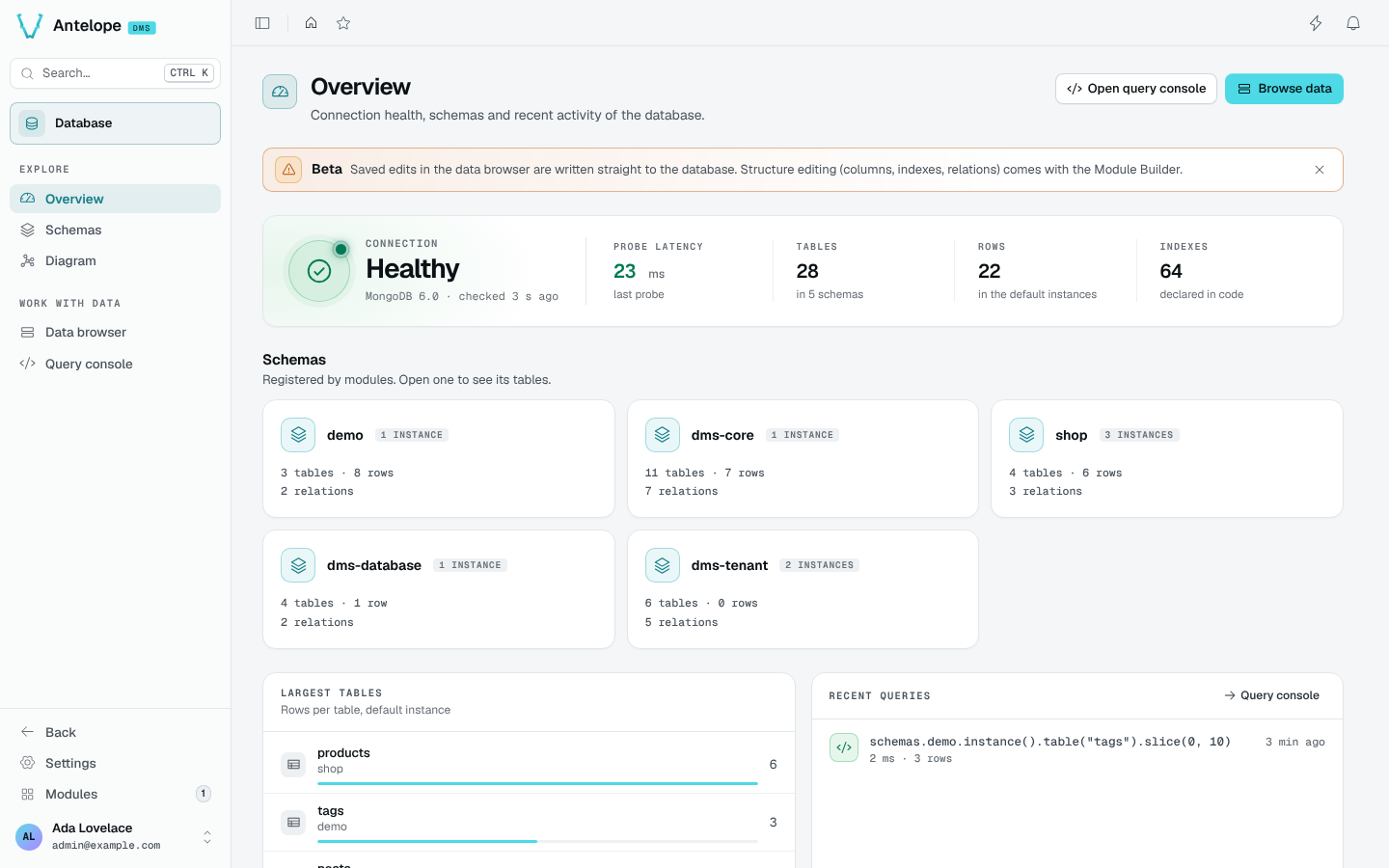
Connection
The connection card probes the database through the Database interface and shows:
- the state (Healthy or an error) with the database name from
driverLabeland the time of the last check; - the probe latency of that check;
- the number of tables and the schemas they belong to;
- the number of rows in the default instances;
- the number of indexes declared in code.
Schemas
One card per registered schema, with its number of instances, tables, rows and relations. A card opens the Schemas list filtered on that schema.
Largest tables and recent queries
Largest tables ranks the tables of the default instances by row count. Recent queries lists the last queries run in the Query console; the Query console link opens it.
The header buttons lead to the two working pages: Open query console and Browse data.
The Beta notice is dismissible and stays dismissed for you. It comes back only when the module has something new to say.