Data browser
The Data browser (/modules/database/data) shows the rows of any registered table. Pick a schema, an instance and a table on the left; open several tables as tabs.
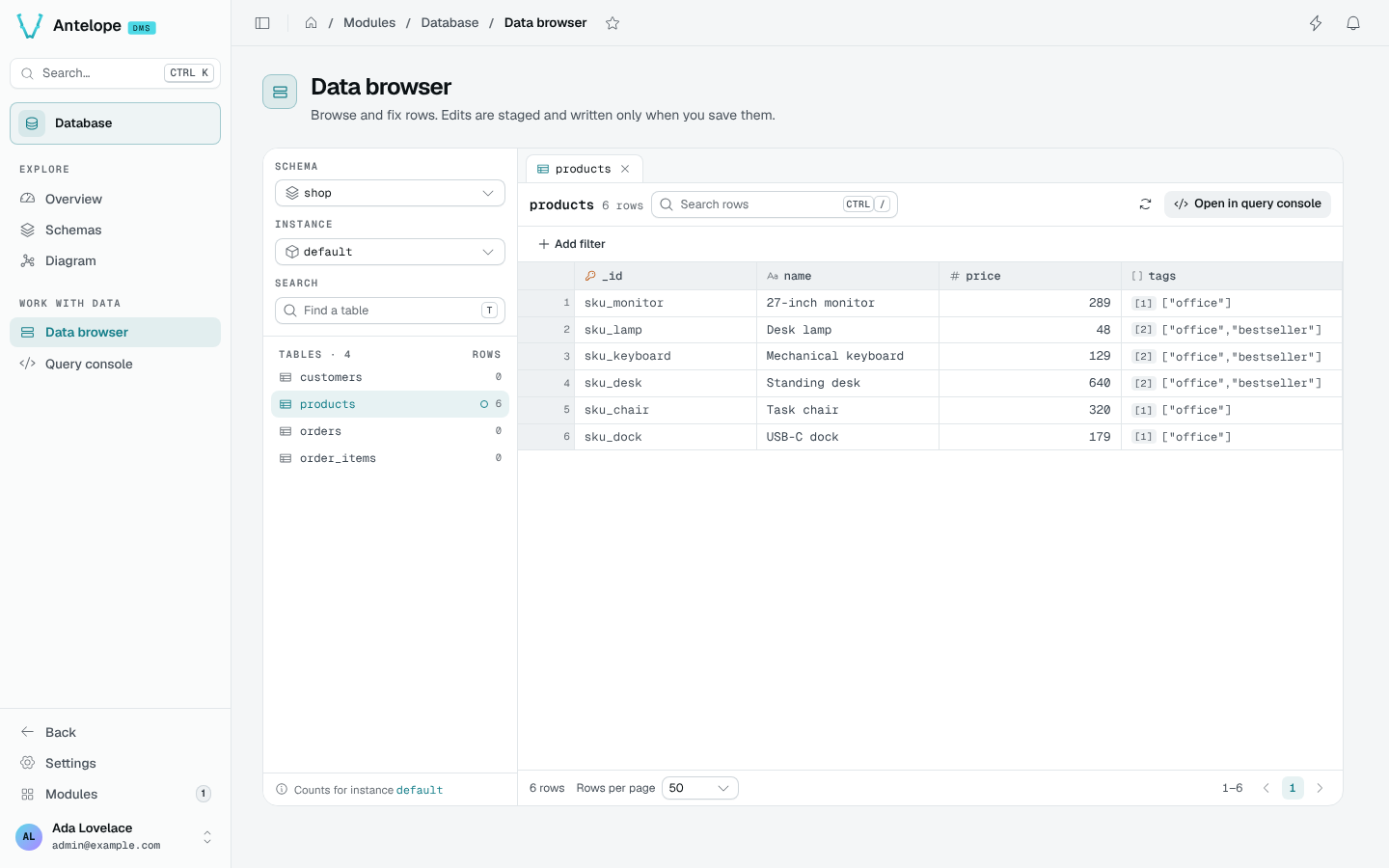
Browse rows
- Search rows (
Ctrl/) searches the open table; Add filter adds a column filter (containsoris exactly). - Column headers sort the rows; the footer pages through them (25, 50, 100 or 200 rows per page).
Spaceopens the current row in a side panel, with a JSON view;JandKmove between rows.- Open in query console opens the same table in the Query console.
Links into the browser carry the selection in the URL: ?schema=shop&table=products, plus instance=<name> for a non-default instance or instance=all for every instance.
Read across instances
With All instances picked, the browser reads the table across every instance at once. That view is read-only: pick one instance to edit.
Edit, review and save
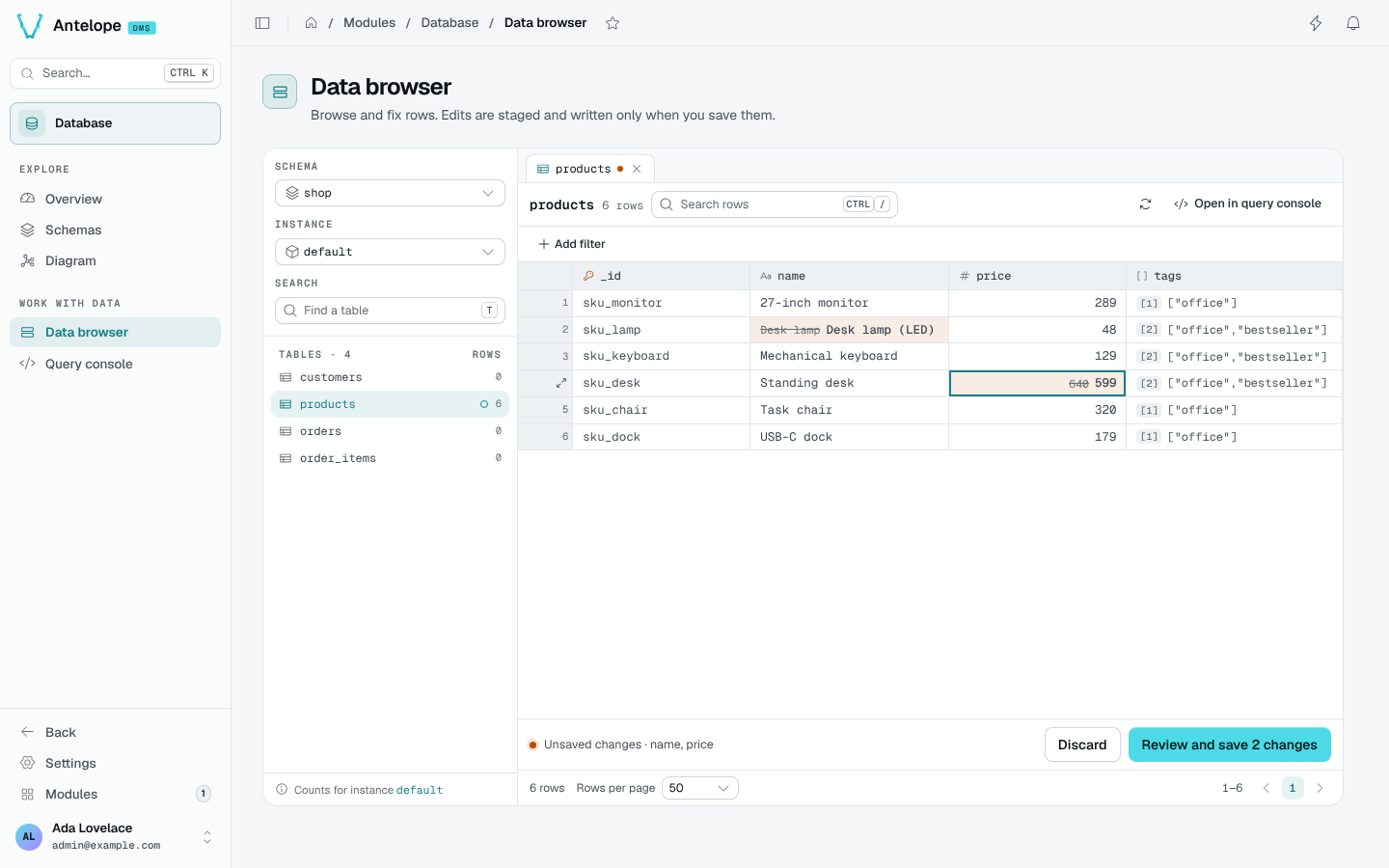
Edits are staged, never written as you type:
Edit cells
Double-click a cell, or press Enter, and type. Object and array cells open a JSON editor. Edited cells show the old value struck through.
Review
The bar at the bottom counts the unsaved changes. Review and save (Ctrl S) lists every change before anything is written; Discard drops them.
Save, or undo
Saving writes the changes. For ten seconds, Undo puts the previous values back.
Keyboard shortcuts
| Key | Action |
|---|---|
T | Find a table |
Ctrl / | Search rows |
R | Refresh |
Enter | Edit the cell |
Space | Open the row |
J / K | Next / previous row |
Ctrl S | Review and save |