Components
Card
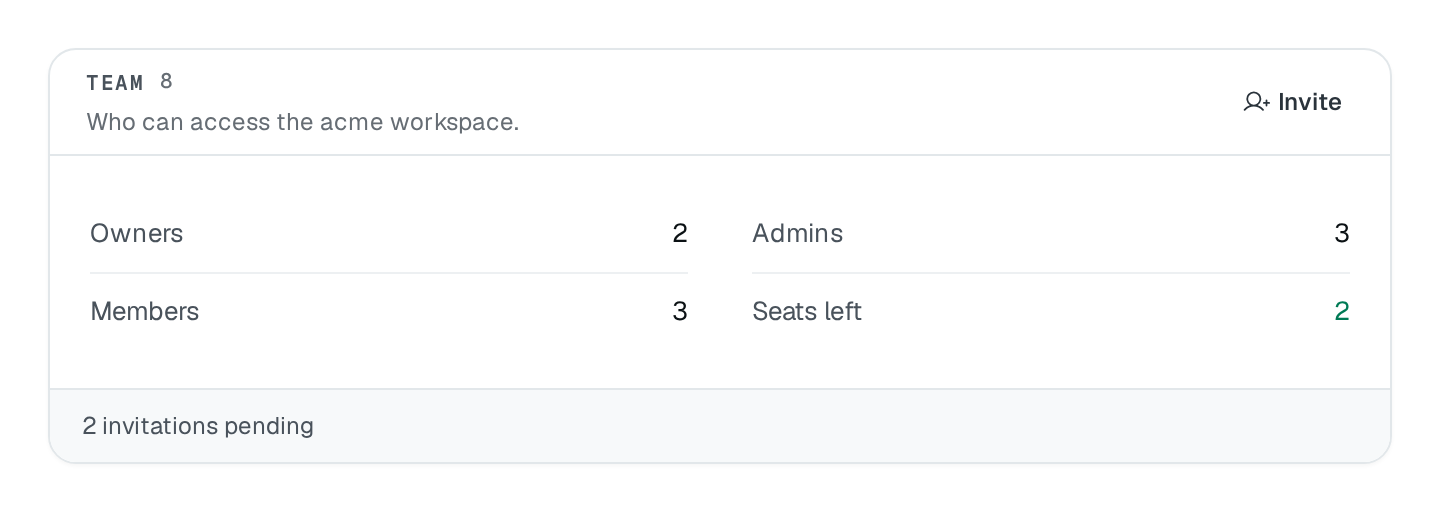
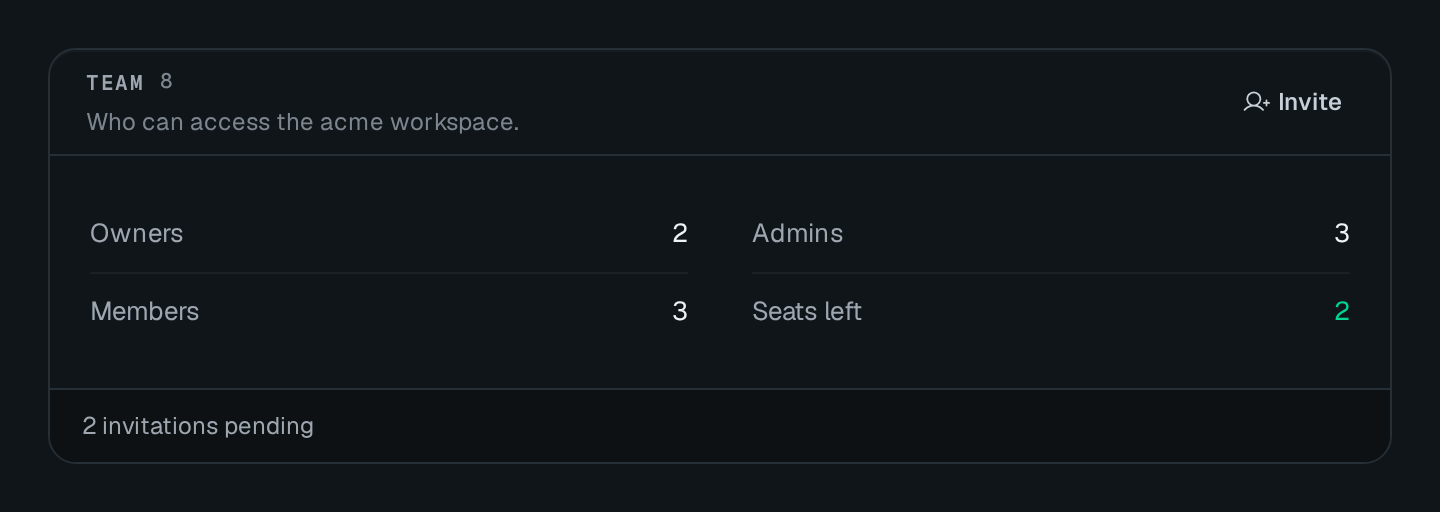
A titled card that frames several blocks, with a count, head actions, a footer band and two slots.
Card frames other blocks under one head: an eyebrow title, a mono count, a dim description line and link buttons on the right. Its children stack in the body, and an optional muted band closes it. Use it when several blocks read as one panel — a list and its toolbar, a meter and its legend.
Card Connecting to the DMS preview…
Usage
src/pages/integrations.ts
import { Card } from "@antelopejs/interface-dms/base/card";
import { KeyValueList } from "@antelopejs/interface-dms/base/key-value-list";

static connectors = Card({
  title: "Connectors",
  count: 4,
  padded: false,
  actions: [{ label: "View all", to: "/integrations", icon: "i-ph-arrow-right" }],
  footer: "Last sync 10:15",
}).child("list", KeyValueList({ card: false, dense: true, fetchUrl: "/api/connectors" }));
Options
| Option | Type | Default | Description |
|---|---|---|---|
titleContent | string | – | Small heading at the top of the card. |
countContent | number | string | – | A number shown after the title. |
descriptionContent | string | – | |
footerContent | string | – | Small text along the bottom of the card. |
variantAppearance | "default" | "elevated" | "default" | |
paddedLayout | boolean | true | Leaves space around the content; turn it off for a list or table that runs to the edges. |
Slots
Children added with .child() and no slot stack in the body. Two slots hold one block each:
| Slot | Where it renders |
|---|---|
actions | In the head, next to the link buttons. |
footer | In the foot band, in place of the footer text. |
src/pages/integrations.ts
Card({ title: "Connectors" })
  .child("list", KeyValueList({ card: false, fetchUrl: "/api/connectors" }))
  .child("sync", HStack().child("live", LiveToggle()), { slot: "footer" });
Pitfalls
- Blocks that draw their own card (
KeyValueList,ActivityFeed,EmptyState,Section) takecard: falseinside aCard, or you get a card in a card. - Each slot holds one child. Put several blocks in an
HStackfirst. - Set
padded: falsefor a list or a table that should run edge to edge.