Tabs
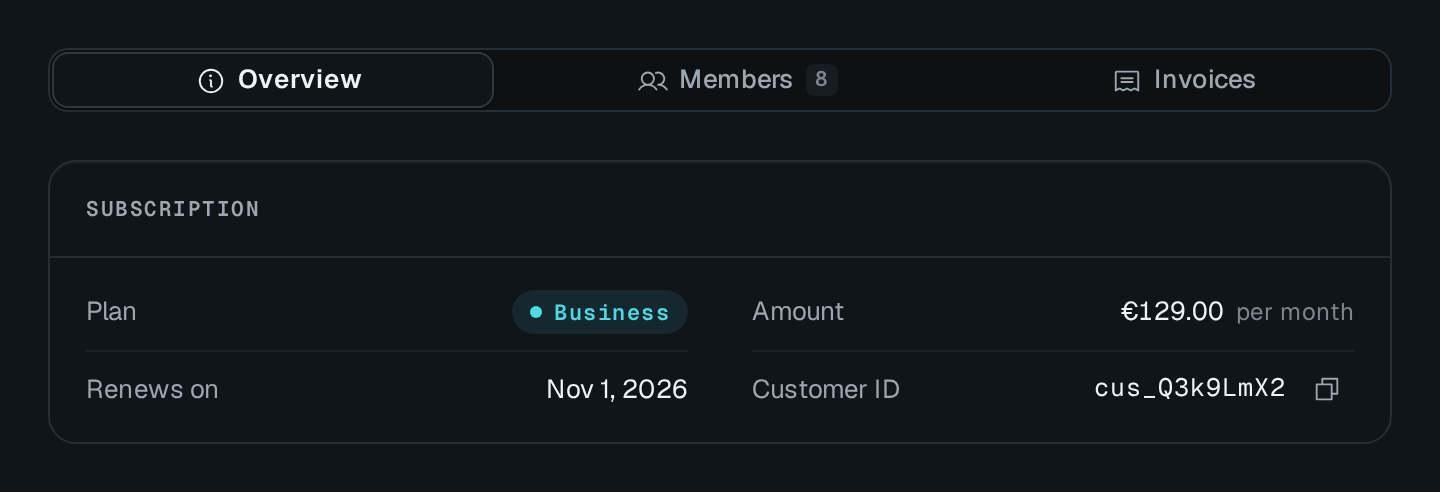
Tab draws a tab strip and a panel area. Each item has a label and a slot, plus an optional icon, badge, avatar, keyboard shortcut and disabled state. The open tab shows the children added with the matching { slot }.
Tab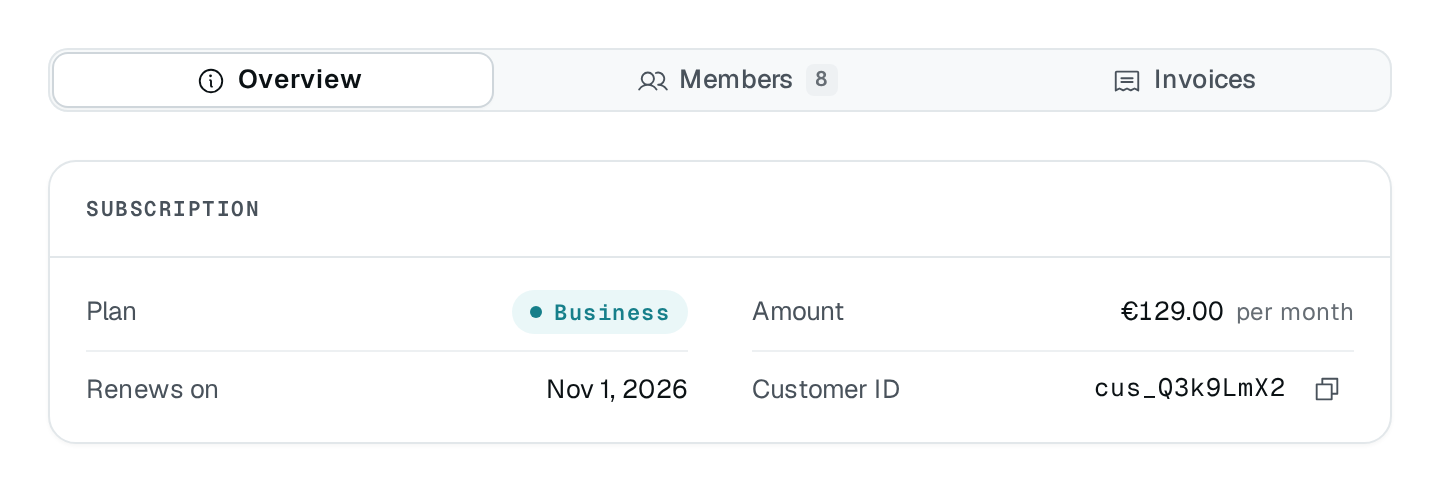
Usage
import { Tab } from "@antelopejs/interface-dms/base/tab";

static tabs = Tab({
  items: [
    { label: "Overview", slot: "overview" },
    { label: "Members", slot: "members" },
    { label: "Invoices", slot: "invoices" },
  ],
  persistState: true,
})
  .child("overview", KeyValueList({ fetchUrl: "/api/workspaces/{{params.id}}/summary" }), { slot: "overview" })
  .child("members", TableView(MembersDataAPI, { caption: "Members" }), { slot: "members" })
  .child("invoices", TableView(InvoicesDataAPI, { caption: "Invoices" }), { slot: "invoices" });
Options
| Option | Type | Default | Description |
|---|---|---|---|
colorAppearance | "primary" | "secondary" | "success" | "info" | "warning" | "error" | … | – | |
sizeAppearance | "xs" | "sm" | "md" | "lg" | "xl" | – | |
variantAppearance | "pill" | "link" | – | |
orientationLayout | "horizontal" | "vertical" | – | |
fitLayout | boolean | – | Each tab only as wide as its label. |
unmountOnHideBehavior | boolean | – | |
persistStateBehavior | boolean | – | Remember the open tab across visits. |
stateKeyBehavior | string | – |
Color, Size and AxeOrientation come from @antelopejs/interface-dms/base/types. A text badge takes a $ key or a composed text; a number shows as is.
Recipes
Count what each tab holds
Set badgesUrl to a route answering every count in one request, keyed by slot. Each value replaces that tab's static badge, drawn as a mono counter like a table view's tab counts. The route is read again when one of the tab set's watch actions fires, when the page refreshes its blocks, and on each event of realtimeTopic.
static tabs = Tab({
  items: [
    { label: "Overview", slot: "overview" },
    { label: "Members", slot: "members", badge: "…" },
    { label: "Invoices", slot: "invoices", badge: "…" },
  ],
  badgesUrl: "/api/workspaces/{{params.id}}/tab-counts", // answers { members: 12, invoices: 1284 }
});
Link to a tab
With persistState, the open tab is kept in the URL by its slot (?tab=invoices), so a reload or a shared link opens it. The first tab writes nothing, and a URL naming a tab by its index (?tab=2) still opens it. stateKey renames the query parameter.
Keep short pill tabs compact
fit: true keeps a horizontal pill list to its labels' width instead of stretching it across a wide card.
Pitfalls
- The item's
slotand the child'sslotmust match exactly, or the panel stays empty. unmountOnHidedefaults totrue: a hidden panel's blocks are destroyed and fetch again when shown. Set it tofalseto keep them alive.- Tabs emit
TabEvents.TAB_CHANGE, which other blocks can watch (Actions & reactivity).