Components
Key / value list
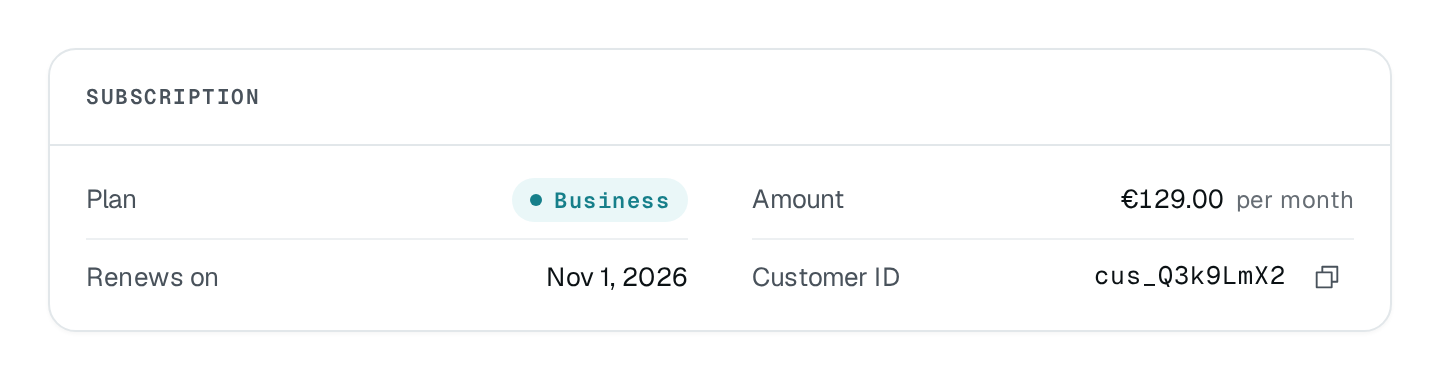
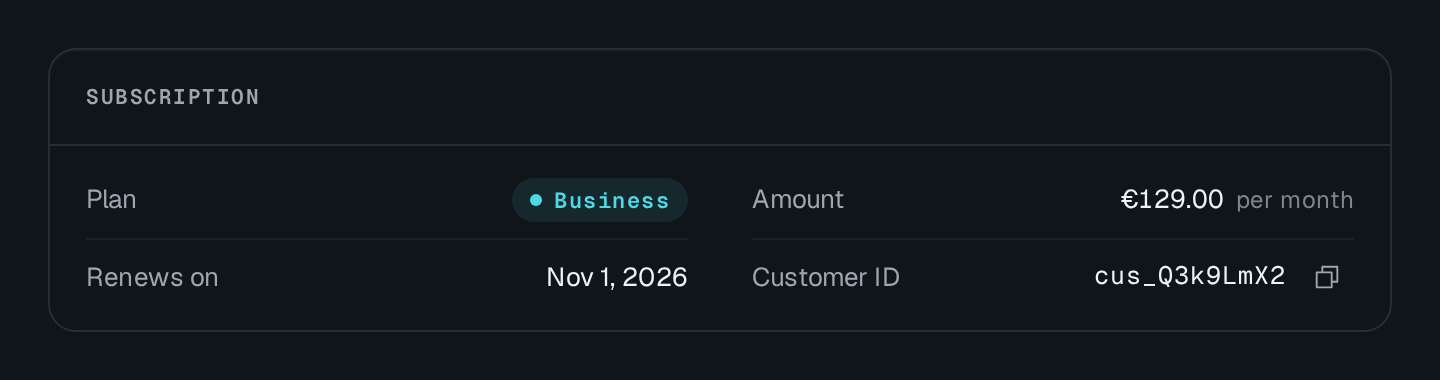
Label and value rows, each value drawn by its type — text, status pill, money, date, link or identifier — with copy buttons.
KeyValueList draws label / value rows split by hairlines: the label on the left, the value right-aligned and drawn by its type. A detail adds a dim note after the value. The list sits in a card by default, with title as the card's eyebrow.
KeyValueList Connecting to the DMS preview…
Usage
src/pages/workspaces/detail.ts
import { KeyValueList } from "@antelopejs/interface-dms/base/key-value-list";

static subscription = KeyValueList({
  title: "$saas.subscription.title",
  fetchUrl: "/api/workspaces/{{params.id}}/subscription", // answers { items }
});
Options
| Option | Type | Default | Description |
|---|---|---|---|
titleContent | string | – | Small heading at the top of the card. |
empty.title*Content | string | – | |
empty.descriptionContent | string | – | |
cardAppearance | boolean | true | Draws the block on a card; turn it off when it already sits in one. |
denseAppearance | boolean | – | Rows closer together. |
currencyAppearance | string | – | The currency of amounts, as a three-letter code such as EUR. |
columnsLayout | number | 1 | How many columns on a wide screen. |
A row (KeyValueListItem) carries a label and a value, plus optional type, tone, to, detail, currency, copy and copyValue. An empty value shows a dash.
type | The value is drawn as |
|---|---|
text | Plain text. The default. |
status | A pill tinted by tone. |
money | An amount in currency (or the list's). |
date | A localized date from an ISO string. |
link | An accent link to to. |
mono | An identifier, in mono. |
Recipes
Copy a value
copy: true draws a copy button after the value, which copies it as shown. copyValue copies another text instead — the full URL behind a short label — and draws the button on its own.
{ id: "endpoint", label: "Public endpoint", value: "https://api.example.com/v1", type: "mono", copy: true },
{ id: "thumb", label: "Thumbnail", value: "thumb · 320×320", copyValue: "https://cdn.example.com/m/42/thumb.webp" },
Inside a card
Set card: false to place the list inside a Card or a Section; dense: true tightens the rows for a side panel.
Pitfalls
moneyvalues are amounts in the currency's unit as you send them; a composed textmoneyparameter, by contrast, takes minor units.- A composed
valueis drawn as text whatever the row'stype: its parameters already say how each value is written.