Components
Code block
Read-only code with syntax highlighting, a copy button and a height cap — static, or read from a route.
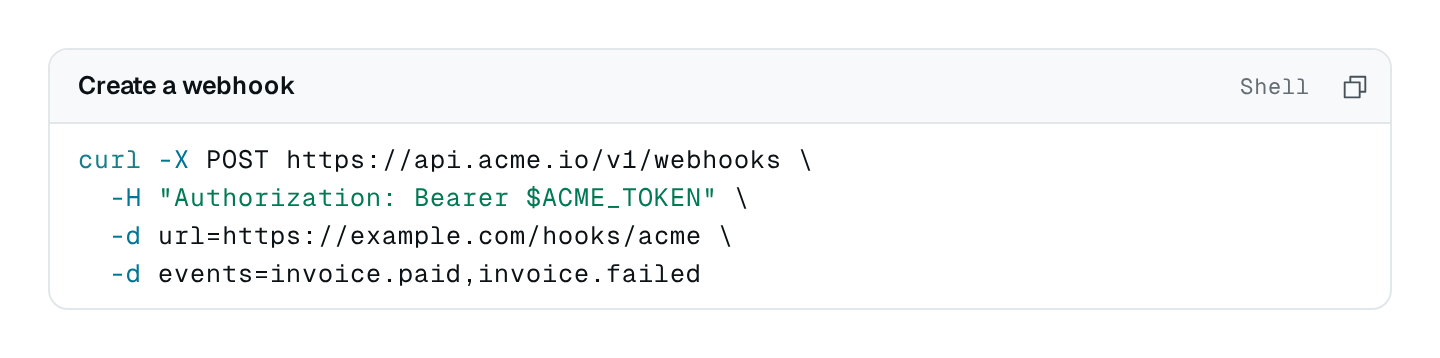
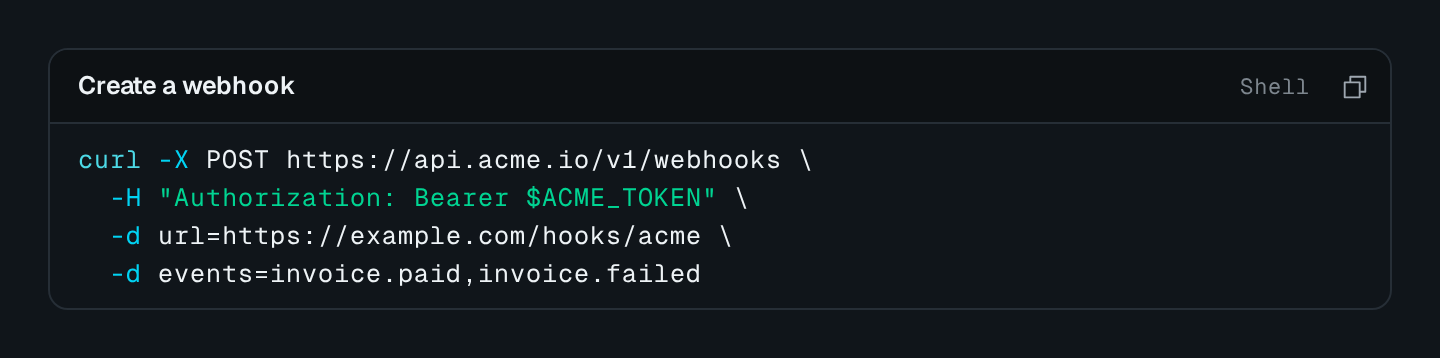
CodeBlock shows read-only code in the code editor's look: a head with the title, the language and a copy button, then the code highlighted. Long lines scroll sideways unless wrap is on, and maxLines caps the height. The code is written in the options, or read from a route that answers { code, language? } — a generated snippet, a stored configuration, a request body.
CodeBlock Connecting to the DMS preview…
Usage
src/pages/media.ts
import { CodeBlock } from "@antelopejs/interface-dms/base/code-block";

static preset = CodeBlock({
  title: "$media.presets.config",
  language: "json",
  maxLines: 12,
  fetchUrl: "/api/media/presets/{{params.id}}/config",
});
Options
| Option | Type | Default | Description |
|---|---|---|---|
titleContent | string | object | – | Head of the block. |
codeContent | string | – | The code, verbatim. |
languageContent | "json" | "javascript" | "typescript" | "html" | "sql" | "shell" | … | "text" | Highlighting language. |
copyFeatures | boolean | true | A button copies the code. |
wrapAppearance | boolean | – | Wraps long lines. |
maxLinesLayout | number | – | Lines shown before the code scrolls. |
A route may answer a language under a common alias — js, ts, bash, sh, plain — and the block reads it; an unknown one is shown as plain text. While the first answer loads the block draws placeholder lines; a failure shows an error with a retry, and a 404 the not-found state.
Pitfalls
- In a custom component, show code with the
DmsCodeSnippetcomponent rather than a<pre>and a copy button of your own.