Components
Empty state
Says why there is nothing here and what to do next — with a tone, link buttons and an optional code snippet.
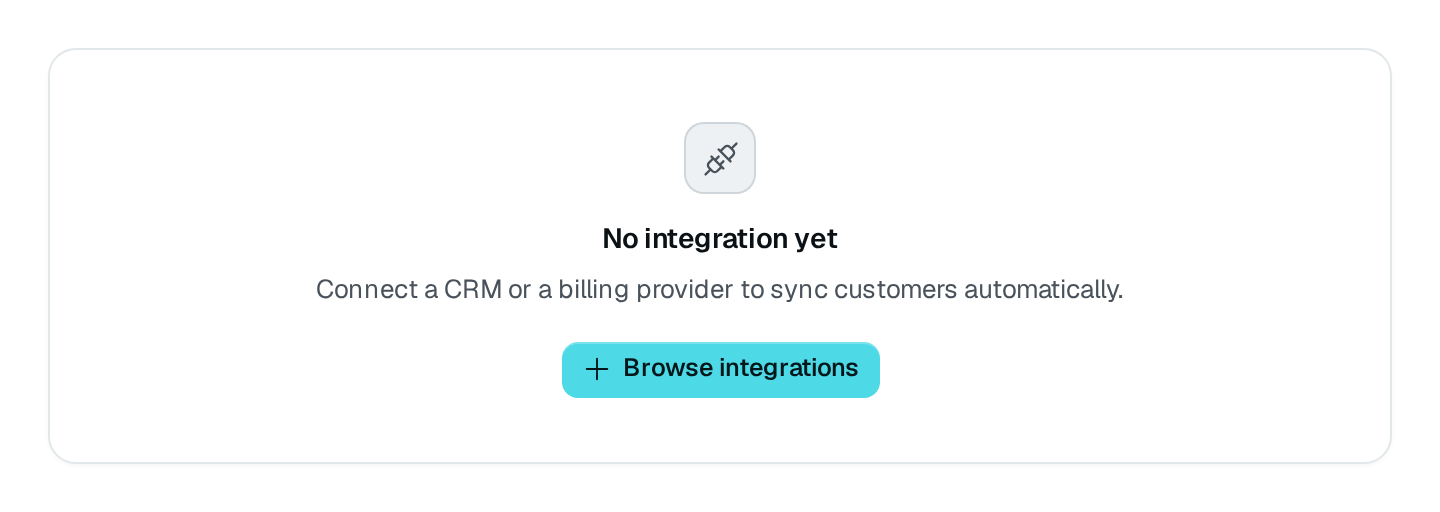
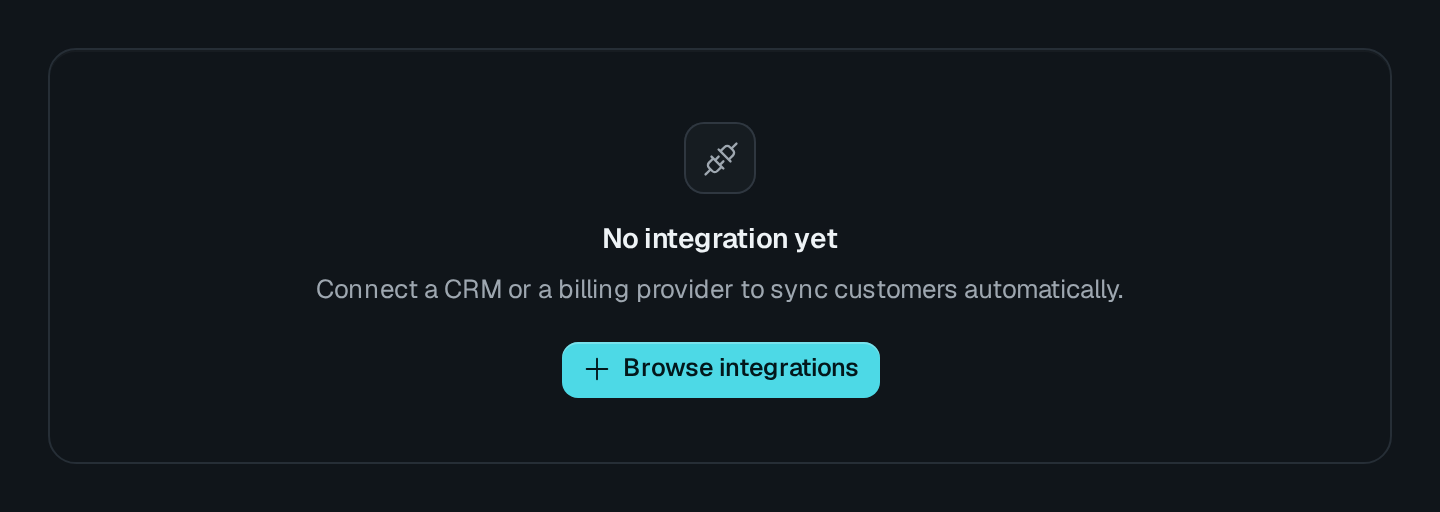
EmptyState centers an icon well, a title, a short explanation and the link buttons that fit the case. The variant says why the place is empty and sets the icon, the tone and how it is announced: error as an alert, the others as a status.
EmptyState Connecting to the DMS preview…
Usage
src/pages/invoices.ts
import { EmptyState } from "@antelopejs/interface-dms/base/empty-state";

static noInvoices = EmptyState({
  title: "$billing.invoices.empty_title",
  description: "$billing.invoices.empty_description",
  actions: [{ label: "$billing.invoices.create", to: "/invoices/new", icon: "i-ph-plus" }],
});
Options
| Option | Type | Default | Description |
|---|---|---|---|
title*Content | string | – | Title of the empty state. |
descriptionContent | string | – | |
code.content*Content | string | – | |
code.languageContent | "json" | "javascript" | "typescript" | "html" | "sql" | "shell" | … | – | |
code.copyContent | boolean | – | |
variantAppearance | "no-data" | "no-result" | "no-access" | "error" | "no-data" | Why it is empty; sets the icon and the tone. |
iconAppearance | string | – | Overrides the variant's icon. |
toneAppearance | "neutral" | "primary" | "secondary" | "success" | "warning" | "error" | … | – | |
sizeAppearance | "sm" | "md" | "lg" | "md" | |
hatchedAppearance | boolean | – | Hatched panel behind it. |
cardAppearance | boolean | true | Draws the block on a card; turn it off when it already sits in one. |
variant | Use it when |
|---|---|
no-data | Nothing exists yet. The default. |
no-result | A search or a filter matched nothing. |
no-access | The viewer may not see what is here. |
error | Something failed; announced as an alert. |
Recipes
Show it only when the data says so
To show an empty state in place of other blocks — a record with no traffic yet, instead of empty charts — wrap those blocks in a Guard and give it these options as fallback.
Start with a snippet
A first-run screen shows the call to make with code, drawn as a code block with its copy button (copy: false drops it).
Pitfalls
- Inside a
Cardor aSection, setcard: false. - The first action leads (solid); the others follow in a quieter style.