Public screens
dms-saas ships working public screens so a fresh project can sell from day one. They are a reference implementation: the module owns the money and the compliance of the flow, your product owns the conversion. You can replace them.
Pricing
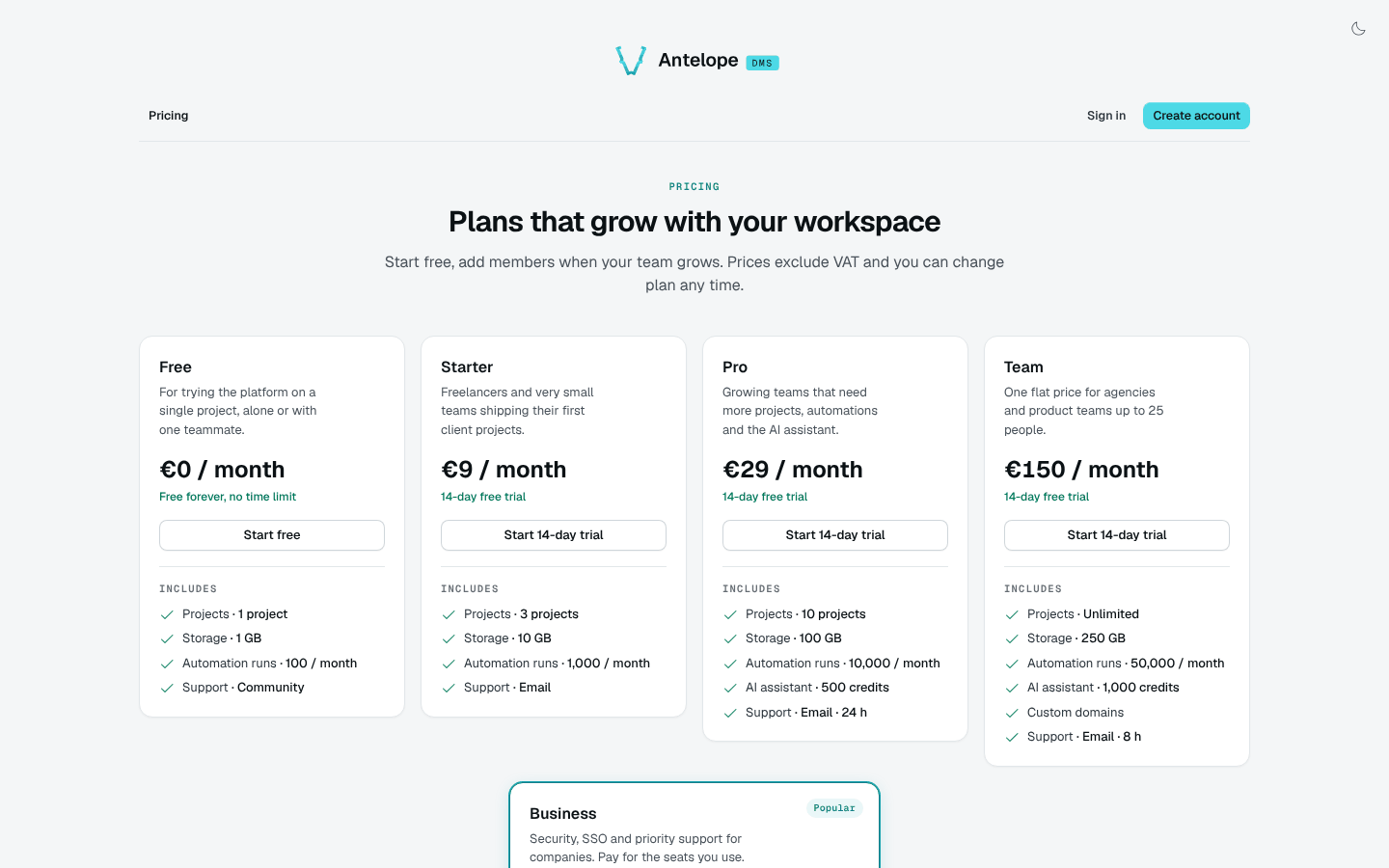
/pricing lists the public plans in catalogue order, with their price, trial and features, and a call to action per plan. The sign-in page links to it.
Registration
/register creates an account and its first workspace on the default free plan: name, e-mail, a password checked against the DMS policy, the acceptance of the terms and, depending on registration.paymentMethod, a card saved by Stripe. Plan choice, customer type, billing address and VAT number belong to the upgrade flow.
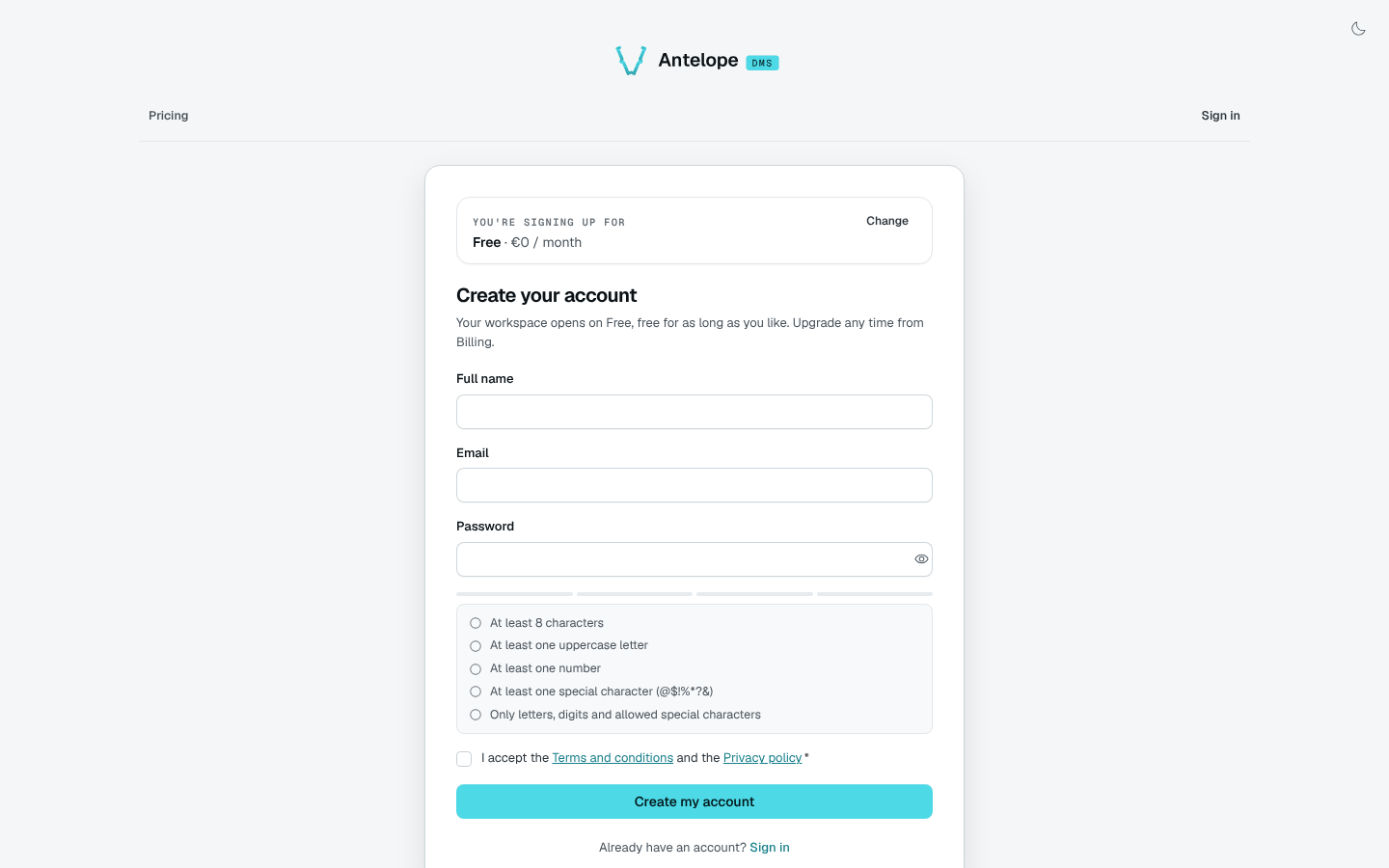
Under admissionMode: "invitation-only", the screen shows a "registration by invitation only" state, and the sign-in page drops its sign-up link.
Sign-in
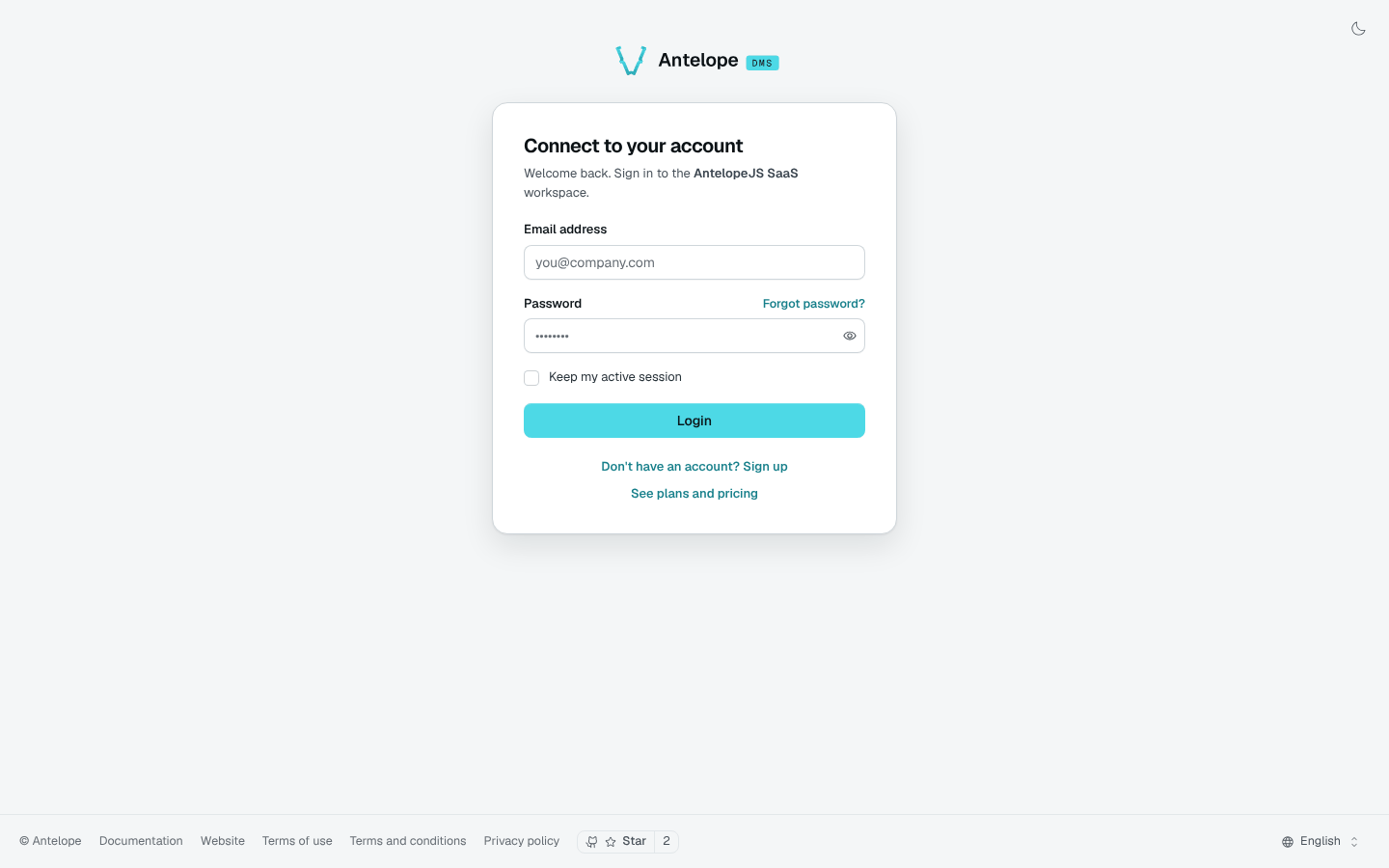
The DMS sign-in page (/auth) gains links to sign up and to the pricing page.
Completing a sign-up without a workspace
An account can reach the product before it owns a workspace: an OAuth sign-in for an unknown e-mail, or any entry point the DMS answers with requires_tenant_assignment. The auth/no-workspace page opens its first workspace on the free plan, with a card when registration.paymentMethod asks for one, and lands the visitor signed in.
The page never touches the tokens: it posts through the frontend loader's POST /auth/establish route, which calls /api/saas/register/finalize server-to-server and writes the session cookie. That route only calls the endpoints the deployment names, hence DMS_AUTH_ESTABLISH_ENDPOINTS=/api/saas/register/finalize in the frontend server's environment; without it, the loader answers 403 and the visitor stays signed out.
Legal pages
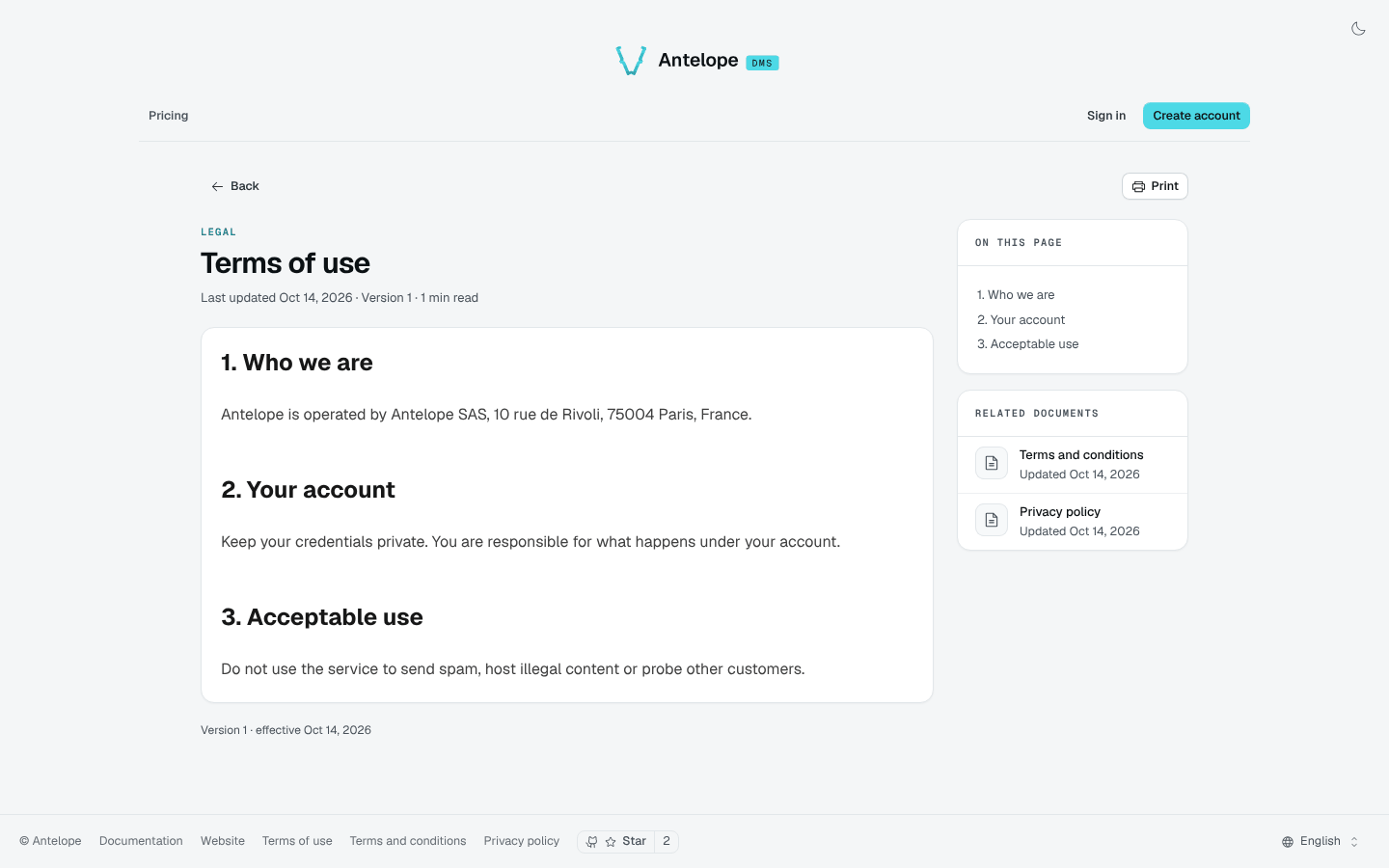
/terms-of-use, /terms-and-conditions and /privacy-policy render the legal documents edited in Billing rules & legal. Registration links to them.
Suspended workspace
Members of a suspended workspace land on a page explaining why access is restricted. Suspension is not always an unpaid invoice: an operator can also suspend a free workspace. Data and files are kept.
An owner can open Billing, check access again after recovery, or open another active workspace. See the illustrated suspension and recovery walkthrough for the actual restriction screen and the Billing page that remains reachable, at desktop and narrow widths. That example uses operator reactivation of a free workspace; it does not demonstrate Stripe payment recovery.