Workspaces
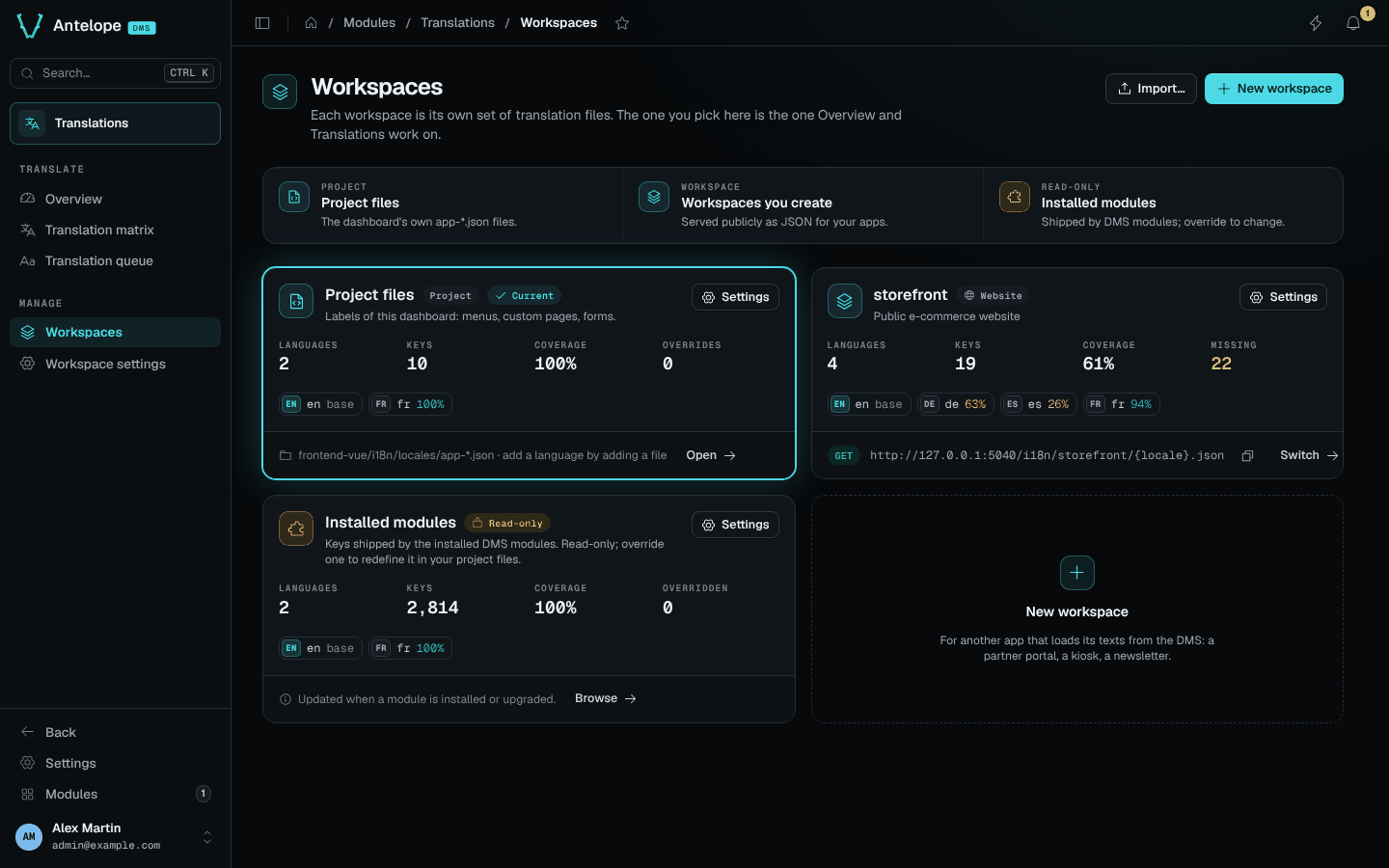
The Workspaces page lists every set of translation files with its size and coverage. Open it from Manage › Workspaces. The workspace you pick here is the one the Translate pages work on.
The cards
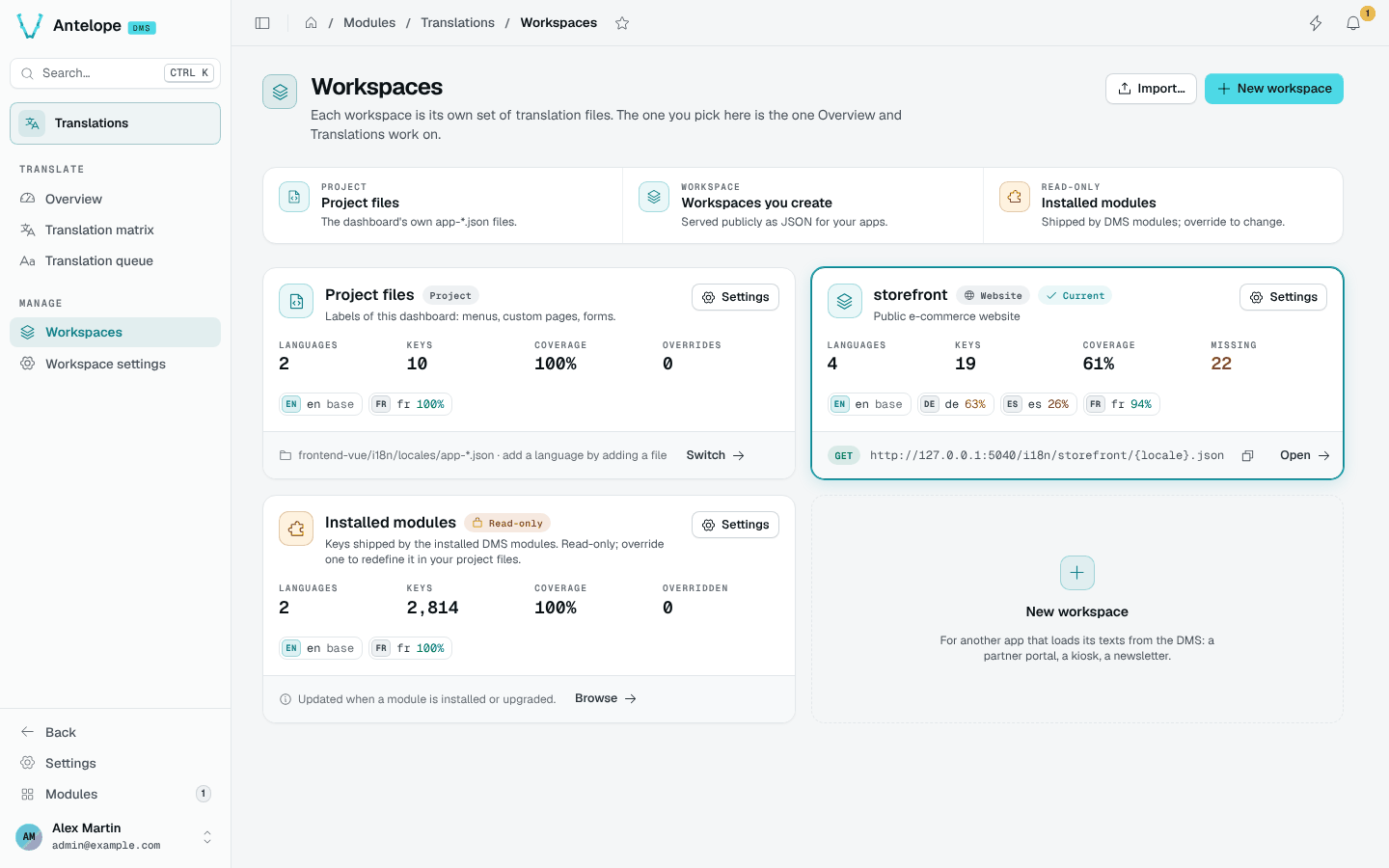
Each card shows the workspace's languages, keys, coverage and missing count (or overrides for the project files), with a chip per language.
- Project files: the locale files of the dashboard's own frontend module (any
<name>-<xx-XX>.json). Add a language by adding a file. - Workspaces you create: served publicly, with their
GETURL and a copy button. - Installed modules: read-only, updated when a module is installed or upgraded.
Switch makes a workspace current; Settings opens its workspace settings.
Create a workspace
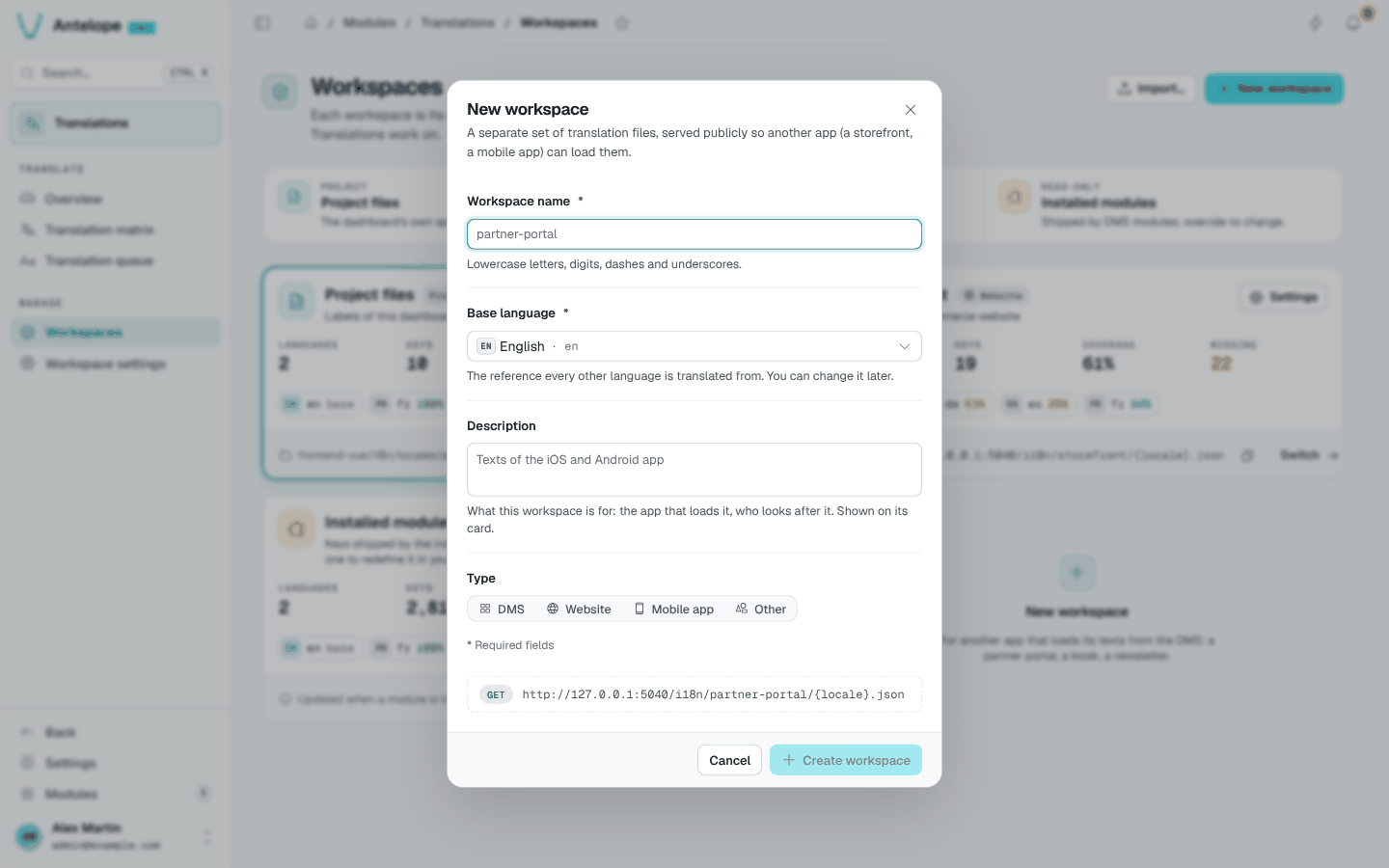
New workspace asks a name (lowercase letters, digits, dashes and underscores), a base language, an optional description and a type (DMS, Website, Mobile app, Other). The dialog previews the public URL the workspace will be served at.
Import a workspace
Import… creates a workspace from a backup file, such as the one Download backup produces in the danger zone of the workspace settings.