Builder
Pages and menu
Create pages from a layout, move them in the menu, and organise categories.
The Pages tab of the side rail shows the menu: categories and pages, in their order.
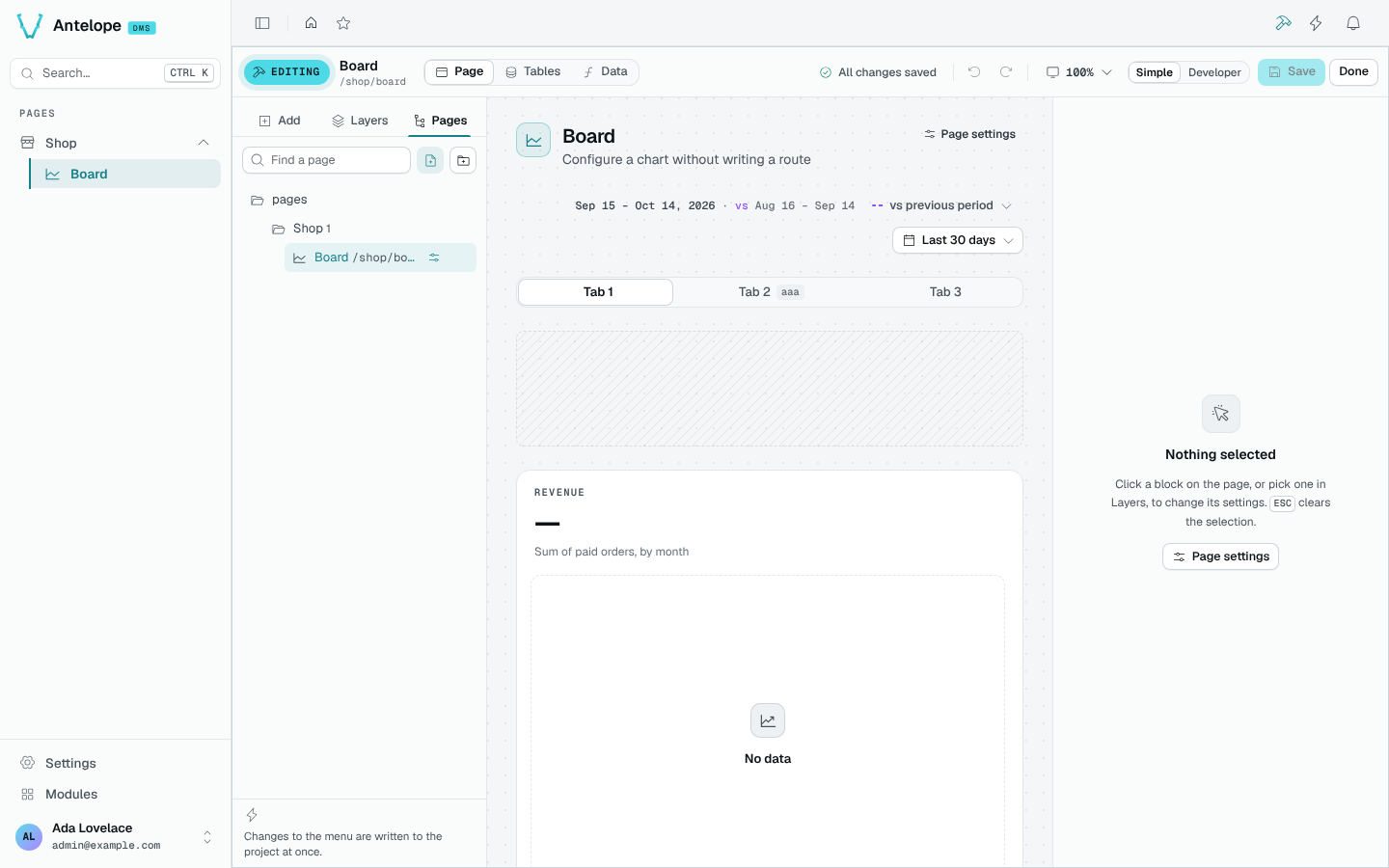
- New page starts a page from a layout. Its address is checked as you type.
- New category adds a folder to the menu.
- Drag pages and categories to reorder them; the settings icon of a page opens its settings (title, description, icon, address, access, visibility).
Changes to the menu are written to the project at once, for every page reading them, unlike block edits, which wait for Save. The change list keeps a note of each one.
Delete a page
Before deleting a page, the builder lists what goes with it: its blocks, its data sources, and the pages linking to it.
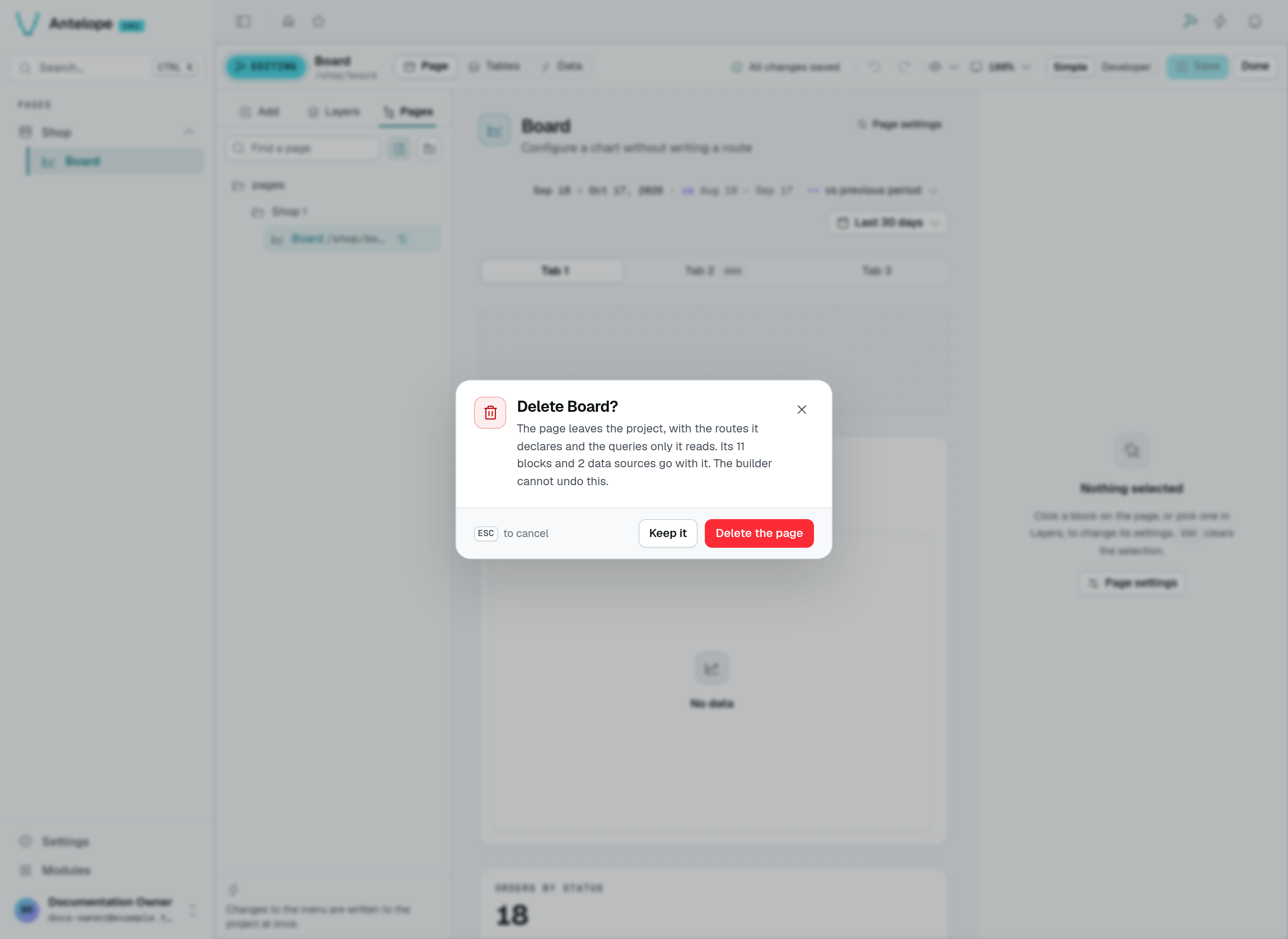
Click the page's trash icon in Pages to review this confirmation. The capture shows the playground's Board page before deletion; Keep it cancels without removing anything. Delete the page writes immediately and cannot be undone in the builder. The counts depend on your page.