Introduction
An AI development assistant inside the DMS dashboard that builds pages, tables and code in your project, with every change reviewable and undoable.
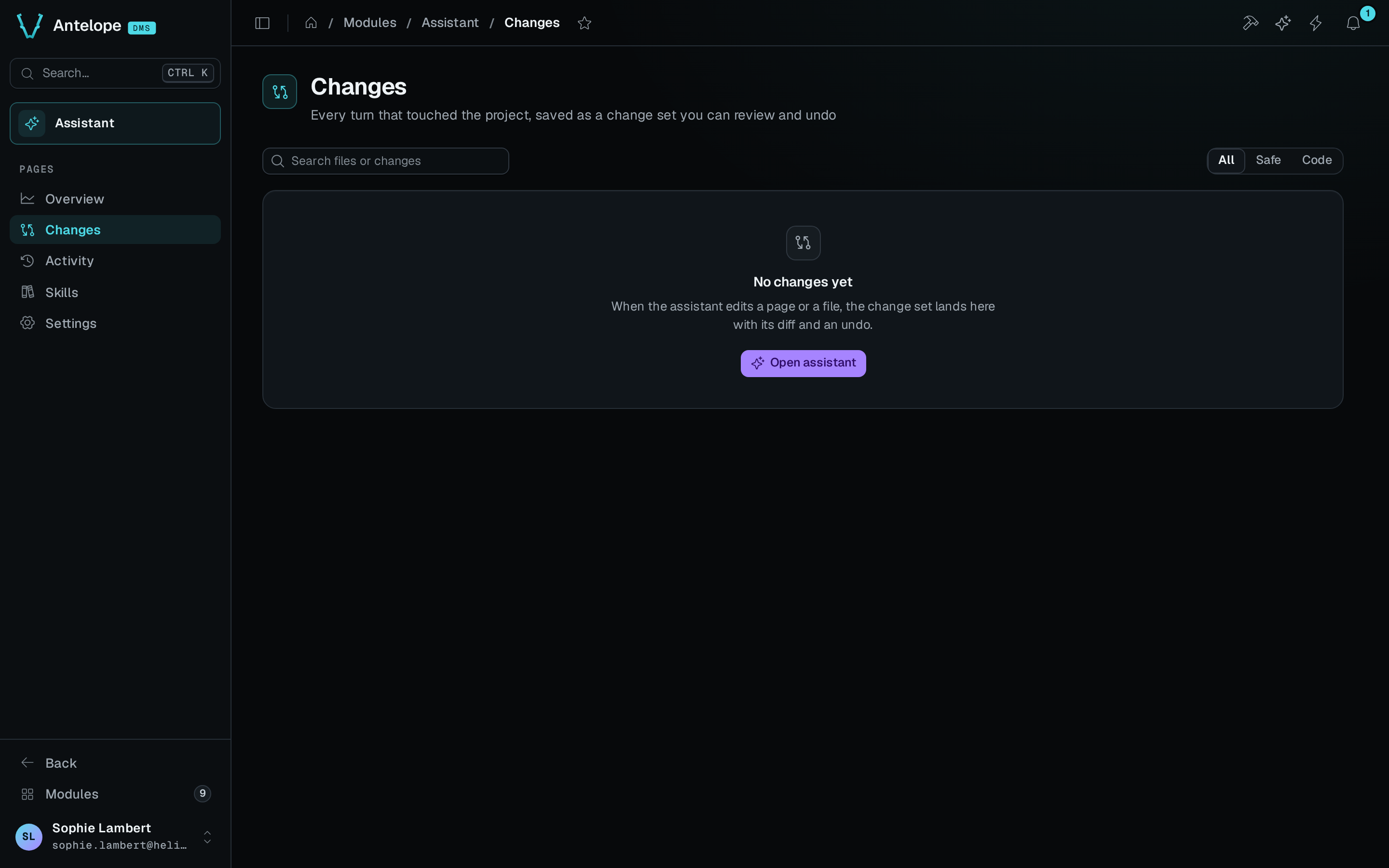
@antelopejs/dms-assistant adds an AI development assistant to the DMS dashboard. You open the chat next to any page and ask for a change. The assistant reads the project and its loaded modules, then edits pages through the builder tools of the DMS MCP server or writes code. It typechecks the result and shows it live on the page you are looking at. Every turn that touches the project becomes a change set that you can review and undo.
What it brings
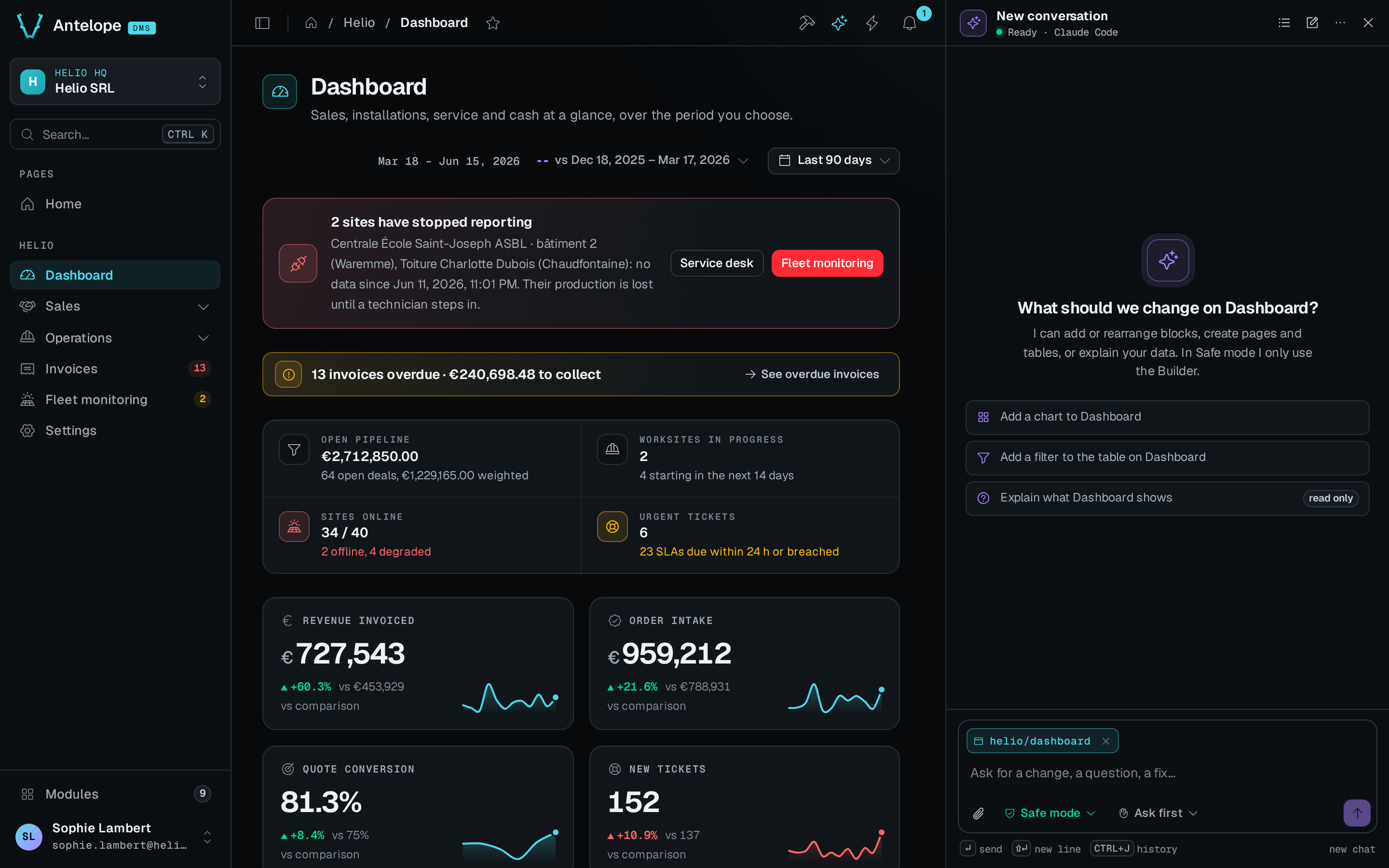
Chat panel
A panel docked next to the page, kept open across navigations, with the page as context, approvals and inline change sets.
How it works
The module starts a sidecar, a local agent server that runs as a child process of the backend. The sidecar runs Claude Code by default, or OpenAI's Codex, in the project folder. The browser never talks to the sidecar directly. The chat goes through the DMS frontend server, over the same relay as the rest of the dashboard, to the backend, and from there to the sidecar on 127.0.0.1.
The agent works with these tools and instructions:
- The DMS workflow skills of
@antelopejs/agent-skills, such asdms-pagesanddms-builder-mcp, and the skills of every loaded module, declared inantelopeJs.skills. - The chat's own tools
get_current_page,navigate_to_page,find_pages_using,ask_userandpreview_blocks. - The tools of the DMS MCP server of
@antelopejs/dms:list_pages,query_logs,typecheck, the mockup tools andpage_verify. navigate_to_pagealso waits for the page's data blocks to settle and lists the charts, KPIs, lists and tables that rendered empty or failed. A page that looks done but shows no data is therefore not reported as done. This needs an@antelopejs/dmswith block states, and an older DMS gives the plain navigation result.- The database catalog tools
database_connections,database_relations,database_describeanddatabase_profile, which read the catalog and aggregates of a connected database, never its rows. - The builder tools of the DMS MCP server, such as
builder_catalog,builder_add_block,builder_create_resourceandbuilder_add_query. Where the chat's tools come from says when the DMS serves them.
Safe mode and Code mode
The scope setting decides what the agent may change in the project.
- Safe mode changes pages, tables and queries through the builder tools only. Every change typechecks before it is written, and raw file edits and commands are blocked. Safe mode is the default.
- Code mode can also edit any project file and run commands, following the approval mode. It is for custom logic that the builder tools cannot express.
Safe mode is the better default. A builder tool typechecks its change before it reaches a file, so a wrong edit fails in the chat and not in your build.
A development tool
The assistant is for development only. With NODE_ENV=production, the backend starts no sidecar and the dashboard shows no assistant. The sidecar exits if you start it yourself in production. The dashboard also shows the assistant only in the development frontend, and only to a signed-in owner. The assistant's routes are reserved to owners. Only the owner supplies the URL of a database the module connects, as Only the owner supplies a database URL explains. Remote development over a LAN, Tailscale, an SSH tunnel or a reverse proxy works wherever the dashboard does.