Uploads
Uploads go straight from the browser to the storage: the API checks the type and the quota (presign), the browser PUTs the bytes, and the API checks the file again (confirm), decoding declared images with sharp. The bytes never transit through Node.
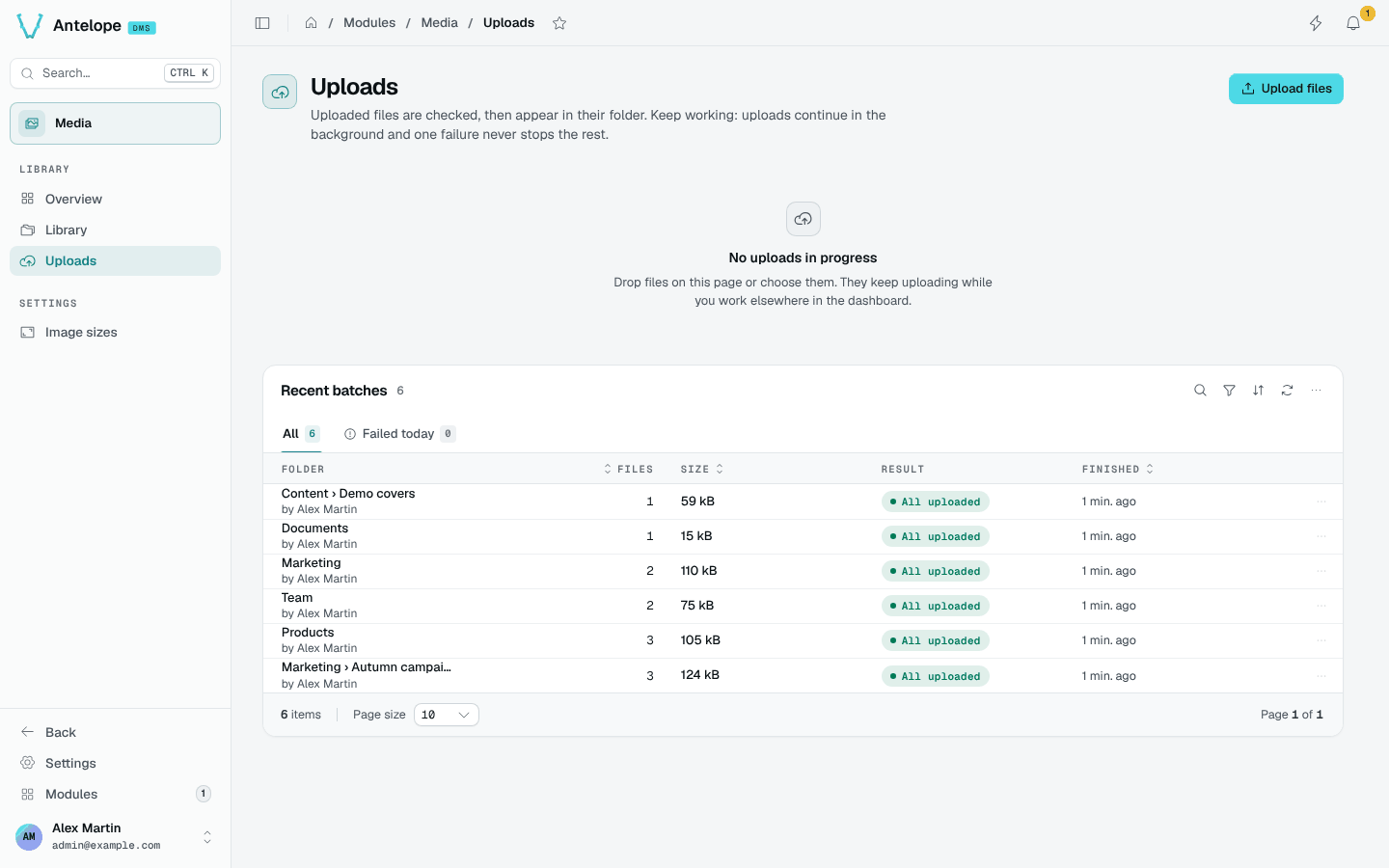
The page (/modules/media/uploads) shows the uploads in progress, which continue in the background while you work elsewhere in the dashboard, and the Recent batches: the folder, the number of files, their size, the result and when they finished. The Failed today tab keeps the batches with a refused file.
A refused file never stops the rest of its batch. The queue explains each refusal in plain words: a type the library or the field does not accept, a full storage plan, an image that does not decode, or a storage that refuses the dashboard's origin. See Upload refusals.