Introduction
The AntelopeJS DMS (dashboard management system) turns your AntelopeJS backend into an admin dashboard. You describe pages, forms, and tables in TypeScript; the shared frontend renders them with Vue. Start with the built-in components and add custom Vue only when a screen needs something they cannot express.
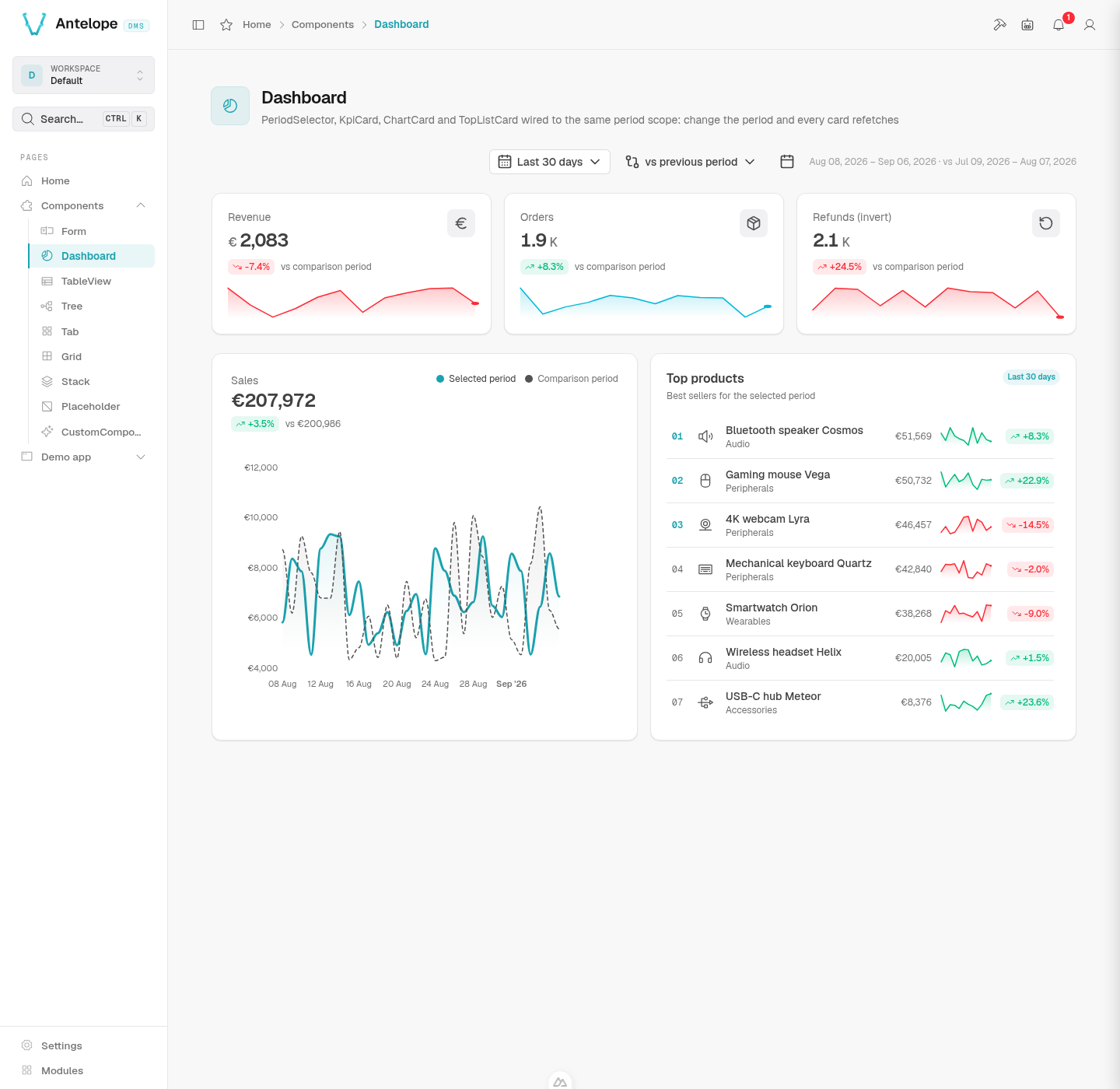
This is the demo you run in the Quickstart. Its pages show how to combine the building blocks before you write your own.
What ships out of the box
The DMS module and its frontend loader give you a working product before you write your first page:
- A complete dashboard — login and invite flows, two-factor authentication, sidebar navigation, global search, notifications, and a user menu (Built-in dashboard).
- A component vocabulary — forms, tables, charts, tabs, cards and layout containers, all declared from the backend, each with a live preview in these docs (Components).
- Data plumbing — typed fields with validation, list/create/edit/delete routes generated from your models, and file uploads (Data types, Data controller).
- Backend services — background jobs, exports, HTML and email rendering, and realtime updates (Backend services).
- Auth and multi-tenancy — sessions, roles and permissions, and tenant scoping (Built-in authentication).
Everything is extensible: modules add pages and navigation, custom data types add field behavior, and frontend modules extend the frontend when you do need custom UI (Extending the dashboard).
Who this is for
These docs are written for developers building admin dashboards, back-offices, and internal tools on AntelopeJS. You should be comfortable with TypeScript and know AntelopeJS basics — modules, interfaces, and the ajs CLI. The docs do not re-explain AntelopeJS; when a question is about module wiring or the CLI in general, the AntelopeJS documentation is the reference.
How the pieces fit
Two processes run side by side. Your AntelopeJS project loads the DMS module next to your own modules and serves page descriptions. The ajs dms frontend loader — a generic Inertia/Vue app shared by every DMS project — fetches those descriptions and renders them. Architecture explains this inversion in depth.
Where to start
- Installation — check Node, the
ajsCLI, MongoDB, and the optional services your project needs. - Quickstart — run the demo, create your administrator account, and find a page to change. Allow time for the first dependency downloads.
- Tutorial — add companies, contacts, and a dashboard to the running project.