Components
Meter
An x-of-y bar for seats, quotas and coverage — one fill or stacked segments, with warning and error thresholds.
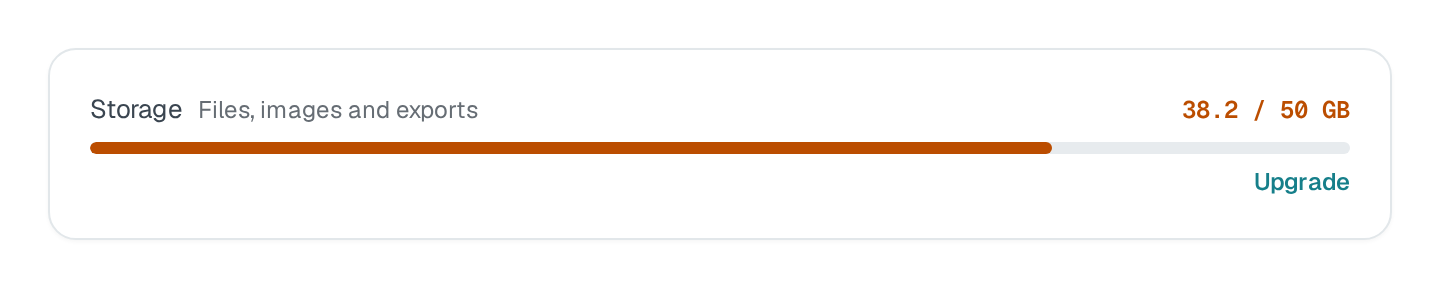
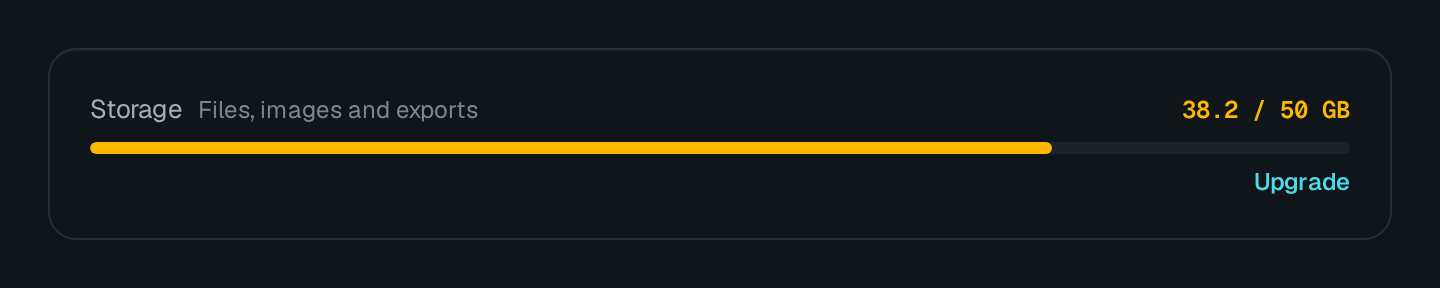
Meter draws an "x of y" bar: the label, a dimmed hint and the value on one line, the bar under it, then an optional legend. One value fills the bar in its tone; segments stack several fills, each with its legend label. warnAt and errorAt turn a single fill warning or error past a percentage of max.
Meter Connecting to the DMS preview…
Usage
src/pages/workspace.ts
import { Meter } from "@antelopejs/interface-dms/base/meter";

static storage = Meter({
  label: "$media.storage.label",
  fetchUrl: "/api/media/storage", // answers { value, max, valueLabel }
  warnAt: 80,
  errorAt: 95,
});
A meter is one measure, not a list: its route answers an object — any of value, max, segments, hint, valueLabel — rather than { items }.
Options
| Option | Type | Default | Description |
|---|---|---|---|
labelContent | string | – | Name of the measure. |
hintContent | string | object | – | |
valueLabelContent | string | object | – | |
legendAppearance | boolean | – | |
formatAppearance | "fraction" | "percent" | "value" | "none" | – | |
toneAppearance | "neutral" | "primary" | "secondary" | "success" | "warning" | "error" | … | – | |
sizeAppearance | "xs" | "sm" | "md" | – | |
cardAppearance | boolean | false | Draws the block on a card; turn it off when it already sits in one. |
warnAtBehavior | number | – | The bar turns to a warning colour from this percent of the maximum. |
errorAtBehavior | number | – | The bar turns to an error colour from this percent of the maximum. |
format | Value text |
|---|---|
fraction | 8 / 10. The default. |
percent | 80% |
value | 8 |
none | Nothing. |
Pitfalls
valueis ignored whensegmentsis set.- Figures that change per request (seats used, quota left) come from
fetchUrl: a page layout is built once, when the page registers. The route answers an object (any subset of the meter's fields), not{ items }. - The meter's source declares the
valuearrangement, so a no-code editor can generate one (a count or a sum over a table, answering{ value }) and offer it to whoever builds the page; the maximum then stays the meter's ownmax.