Introduction
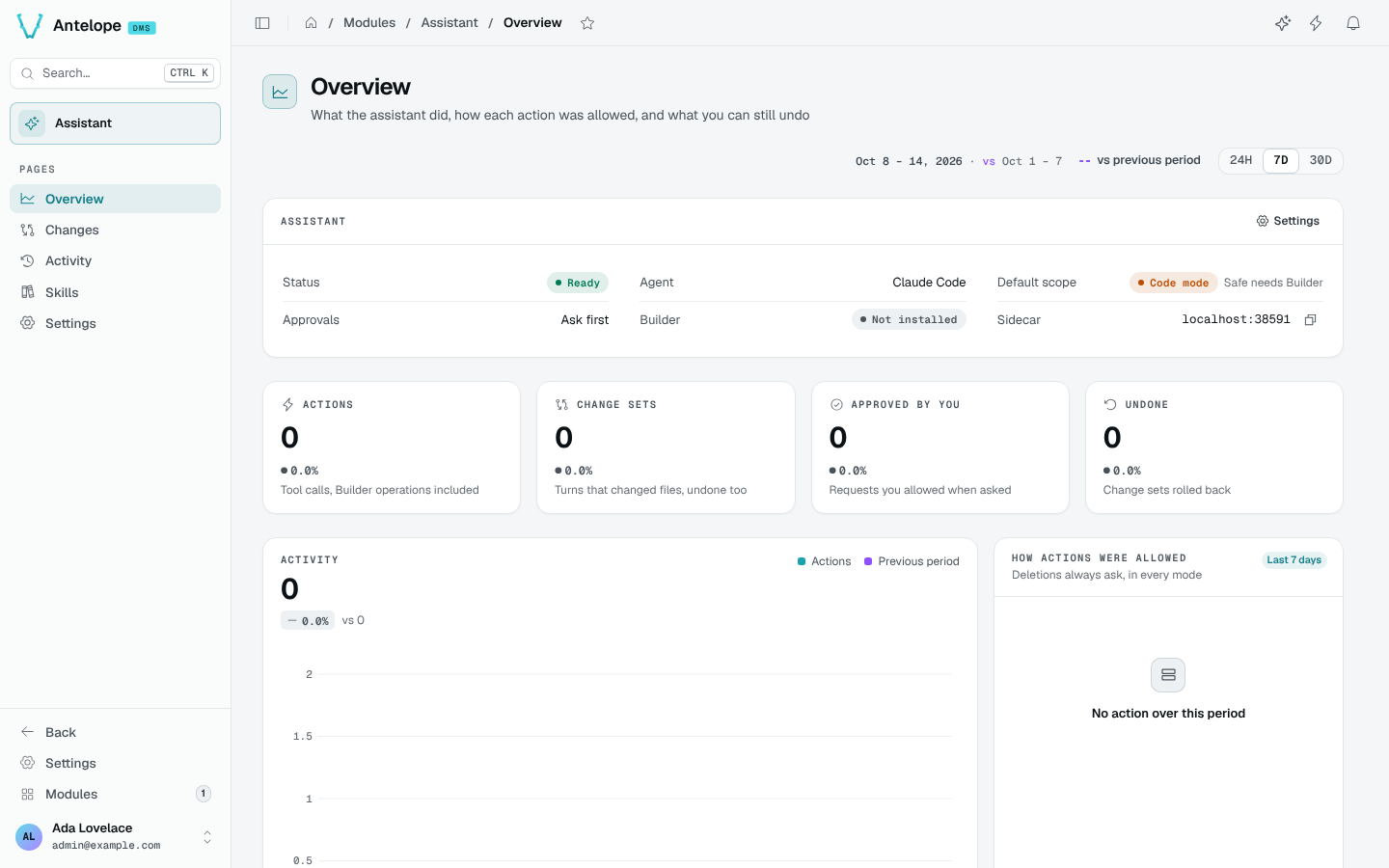
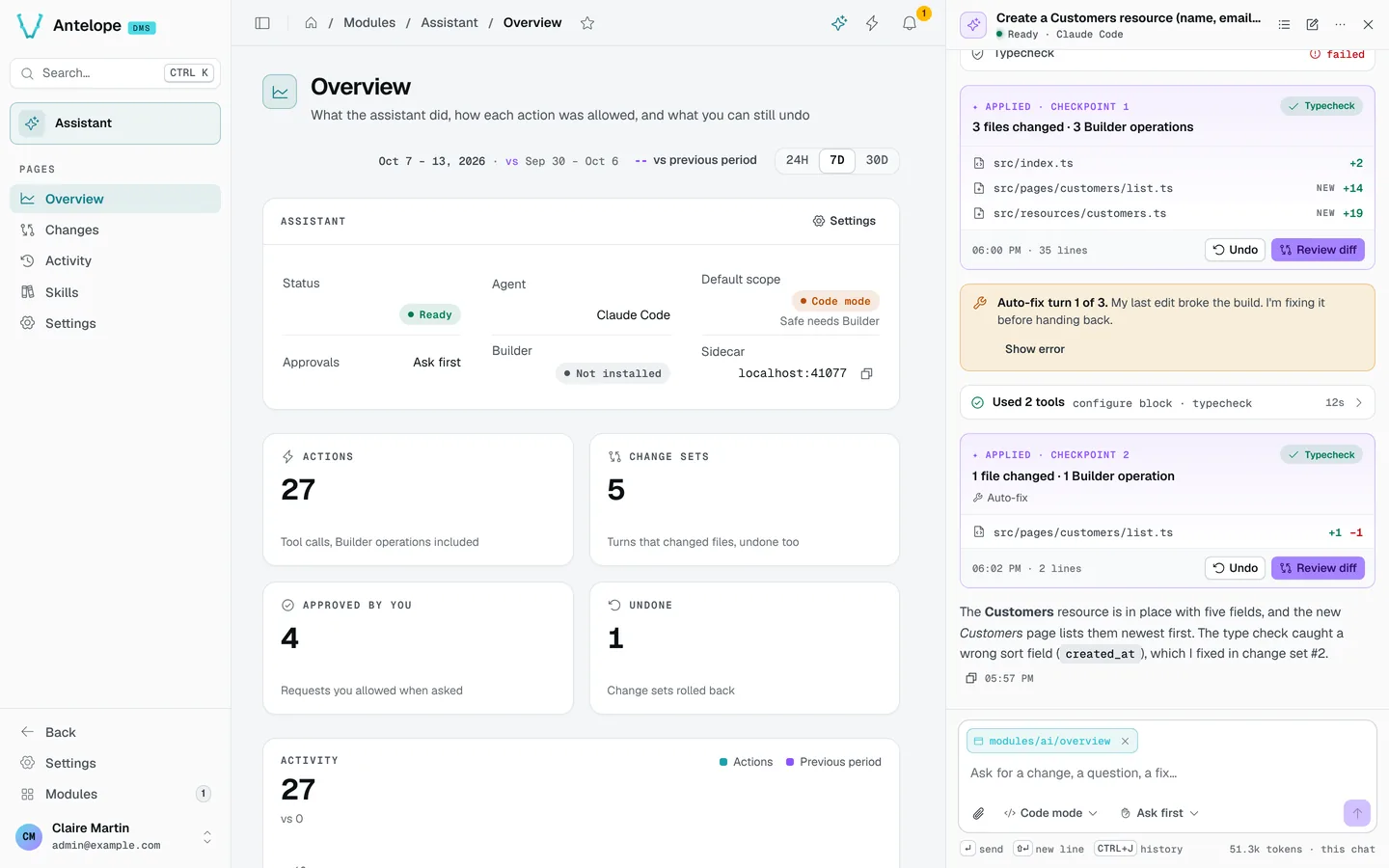
@antelopejs/dms-ai adds an AI development assistant to the DMS dashboard. Open the chat next to any page and ask for a change: the assistant reads the project and its loaded modules, edits pages through the Builder or writes code, typechecks, and shows the result live on the page you are looking at. Every turn that touches the project becomes a change set you can review and undo.
What it brings
Chat panel
A panel docked next to the page, kept open across navigations, with the page as context, approvals and inline change sets.
How it works
The module starts a sidecar: a local agent server, child process of the backend, running Claude Code (default) or OpenAI's Codex in the project folder. The browser never talks to it: the chat goes through the DMS frontend server, over the same relay as the rest of the dashboard, to the backend, then to the sidecar on 127.0.0.1.
The agent works with:
- the skills of every loaded module (declared in
antelopeJs.skills), including the core DMS skills anddms-best-practices; - DMS tools:
GetCurrentPage,ListPages,NavigateToPage,FindPagesUsing,QueryLogs,Typecheck,AskUser; - the Builder tools (
BuilderCatalog,BuilderAddBlock,BuilderCreateResource,BuilderAddQuery…) when@antelopejs/dms-builderis loaded.
Safe mode and Code mode
- Safe mode (recommended, the default when the Builder is loaded) changes pages, tables and queries through the Builder only. Every change typechecks before it is written; raw file edits and commands are blocked.
- Code mode can also edit any project file and run commands, following the approval mode, for custom logic the Builder cannot express.
A development tool
The assistant is for development, on purpose: the backend and the sidecar refuse to run with NODE_ENV=production, and the chat and pages are reserved to owners. Remote development (LAN, Tailscale, SSH tunnel, reverse proxy) works wherever the dashboard does.