AI assistant
Skills
See the skills loaded into the agent, where each comes from, and spot name conflicts.
Skills are instructions the agent loads for specific jobs. The Skills page (/modules/ai/skills) shows them as cards.
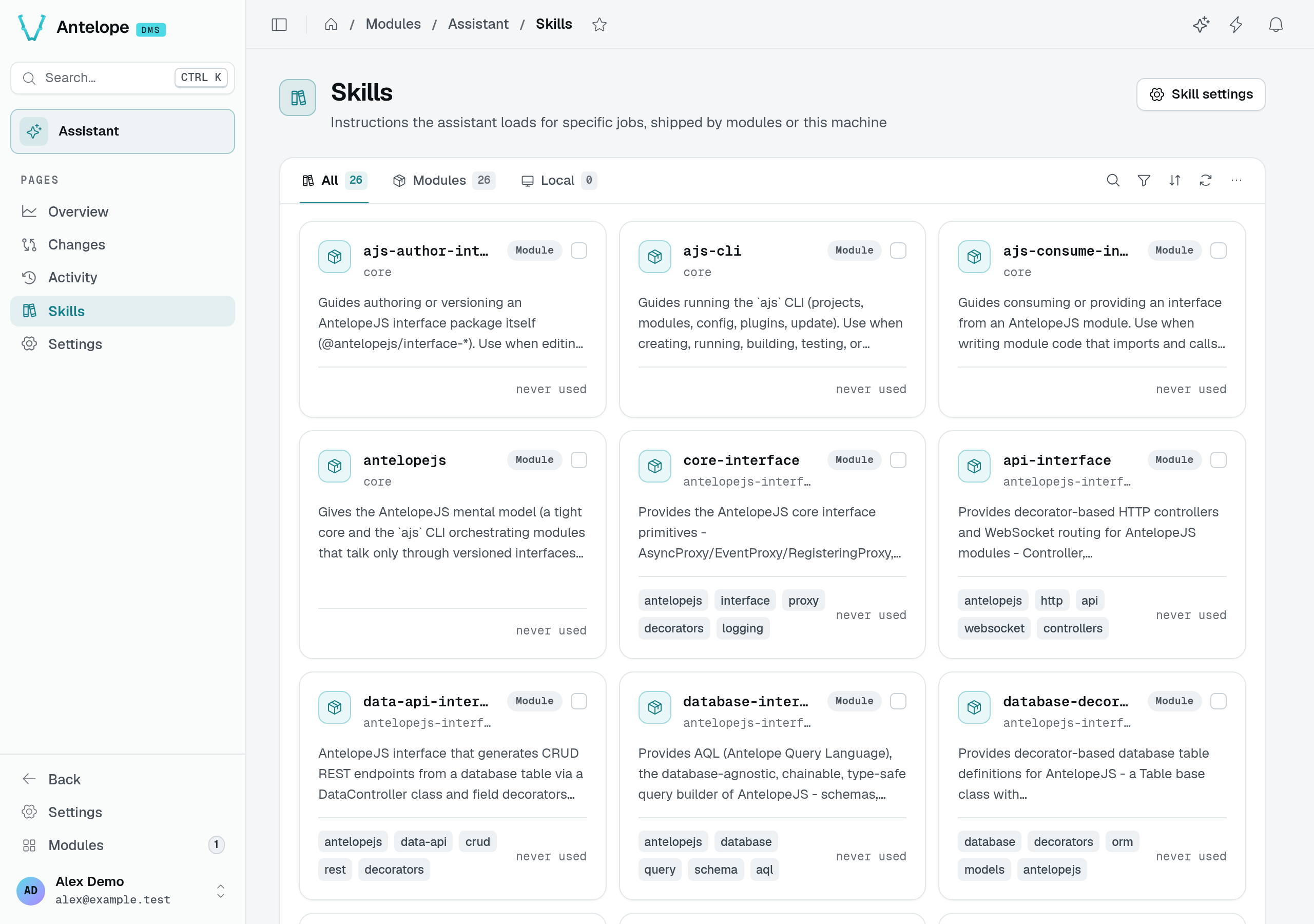
These cards come from installed modules and dependencies. No model request is needed to inspect them; the count depends on your project's installed packages.
Where skills come from
- Modules: every loaded module that declares
antelopeJs.skillsin itspackage.jsoncontributes its skills: the core DMS skills (dms,dms-pages,dms-auth,dms-best-practices…), the AntelopeJS interfaces, and each dms-* module. Their dependencies count too, and so do the project's owndependenciesanddevDependencies(for example the framework skills@antelopejs/coreships). - Local: skills from
~/.claude/skillson this machine, when Use machine-local skills is on in Settings. They are not shared with teammates or other environments.
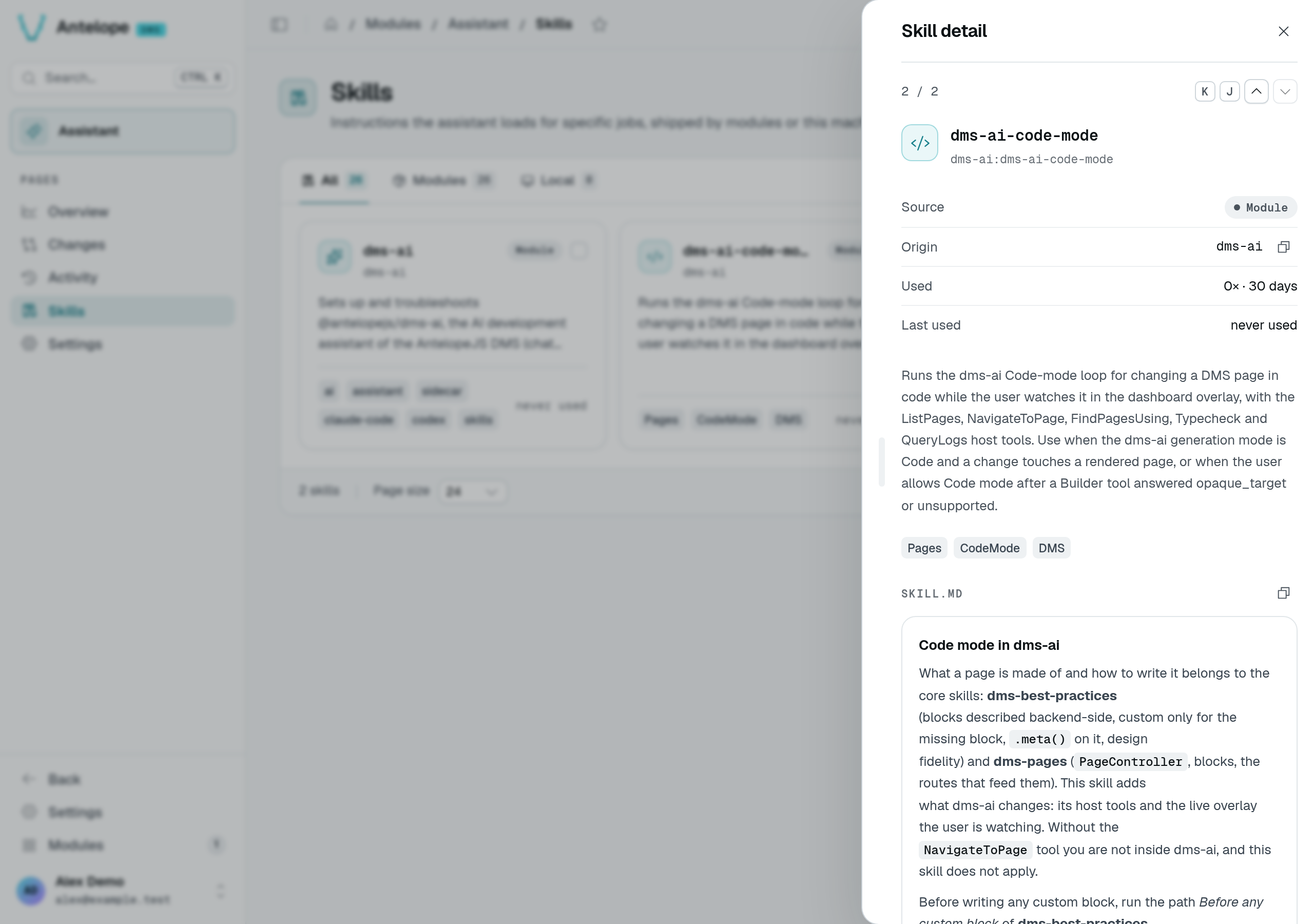
The tabs filter All, Modules and Local. A card shows the skill's name, its module, its description, tags and when it was last used; click it for the full skill.
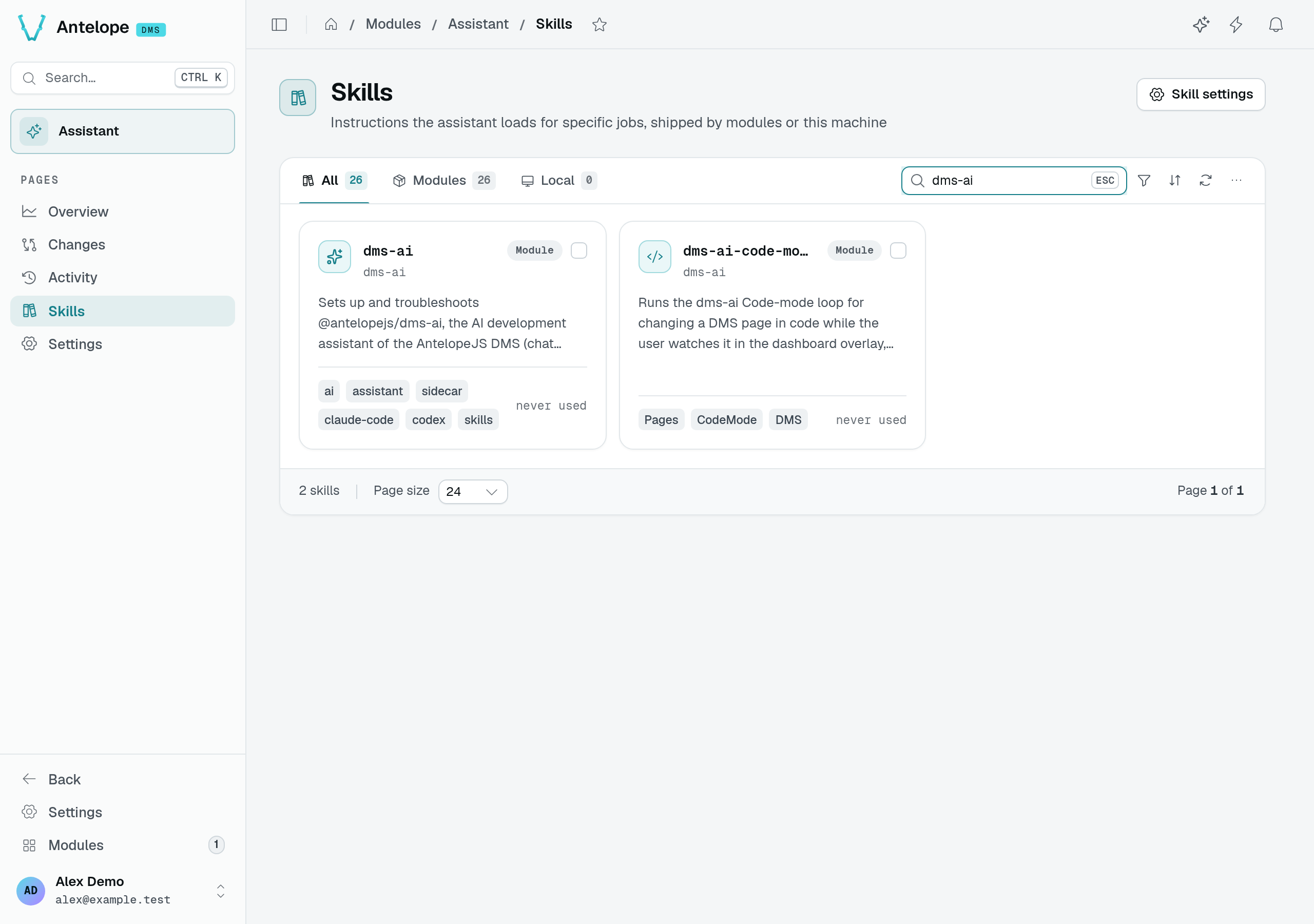
To find an instruction before using it, open search, enter part of its name, then click its card. For example, searching for dms-ai finds the setup and Code-mode skills in this playground.
When two skills share a name, a banner names them: only one reaches the agent. Rename one of them.
To ship your own, see Ship skills with your module.