Built-in Emails
Overview
The DMS sends seven emails of its own. Each one is a template registered through RegisterHtmlTemplate, rendered by the frontend server from a Vue component in frontend-vue/layers/dms-layout/app/emails/, and delivered through @antelopejs/interface-email. They share one frame, EmailLayout: the branding logo, a white card, a heading, the body, a separator and a footer.
| Template | Sent when | Sent to | English subject |
|---|---|---|---|
EmailUserValidation | A user signs up while auth.mustValidateEmail is on, or asks for a new code | The new account's address | Verify Your Email |
EmailResetPassword | A user asks for a password reset | The account's address | Reset Your Password |
EmailTwoFactor | A user signs in with email as their second factor | The account's address | Your verification code |
EmailAdminInvite | A member is invited to the platform or to a workspace | The invited address | You're invited to join <workspace> on <platform>, shorter when a name is unknown |
EmailChangeVerification | A user asks to change their sign-in email | The new address | Confirm your new sign-in email |
EmailChangeNotice | The same request | The current address | Your sign-in email is being changed |
EmailExportReady | A data export delivered by email has finished | The user who asked for it | Your data export is ready |
Each email, subject included, is written in the recipient's language, English or French (see Language).
These names are taken: pick other names for your own emails. To change what a built-in email looks like, see Replacing a built-in email.
Props
What the backend passes to each template. A template that replaces a built-in one receives the same props.
| Template | Props |
|---|---|
EmailUserValidation | userName, validationCode, expiresInHours (from auth.emailValidationTokenLifetime), expiresIn |
EmailResetPassword | userName, resetCode, expiresInHours (from auth.passwordRecoverTokenLifetime), expiresIn |
EmailTwoFactor | userName, verificationCode |
EmailAdminInvite | email, signupLink, expiresInDays, and when known workspaceName, inviterName, platformName (meta.title) |
EmailChangeVerification | userName, newEmail, code, expiresInHours (from auth.emailValidationTokenLifetime), expiresIn |
EmailChangeNotice | userName, newEmail |
EmailExportReady | userName, downloadLink, expiresInHours, expiresIn, partial, failedSources (the export sources that could not be included) |
userName is the user's name, or their email address when they have none. expiresInHours is the lifetime as a number, for the template to word in the recipient's language; expiresIn is the same lifetime already worded in English (24 hours), kept for templates written before expiresInHours.
Rendered examples
These captures show HTML returned by the DMS frontend's real render endpoint, opened directly in Chromium, rather than the playground's HTML code viewer. All names, codes, addresses and links are fictitious; no email is sent. The default SVG logo is intentionally omitted by publicLogoOnly.
EmailUserValidation
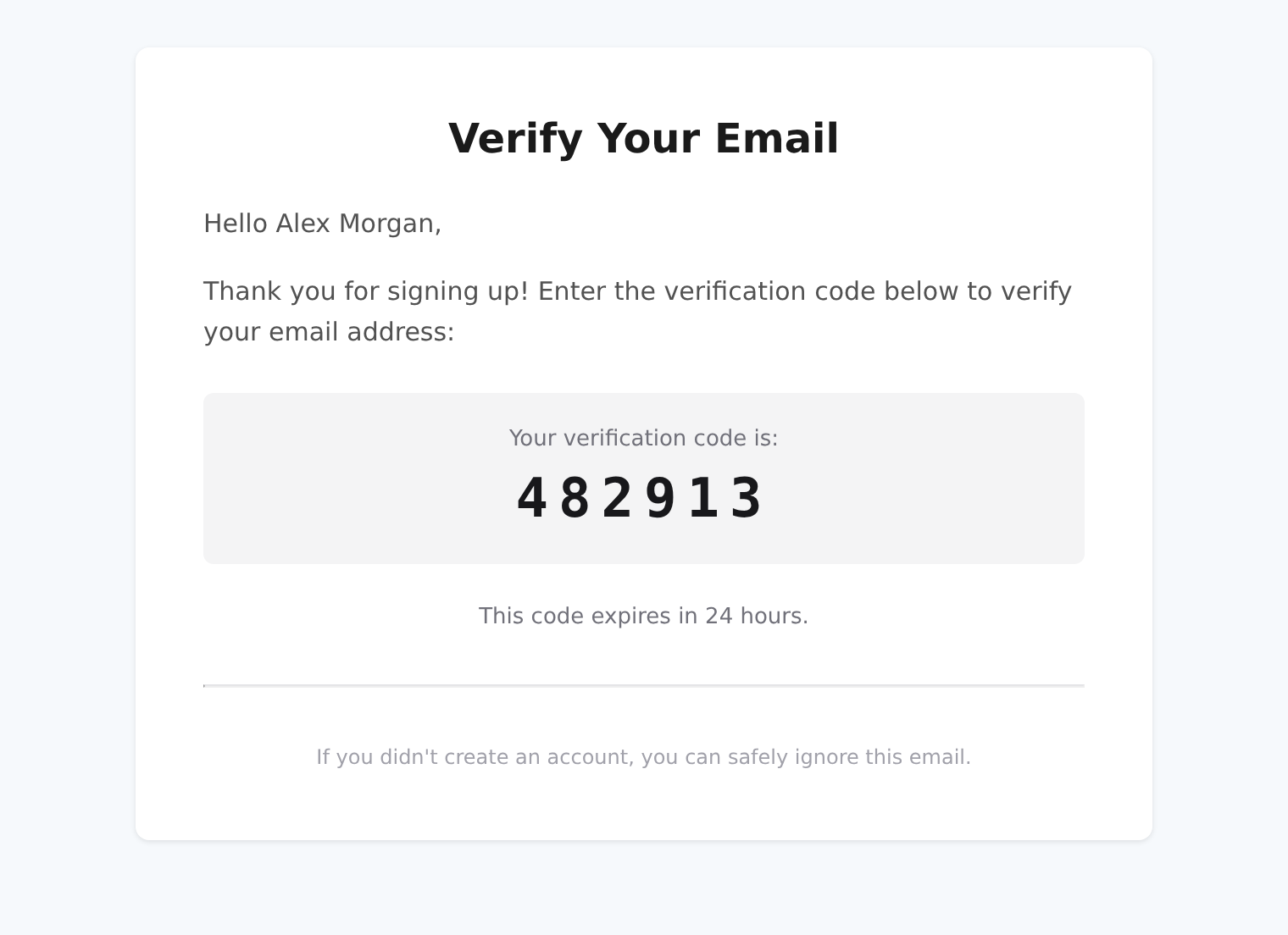
The signup email asks Alex to verify their address with a six-digit code, valid for 24 hours.
EmailResetPassword
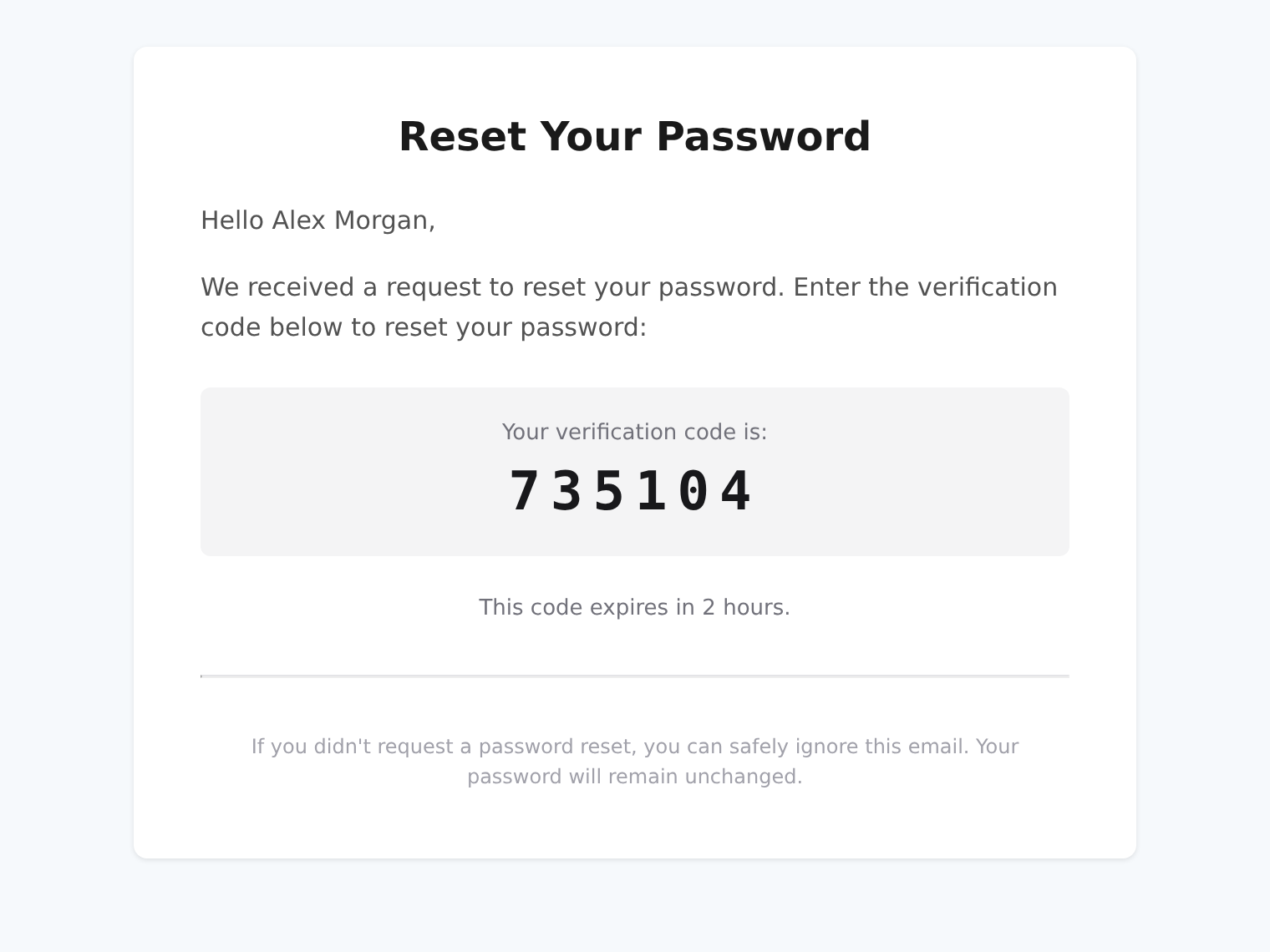
The password-reset email uses a separate code and the configured recovery lifetime: two hours in this example.
EmailTwoFactor
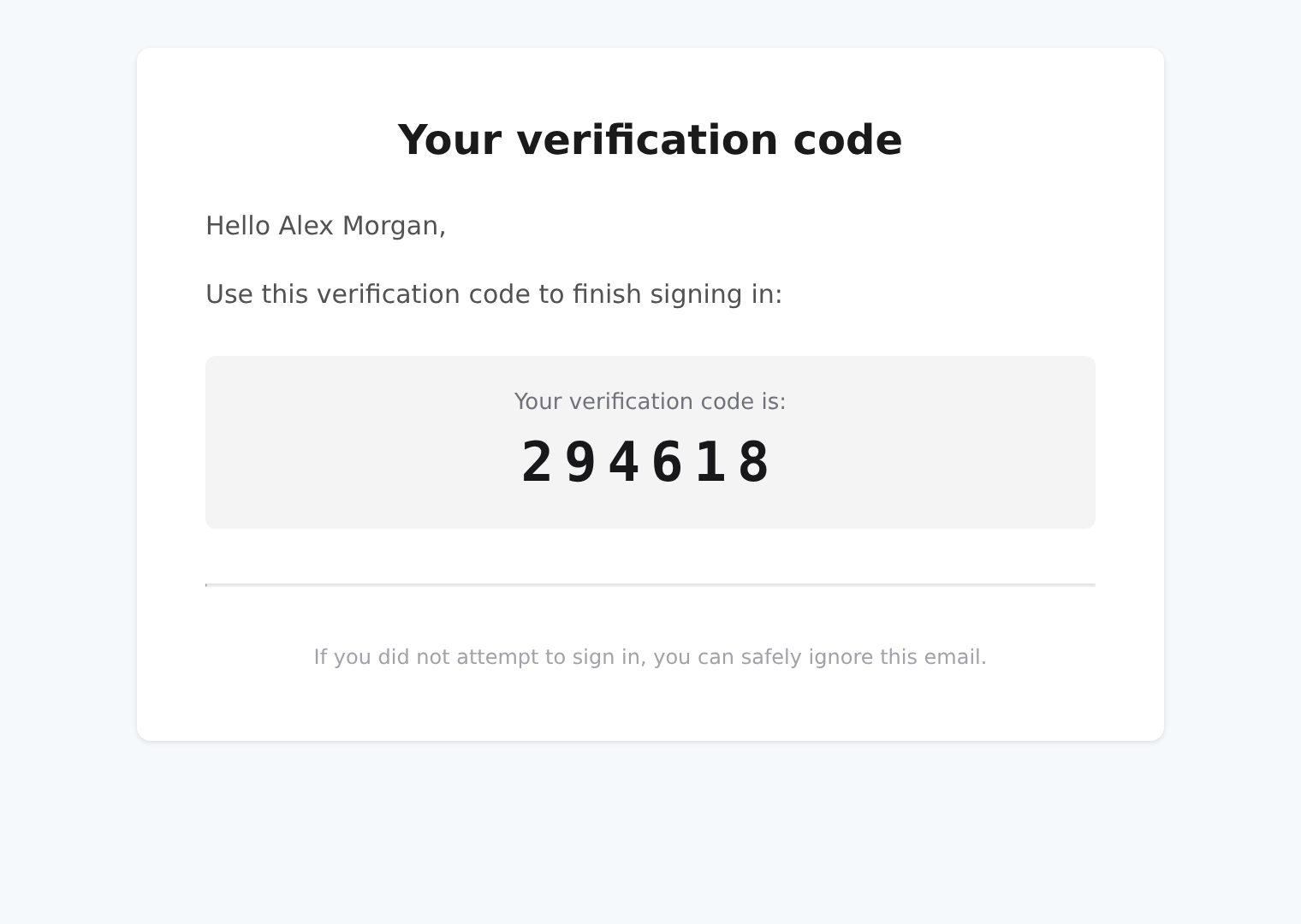
The second-factor email provides a sign-in code. Its footer tells the recipient to ignore the message if they did not attempt to sign in.
EmailAdminInvite
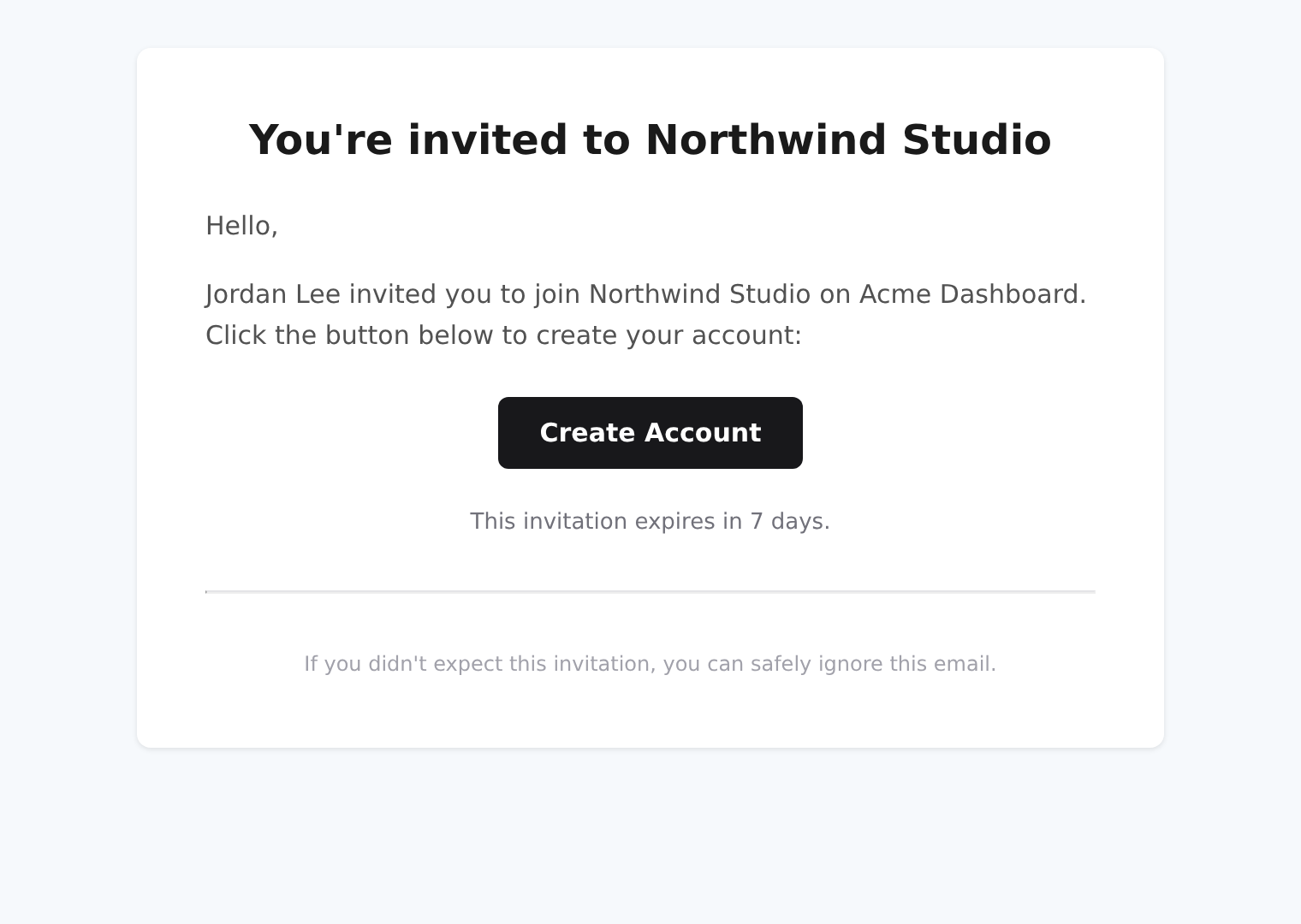
The invitation names the inviter, workspace and platform when they are known. Its button uses a fictitious destination here.
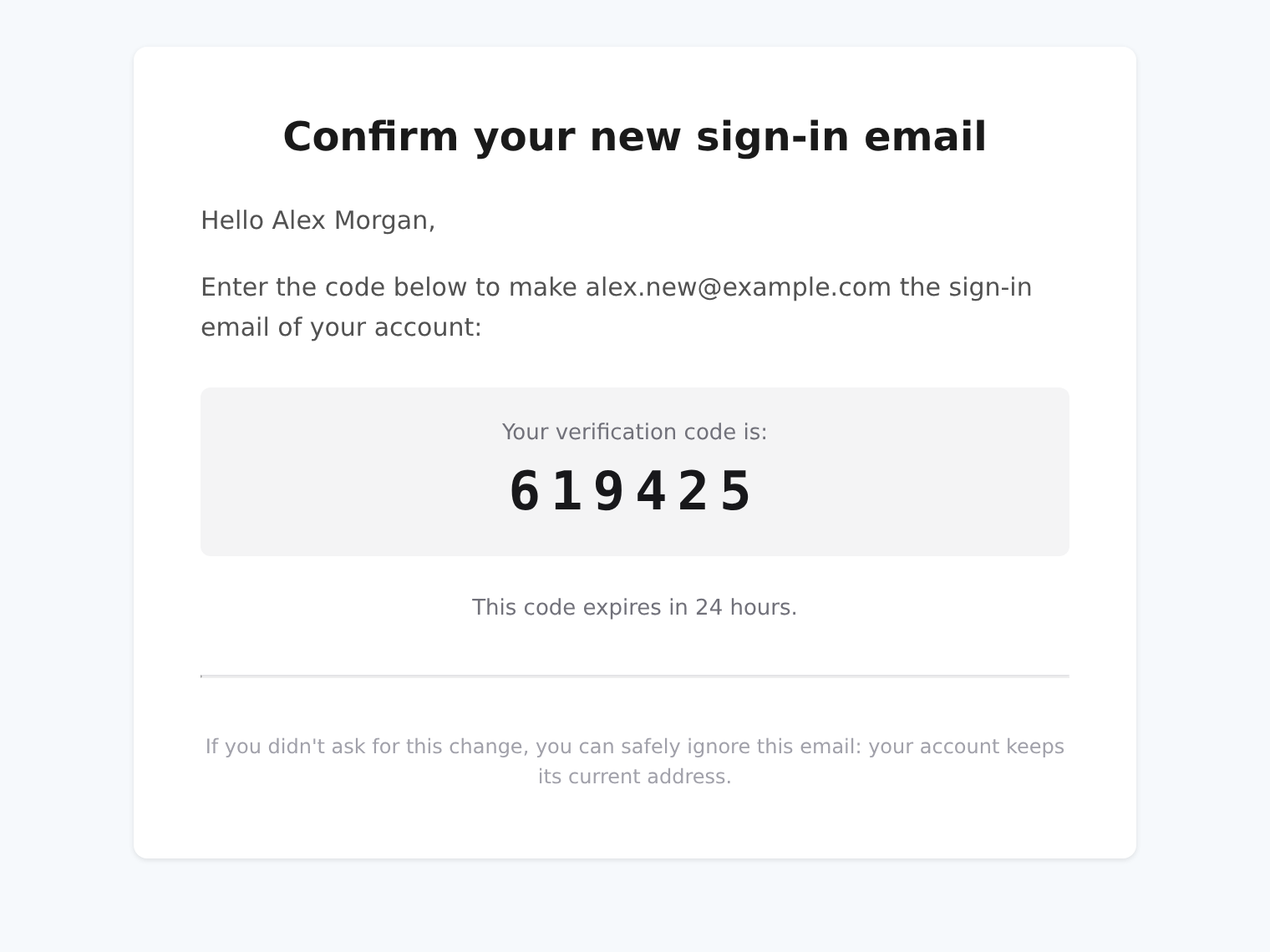
EmailChangeVerification
The new address receives the code that confirms the sign-in email change.
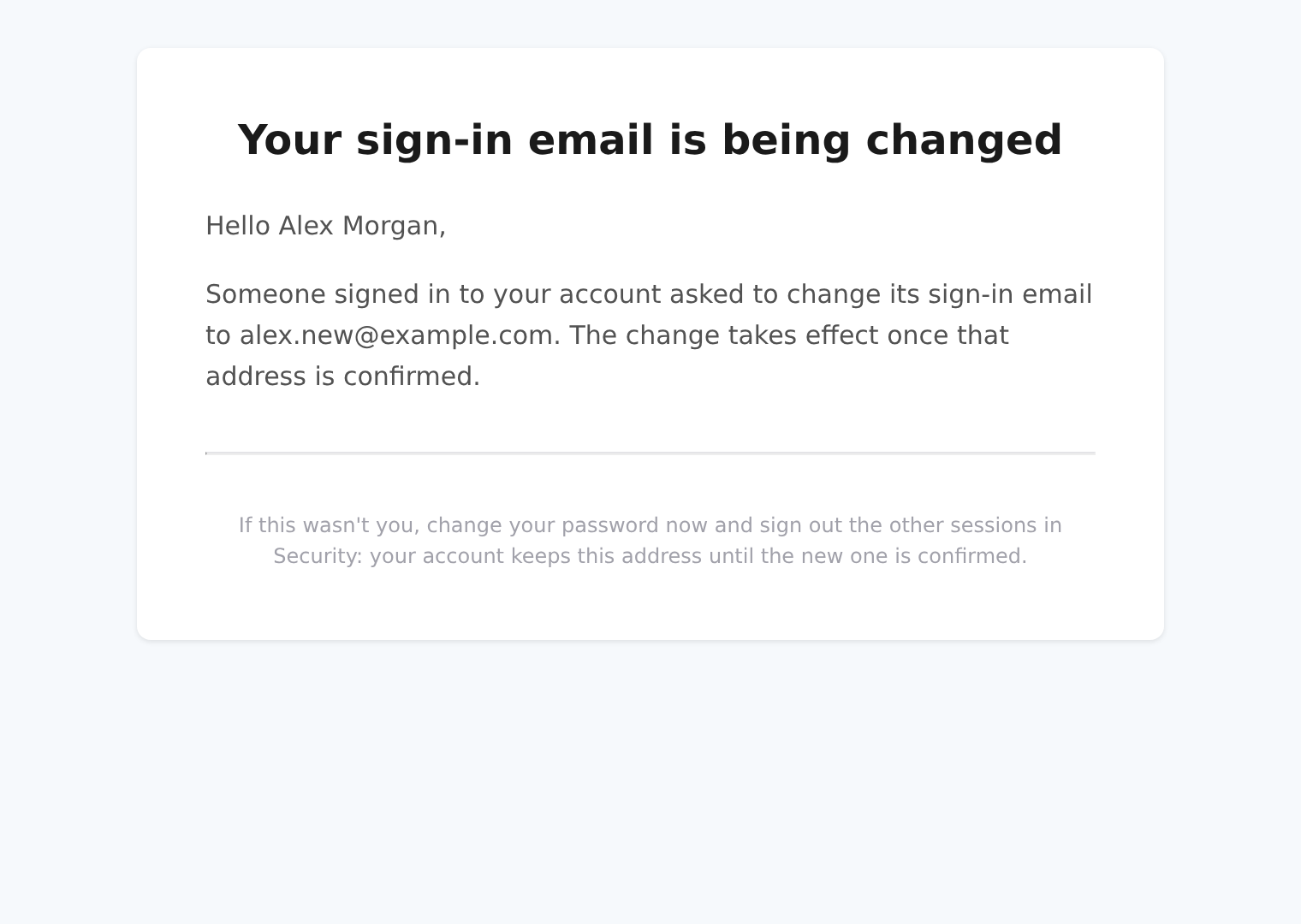
EmailChangeNotice
The current address receives a notice, not the confirmation code. It tells the recipient what to do if they did not request the change.
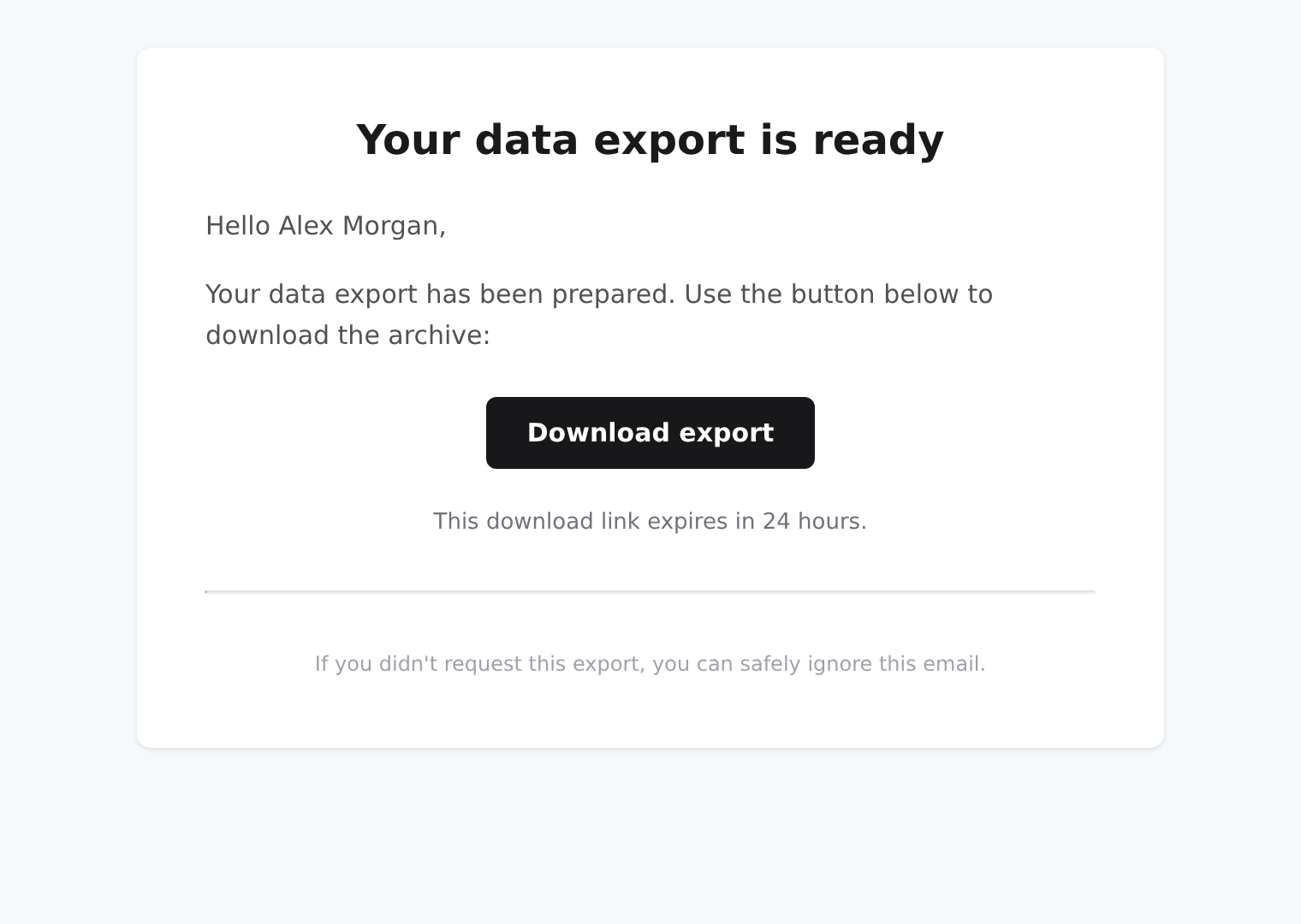
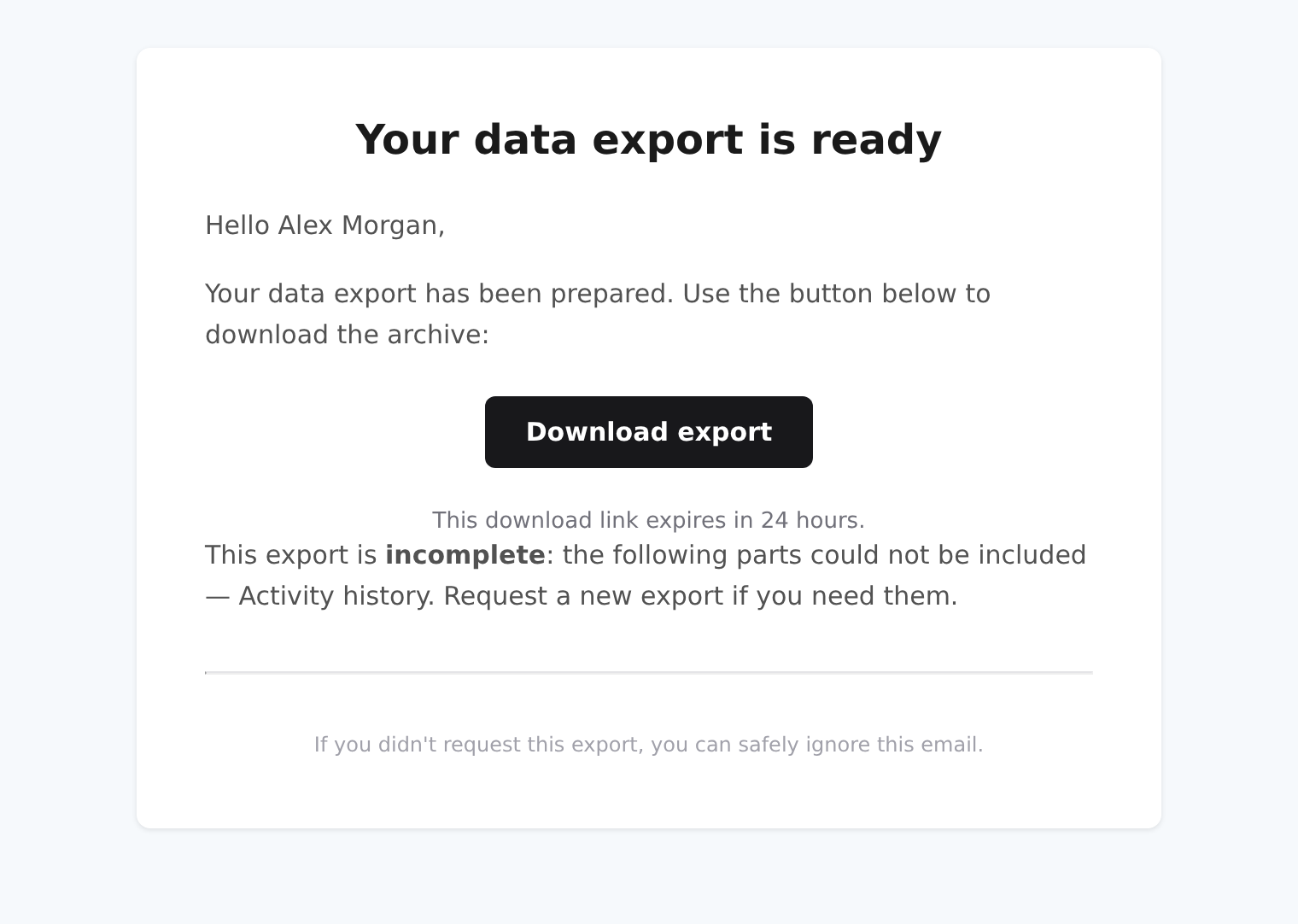
EmailExportReady
A complete export provides a download button and an expiry. A partial export also names the sources that could not be included.
These are browser previews, not Gmail, Outlook or Apple Mail compatibility tests. See Email Layout for the custom digest, logo variants and the limits of dark-mode support.
Language
Each email is written in the recipient's language: the account's language, or for an invitation the language it was sent in. English and French are supported; any other language falls back to English.
The body text lives in the dms-layout locale files (i18n/locales/layout-*.json), under one key per email (emails.user_validation, emails.reset_password, emails.two_factor, emails.admin_invite, emails.email_change_verification, emails.email_change_notice, emails.export_ready) plus the shared emails.common. Locale files merge in module priority order, so a module registered with a priority above the DMS's (0) can reword any of these keys in its own i18n/locales/*.json:
{
  "emails": {
    "reset_password": {
      "footer": "Didn't ask for this? Contact [email protected]."
    }
  }
}
The subject is set by the backend, which sends it in the same language. It cannot be reworded from a module.
Logo
Every built-in email draws branding.logo.email.light from the app config, or branding.logo.default.light when no email logo is set (see Email Layout), with publicLogoOnly on. The logo shows only when a mail client can load it: a PNG or JPEG served from a public http(s) address. The default DMS logo is an SVG, which Gmail and Outlook refuse, so out of the box the emails carry no logo. To show yours, set an email logo in your layer's app/app.config.ts, and serve the dashboard from a public clientBaseUrl:
export default defineDmsAppConfig({
  branding: {
    logo: {
      email: {
        light: "/branding/logo-email.png",
        dark: "/branding/logo-email-dark.png",
      },
    },
  },
});
The loader hands every layer's app/app.config.ts to the email renderer too (@antelopejs/dms-frontend 0.6.0 or later), merged in module priority order, so a module registered with a priority above the DMS's (0) wins. dark is optional: when it passes the same check and differs from light, the header becomes a <picture> whose dark source the mail clients that follow the reader's dark mode pick, and the others draw light.
Replacing a built-in email
The render server looks a template up by its file name, in module priority order, and renders the first match. A module registered with a priority above the DMS's (0, see AddFrontendModule) therefore replaces a built-in email by shipping a component of the same name in its dms.email.ts:
export const serverEmailTemplates = import.meta.glob("./app/emails/**/*.vue");
<script setup lang="ts">
import { useI18n } from "vue-i18n";
import EmailLayout from "#dms-layout/app/emails/components/EmailLayout.vue";
import EmailOTP from "#dms-layout/app/emails/components/EmailOTP.vue";

defineProps<{ userName: string; resetCode: string; expiresInHours: number }>();

const { t, locale } = useI18n();
</script>

<template>
  <EmailLayout :title="t('emails.reset_password.title')" :lang="locale" public-logo-only>
    <EText>{{ t("emails.common.greeting", { name: userName }) }}</EText>
    <EText>Use this code to choose a new Acme password:</EText>
    <EmailOTP :code="resetCode" :expires-in="t('emails.common.hours', expiresInHours)" />
  </EmailLayout>
</template>
The replacement receives the props listed in Props and keeps the backend's subject. Do not register the name again with RegisterHtmlTemplate: the DMS already sends it. At equal priority the first module by id wins, so set the priority explicitly rather than relying on it.
Introduction
Turn a named template and a props object into an HTML string, rendered by the frontend and delivered by your code — as an email, a file or a response.
Introduction
What @antelopejs/dms-frontend is, how the frontend server sits between the browser and the DMS backend, and which release goes with which DMS.