Introduction
Overview
The html-render domain of @antelopejs/interface-dms turns a named template plus a props object into an HTML string. You declare a template once with RegisterHtmlTemplate, which records the name in a process-wide registry and hands back a typed reference; passing that reference to GenerateHtml produces the rendered HTML.
Rendering itself does not happen in the backend process. GenerateHtml performs an HTTP POST to the render endpoint configured on the DMS (htmlRender.renderEndpoint), authenticated with a signed service token, and returns the HTML the endpoint sends back. The backend therefore owns the template names and the props types; the markup lives with the renderer behind that endpoint.
The interface produces HTML and nothing else. Delivering that HTML — as a transactional email, as a file, as a response body — is your code's job.
Everything below is exported from a single subpath:
import {
  GenerateHtml,
  GetAllHtmlTemplates,
  GetHtmlTemplate,
  RegisterHtmlTemplate,
} from "@antelopejs/interface-dms/html-render";
import type {
  HtmlRenderConfig,
  HtmlTemplateInfo,
  HtmlTemplateRef,
} from "@antelopejs/interface-dms/html-render";
Key Features
- Named template registry —
RegisterHtmlTemplaterecords a template name at import time, so the whole process shares one catalogue of renderable templates. - Documented props — the type parameter on
RegisterHtmlTemplatetravels with the returnedHtmlTemplateRef, recording on the reference itself which props the template expects. - Remote rendering over HTTP —
GenerateHtmlcalls the configured render endpoint with a signed service token and resolves to the returned HTML string. - Registry inspection —
GetHtmlTemplateandGetAllHtmlTemplatesread back what has been registered, one name at a time or in bulk. - Configurable endpoint and token —
HtmlRenderConfigtypes thehtmlRenderblock of the DMS module configuration: endpoint URL, signing secret, token lifetime.
Dependencies
This interface relies on the following AntelopeJS packages:
- @antelopejs/interface-core -
InterfaceFunctionandRegisteringProxy, the primitives the interface is built from.
Quick Start
Register a template next to the code that uses it, then render it with props.
import {
  GenerateHtml,
  RegisterHtmlTemplate,
} from "@antelopejs/interface-dms/html-render";

interface WelcomeProps {
  userName: string;
  activationLink: string;
}

// Registration happens at import time; keep the ref in module scope.
const WelcomeTemplate = RegisterHtmlTemplate<WelcomeProps>("EmailWelcome");

export async function buildWelcomeHtml(
  userName: string,
  activationLink: string,
): Promise<string> {
  return GenerateHtml(WelcomeTemplate, { userName, activationLink });
}
GenerateHtml needs the render endpoint to be reachable, so it belongs in request or job code — do not call it at import time.
RegisterHtmlTemplate
Registers a template name and returns the reference you render with.
function RegisterHtmlTemplate<TProps = unknown>(
  name: string,
): HtmlTemplateRef<TProps>;
| Parameter | Description |
|---|---|
name | The template identifier. It is the key the registry stores the template under, and the templateName sent to the render endpoint. |
The type parameter TProps declares the props the template expects. It is carried by the returned HtmlTemplateRef as a record of the template's shape; GenerateHtml takes its props argument as unknown, so the compiler does not check the two against each other at the call site. Omitting TProps leaves the reference's props type as unknown.
import { RegisterHtmlTemplate } from "@antelopejs/interface-dms/html-render";

interface InvoiceProps {
  invoiceNumber: string;
  amount: string;
  dueDate: string;
}

export const InvoiceTemplate =
  RegisterHtmlTemplate<InvoiceProps>("EmailInvoice");
The registry is keyed by name, so registering an existing name replaces the earlier entry. The DMS registers seven names for its own emails, listed in Built-in Emails — pick different names for your templates.
Call RegisterHtmlTemplate at module scope, in a file your module imports during startup. The returned reference is a plain object, so exporting it from that module is the usual way to share it.
The subpath also exports an internal namespace holding the registering proxy this function writes through. It is implementation detail — register through RegisterHtmlTemplate.
GenerateHtml
Renders a registered template and resolves to the resulting HTML.
const GenerateHtml: (
  template: HtmlTemplateRef<unknown>,
  props: unknown,
) => Promise<string>;
| Parameter | Description |
|---|---|
template | The reference returned by RegisterHtmlTemplate. Pass the reference, not the name string. |
props | The data the template renders with, serialised into the request body. The render endpoint expects a JSON object and rejects anything else with a 400, so keep the props type an object shape. Typed unknown at this boundary, so the props type recorded on the reference is not enforced here — match it yourself. |
import { GenerateHtml } from "@antelopejs/interface-dms/html-render";
import { InvoiceTemplate } from "./templates";

export async function renderInvoice(invoiceNumber: string): Promise<string> {
  return GenerateHtml(InvoiceTemplate, {
    invoiceNumber,
    amount: "240.00 EUR",
    dueDate: "2026-08-15",
  });
}
The call POSTs { templateName, props } as JSON to htmlRender.renderEndpoint, with a service token signed from htmlRender.serviceSecret in the x-dms-service-token header, and reads the html field out of the JSON response.
GenerateHtml does not consult the registry before calling out: it sends whatever name the reference carries. A name the render endpoint does not know surfaces as a rejected promise, not as a missing-template check on the backend.
On a non-2xx response the promise rejects with an Error whose message starts with Failed to render HTML template:, followed by the response body's error string, its statusMessage, or HTTP <status>. When the endpoint is unreachable the underlying fetch failure propagates instead, without that prefix. Wrap the call when a failed render must not abort the surrounding operation:
import { Logging } from "@antelopejs/interface-core/logging";
import { GenerateHtml } from "@antelopejs/interface-dms/html-render";
import { InvoiceTemplate } from "./templates";

export async function renderInvoiceOrNull(
  invoiceNumber: string,
): Promise<string | null> {
  try {
    return await GenerateHtml(InvoiceTemplate, {
      invoiceNumber,
      amount: "240.00 EUR",
      dueDate: "2026-08-15",
    });
  } catch (error) {
    Logging.Error(`Invoice render failed: ${(error as Error).message}`);
    return null;
  }
}
GetHtmlTemplate
Looks a single template up in the registry.
const GetHtmlTemplate: (key: string) => Promise<HtmlTemplateInfo | undefined>;
| Parameter | Description |
|---|---|
key | The name the template was registered under. |
Resolves to the HtmlTemplateInfo stored for that name, or to undefined when nothing is registered under it.
import { GetHtmlTemplate } from "@antelopejs/interface-dms/html-render";

export async function isTemplateRegistered(name: string): Promise<boolean> {
  return (await GetHtmlTemplate(name)) !== undefined;
}
GetAllHtmlTemplates
Resolves to every registered template, keyed by name.
const GetAllHtmlTemplates: () => Promise<Record<string, HtmlTemplateInfo>>;
import { GetAllHtmlTemplates } from "@antelopejs/interface-dms/html-render";

export async function listTemplateNames(): Promise<string[]> {
  return Object.keys(await GetAllHtmlTemplates());
}
The result is a fresh object built from the registry, so mutating it does not change what is registered. Because registration happens as modules are imported, call this after startup rather than at import time if you want the complete set.
HtmlTemplateInfo
What the registry stores for each template, and what GetHtmlTemplate and GetAllHtmlTemplates resolve to.
| Field | Type | Description |
|---|---|---|
name | string | The registered template name. |
import type { HtmlTemplateInfo } from "@antelopejs/interface-dms/html-render";
import { GetAllHtmlTemplates } from "@antelopejs/interface-dms/html-render";

export async function describeTemplates(): Promise<string> {
  const templates: Record<string, HtmlTemplateInfo> =
    await GetAllHtmlTemplates();

  return Object.values(templates)
    .map((info) => info.name)
    .join(", ");
}
HtmlTemplateRef
The handle RegisterHtmlTemplate returns and GenerateHtml accepts.
| Field | Type | Description |
|---|---|---|
name | string | The template name sent to the render endpoint. |
_propsType | TProps | undefined | Type-only carrier for the props type. It is never assigned a value; do not read it. |
Annotate the reference explicitly when you collect handles in a shared module and want the props type visible in that module's declarations:
import type { HtmlTemplateRef } from "@antelopejs/interface-dms/html-render";
import { RegisterHtmlTemplate } from "@antelopejs/interface-dms/html-render";

interface AlertProps {
  title: string;
  body: string;
}

export const AlertTemplate: HtmlTemplateRef<AlertProps> =
  RegisterHtmlTemplate<AlertProps>("EmailAlert");
HtmlRenderConfig
Types the htmlRender block of the DMS module configuration in antelope.config.ts.
| Option | Type | Description |
|---|---|---|
renderEndpoint | string | Absolute URL GenerateHtml posts to. Default http://localhost:3001/api/html/render. |
serviceSecret | string | Secret used to sign the service token that authenticates the render call. Default "dev" — set a strong value in production. |
serviceTokenLifetime | number | Lifetime of that service token, in milliseconds. The frontend render server rejects a token valid for more than five minutes. Default 300000 (5 minutes). |
The DMS merges the block you supply over those defaults, so a configuration only needs the keys it changes:
import { defineConfig } from "@antelopejs/interface-core/config";

const renderSecret = process.env.DMS_HTML_RENDER_SECRET;
if (!renderSecret) {
  throw new Error("DMS_HTML_RENDER_SECRET is not set");
}

export default defineConfig({
  name: "acme-admin",
  modules: {
    dms: {
      source: {
        type: "package",
        package: "@antelopejs/dms",
        version: ">=0.4.3 <1.0.0",
      },
      config: {
        htmlRender: {
          renderEndpoint: "https://admin.example.com/api/html/render",
          serviceSecret: renderSecret,
        },
      },
    },
  },
});
The Configuration chapter of the DMS guide covers where this block sits alongside the other DMS options.
Email Layout
The DMS ships the frame of its own emails as EmailLayout, which a module's email template (registered through dms.email.ts) may reuse: the branding logo, a card, an optional heading and a footer slot below a separator.
<script setup lang="ts">
import EmailLayout from "#dms-layout/app/emails/components/EmailLayout.vue";

defineProps<{ subject: string; preheader: string; locale: string }>();
</script>

<template>
  <EmailLayout
    :lang="locale"
    :preheader="preheader"
    :divider="false"
    public-logo-only
  >
    <template #head>
      <title>{{ subject }}</title>
    </template>
    <EText>Your order has shipped.</EText>
    <template #footer>
      <EText>Acme Inc.</EText>
    </template>
  </EmailLayout>
</template>
| Prop | Type | Description |
|---|---|---|
title | string (optional) | Drawn as the h1 heading. Without it the email has no heading. |
lang | string (optional) | The lang of the document. Default "en". |
preheader | string (optional) | Inbox preview text, hidden in the body. |
divider | boolean (optional) | Draws the separator above the footer slot. Default true. |
logoAlt | string (optional) | Alternative text of the logo. Default "Logo"; pass "" for a decorative logo. |
publicLogoOnly | boolean (optional) | Leaves the logo out unless a mail client can load it (see below). Default false. |
The head slot adds elements to the document head (a <title>, a viewport <meta>).
The logo is branding.logo.email.light from the app config, or branding.logo.default.light without an email logo, made absolute against public.dms.clientBaseUrl when it starts with /. A recipient's mail client fetches it from the internet, and Gmail and Outlook refuse SVG: with publicLogoOnly, the layout leaves the logo out when it is an SVG, is not an http(s) URL, or is served from a host a mail client cannot reach (localhost, *.local, *.internal, a loopback, private or link-local address), rather than drawing a broken image. Set a PNG logo and a public clientBaseUrl for it to show. A branding.logo.email.dark goes through the same rules and, when it differs from the light one, is offered to the mail clients in dark mode: the logo is then drawn as <picture><source media="(prefers-color-scheme: dark)" srcset="…"><img …></picture>, and a client that ignores the source draws the light image. The same check is exported as emailLogoUrl(logoPath, clientBaseUrl) from #dms-layout/app/emails/components/index, for a template that draws its own header.
A rendered custom digest
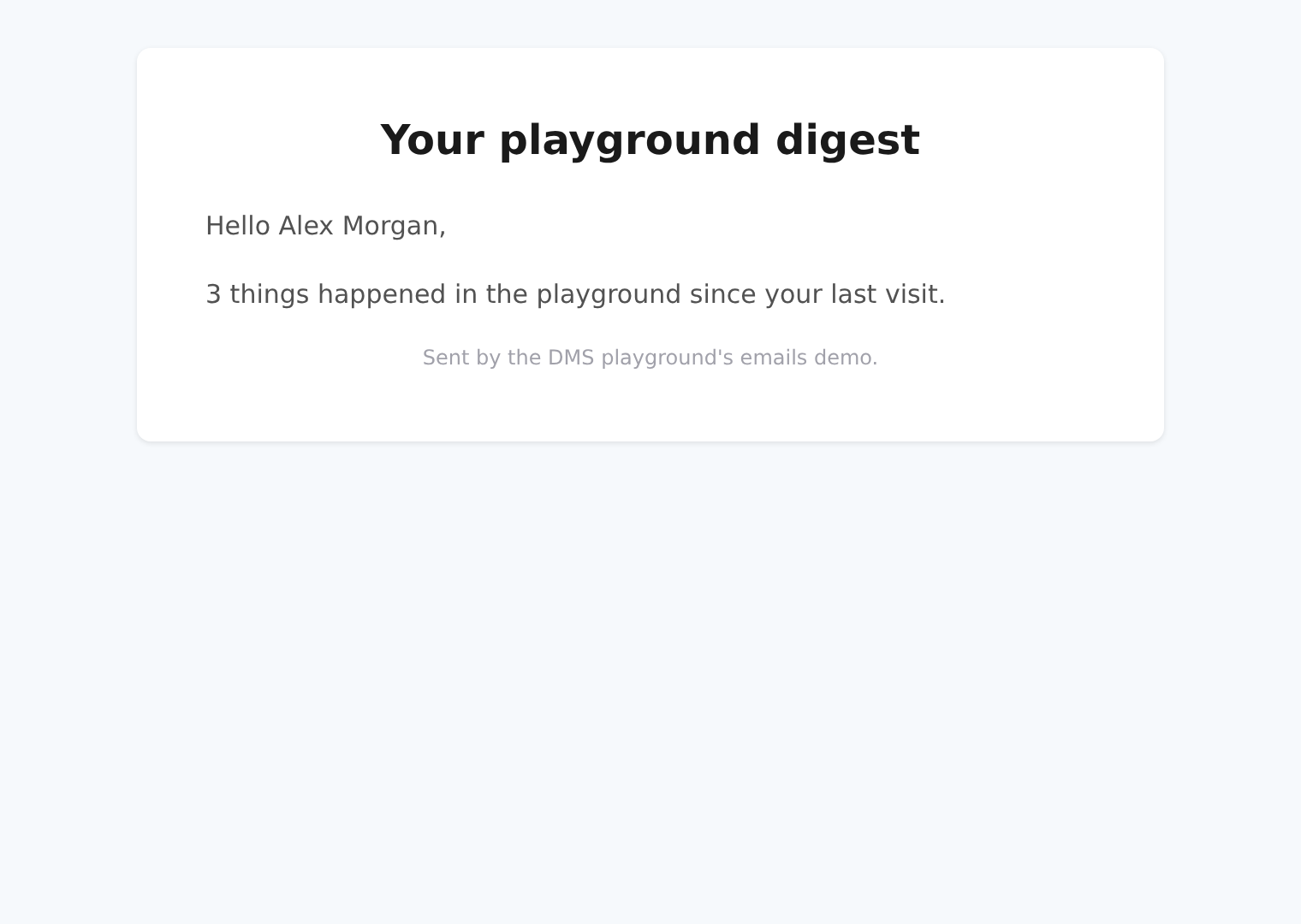
The playground's EmailPlaygroundDigest reuses this layout with a preheader, divider="false" and public-logo-only. Here is its actual rendered HTML in English, with fictitious activity for Alex Morgan. With the default SVG logo, the header image is intentionally absent.
The same template below uses two demonstration PNG logos supplied through the app config. The light-mode capture selects the teal logo; the dark-mode capture selects the navy logo. The reserved demo hostname is mapped to a local image server for these captures, so they do not establish that a recipient can fetch the logo from the internet.
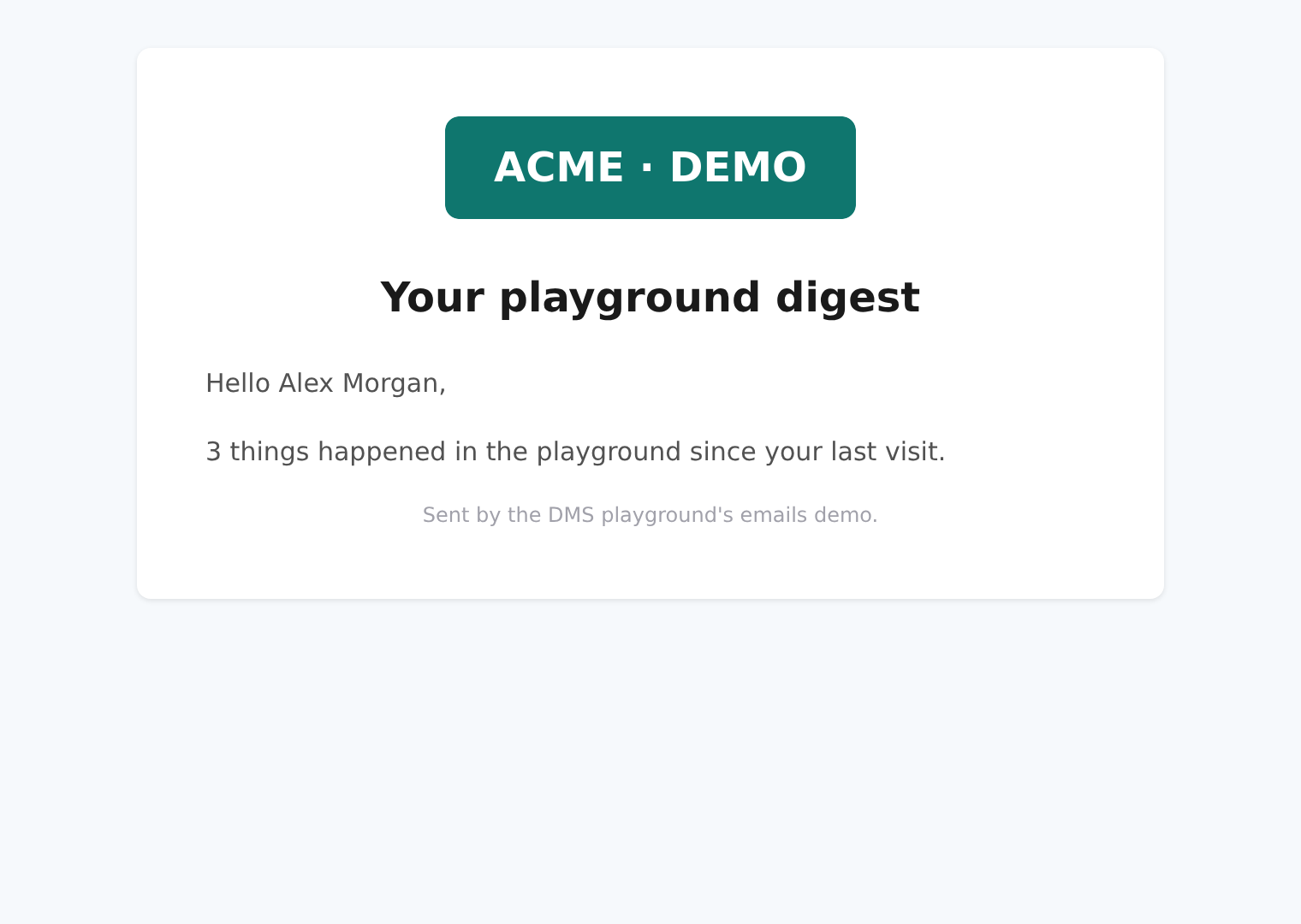
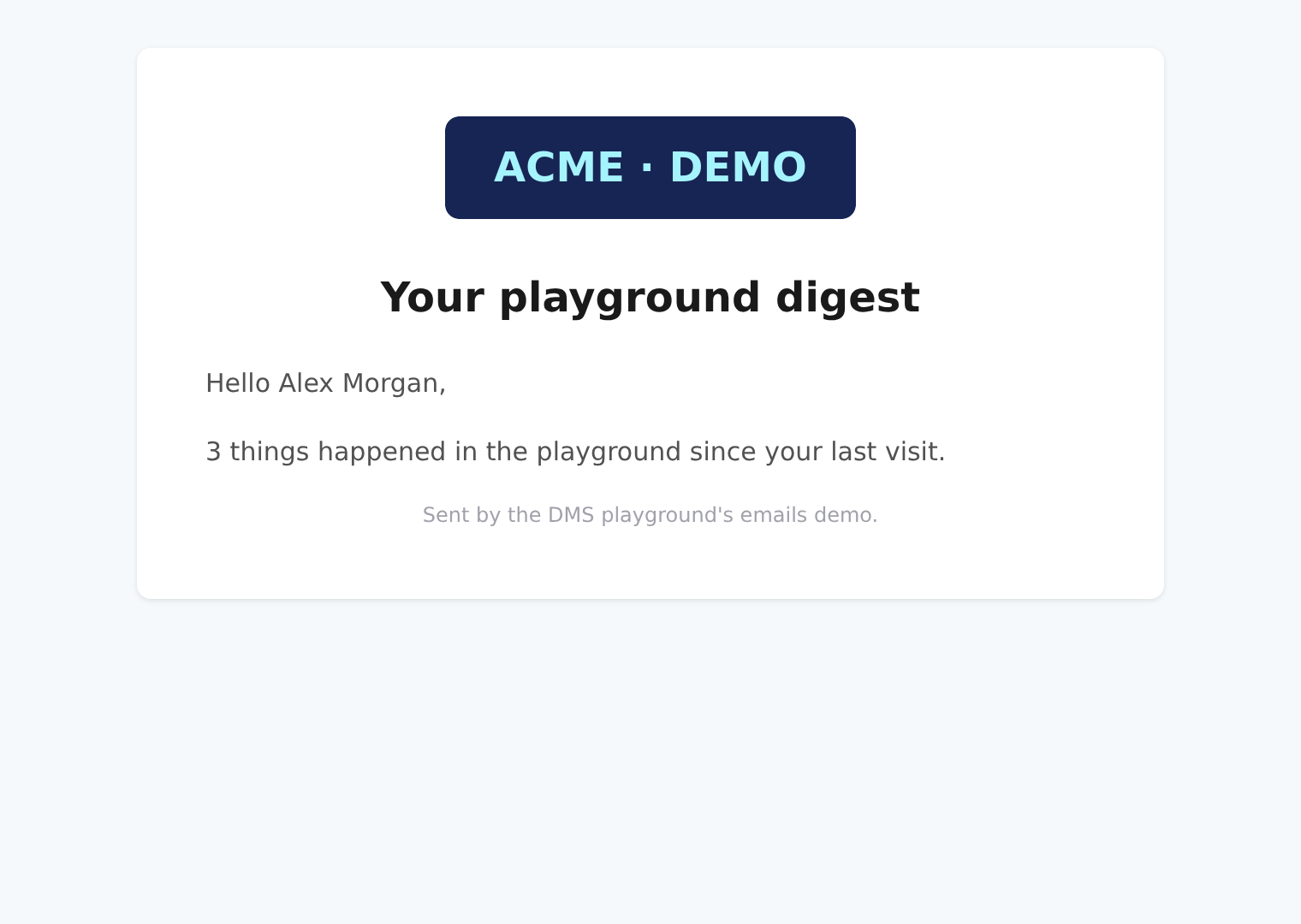
Dark mode changes the selected logo, not the card: EmailLayout keeps its white card and pale background in both browser modes. Without a dark logo source, the unbranded examples look identical in both modes. These captures use the real frontend render endpoint and show the returned HTML directly, not the playground's code viewer. No email is sent. Mail clients may strip <picture>, block remote images or transform colors; test delivery and appearance in your target clients separately.
Sending Rendered HTML as Email
Rendering and sending are separate steps. Render with GenerateHtml, then hand the string to the standard AntelopeJS email interface, which needs an implementing module (such as @antelopejs/nodemailer) loaded in your project configuration.
import { Send } from "@antelopejs/interface-email";
import {
  GenerateHtml,
  RegisterHtmlTemplate,
} from "@antelopejs/interface-dms/html-render";

interface ReceiptProps {
  userName: string;
  orderId: string;
}

const ReceiptTemplate = RegisterHtmlTemplate<ReceiptProps>("EmailReceipt");

export async function sendReceipt(
  email: string,
  userName: string,
  orderId: string,
): Promise<void> {
  const html = await GenerateHtml(ReceiptTemplate, { userName, orderId });

  const result = await Send({
    to: email,
    subject: `Your receipt for order ${orderId}`,
    html,
  });

  if (!result.success) {
    throw new Error(`Failed to send receipt: ${result.error?.message}`);
  }
}
This is the shape the DMS uses for its own account emails, and it keeps the two failure modes apart: a rejected GenerateHtml means the HTML was never produced, while a success: false response from Send means it was produced but not delivered.